Plugins
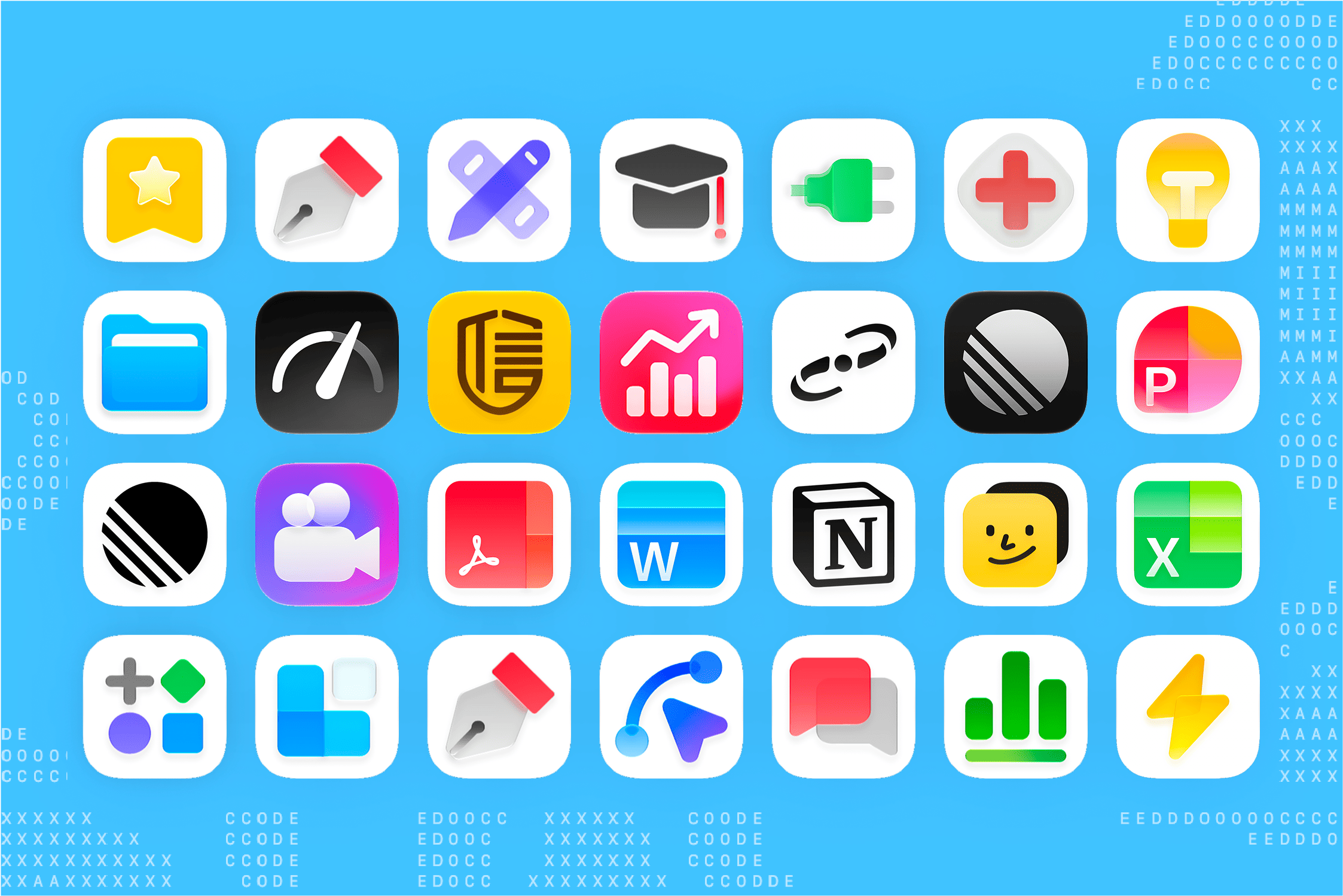
Connect the tools and professional services you use every day so MiniMax Code can gather information, use their capabilities, and deliver results in one workflow.
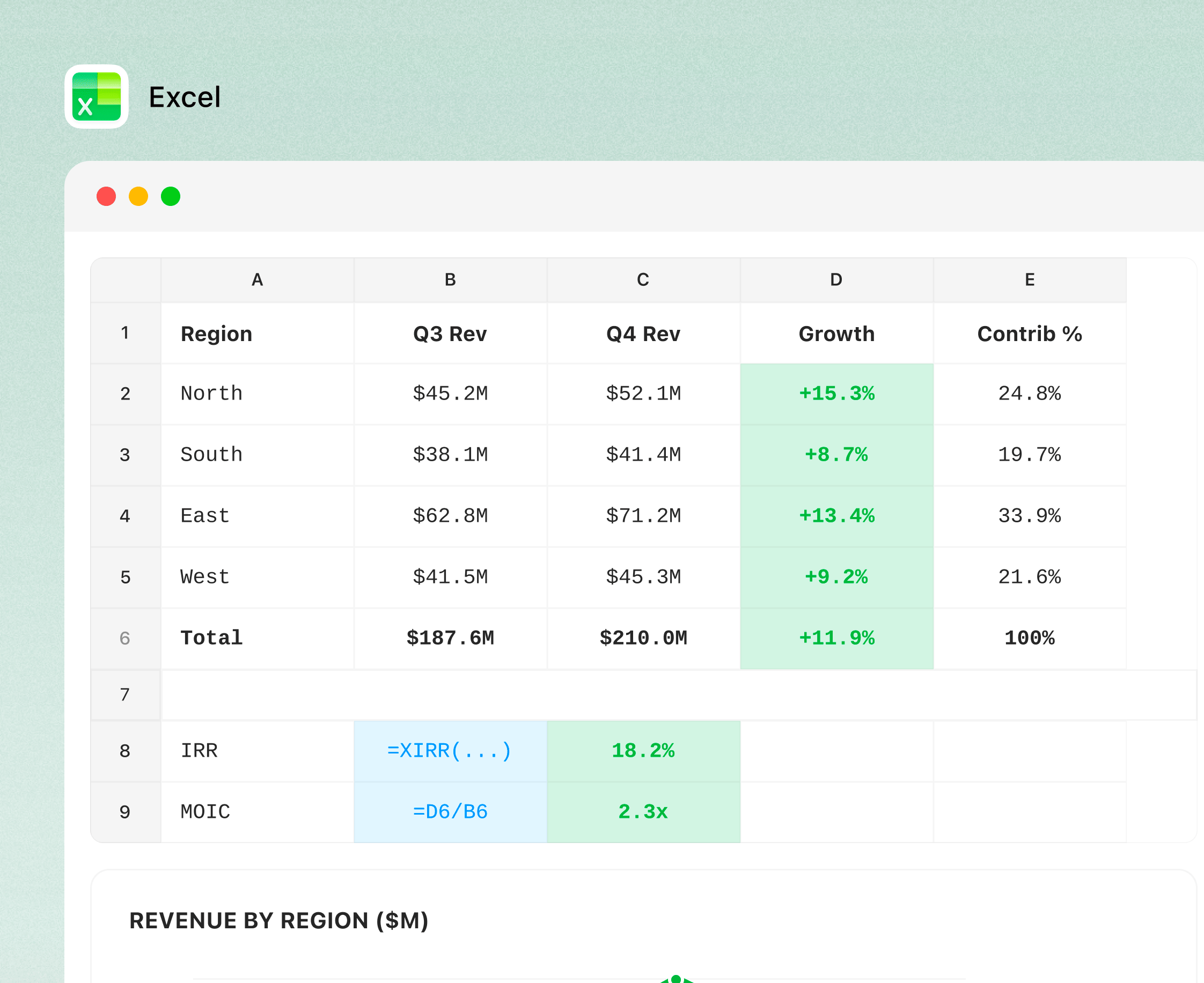
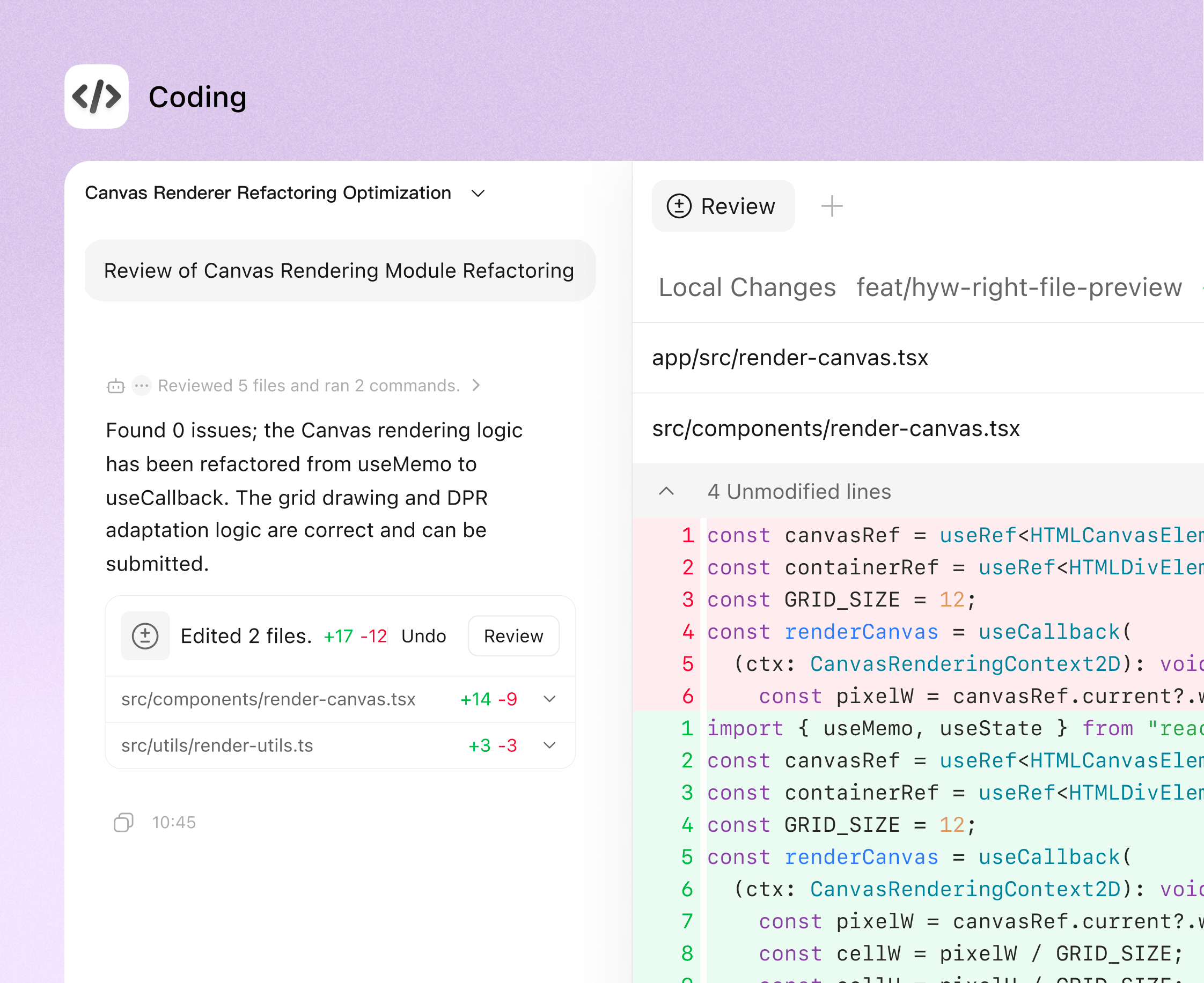
From coding to office work, MiniMax Code connects to your local files, tools, and browser to help youexecute, organize, verify, and turn ideas into deliverable results.
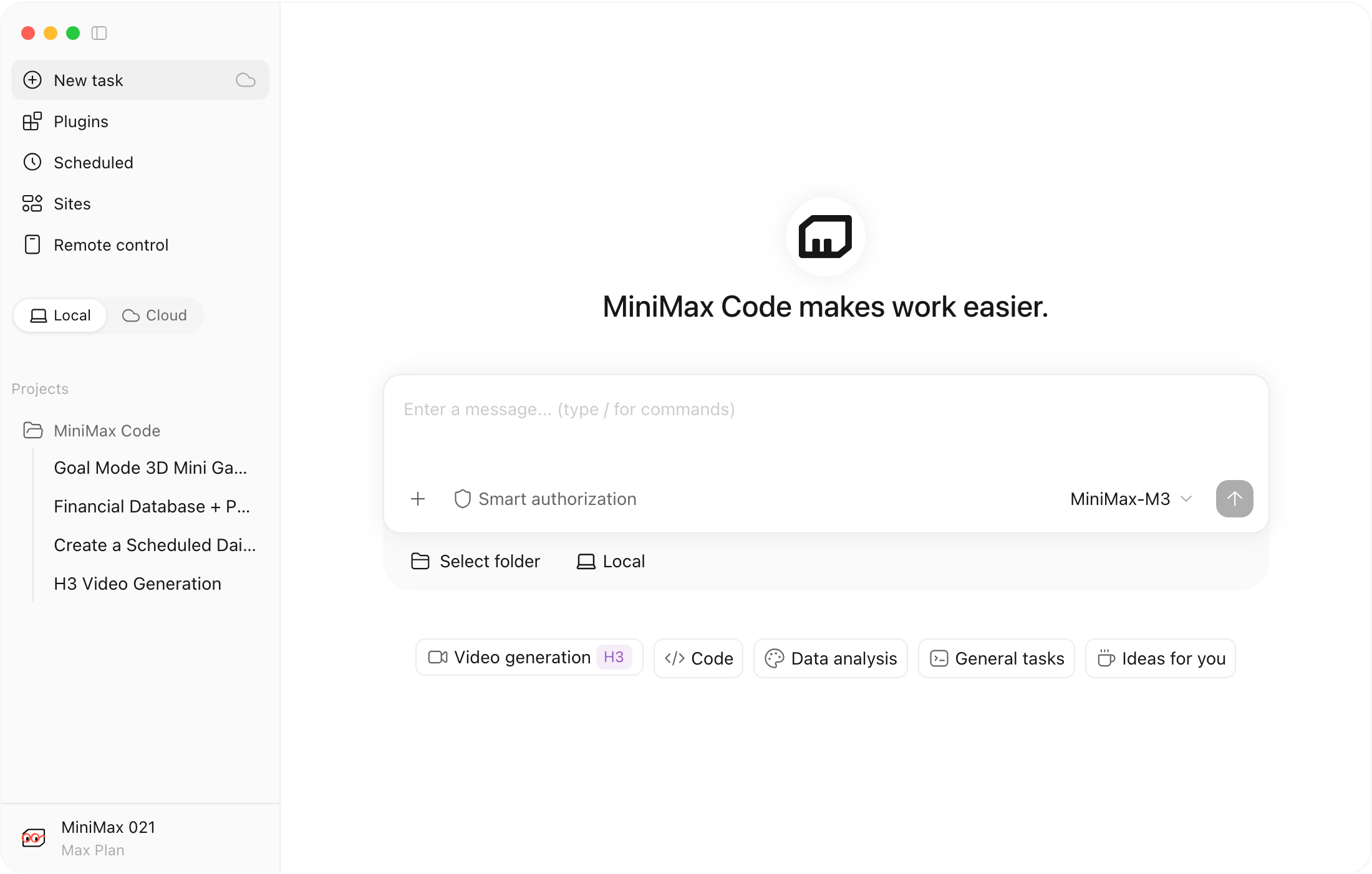
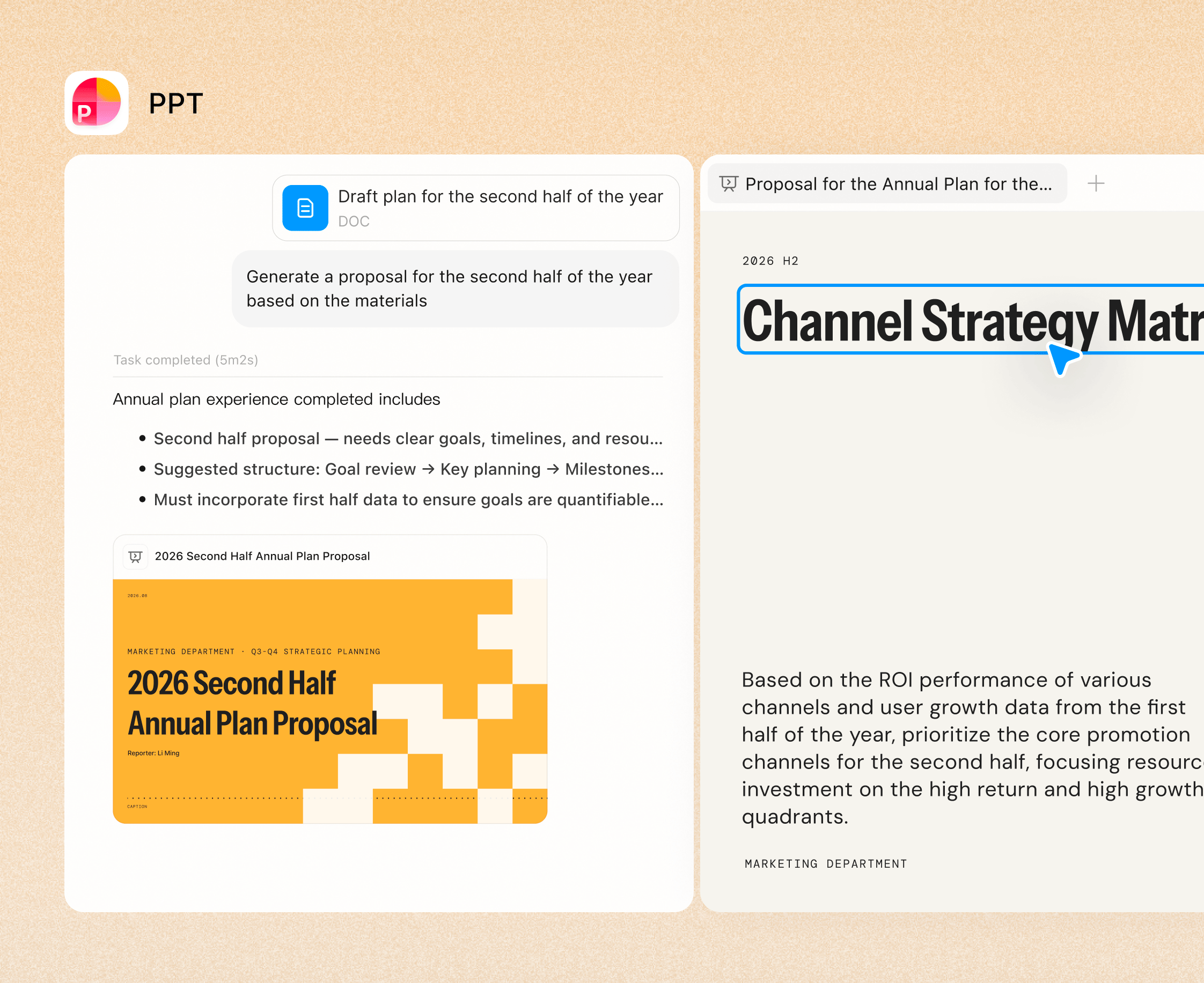
Connect the tools and professional services you use every day so MiniMax Code can gather information, use their capabilities, and deliver results in one workflow.
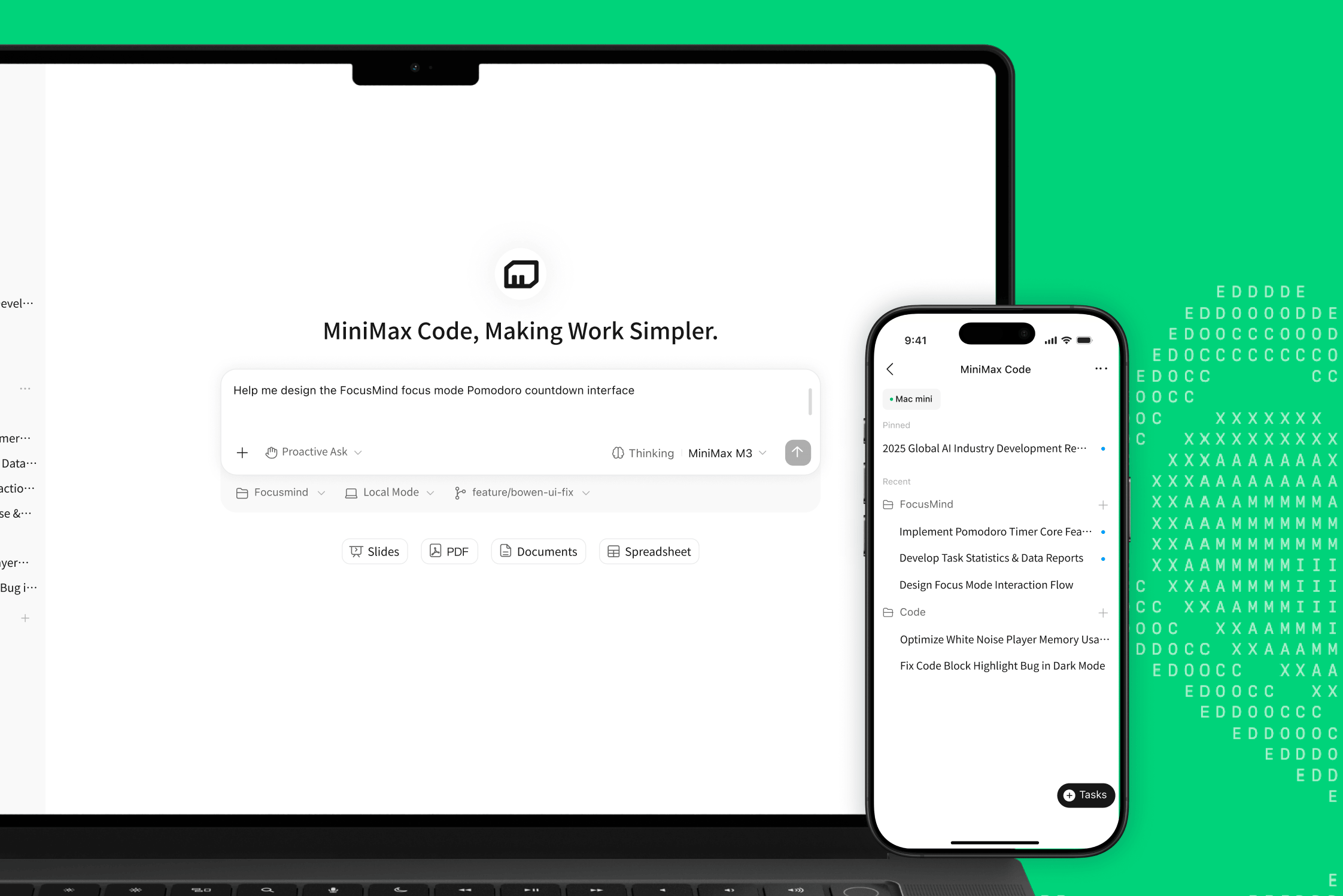
Check progress, add instructions, and keep tasks running from your phone so MiniMax Code can maintain your workflow while you are away from your computer.
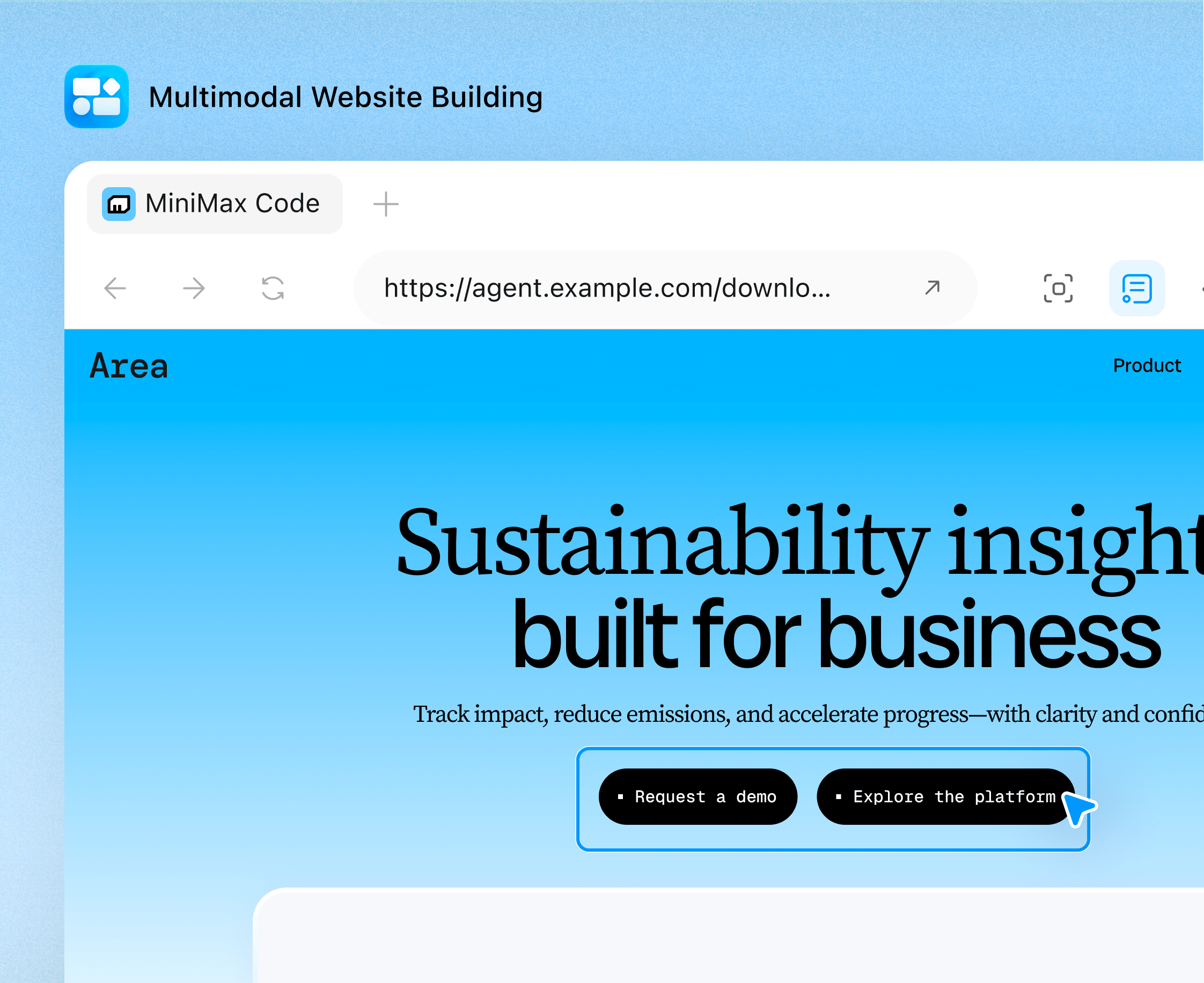
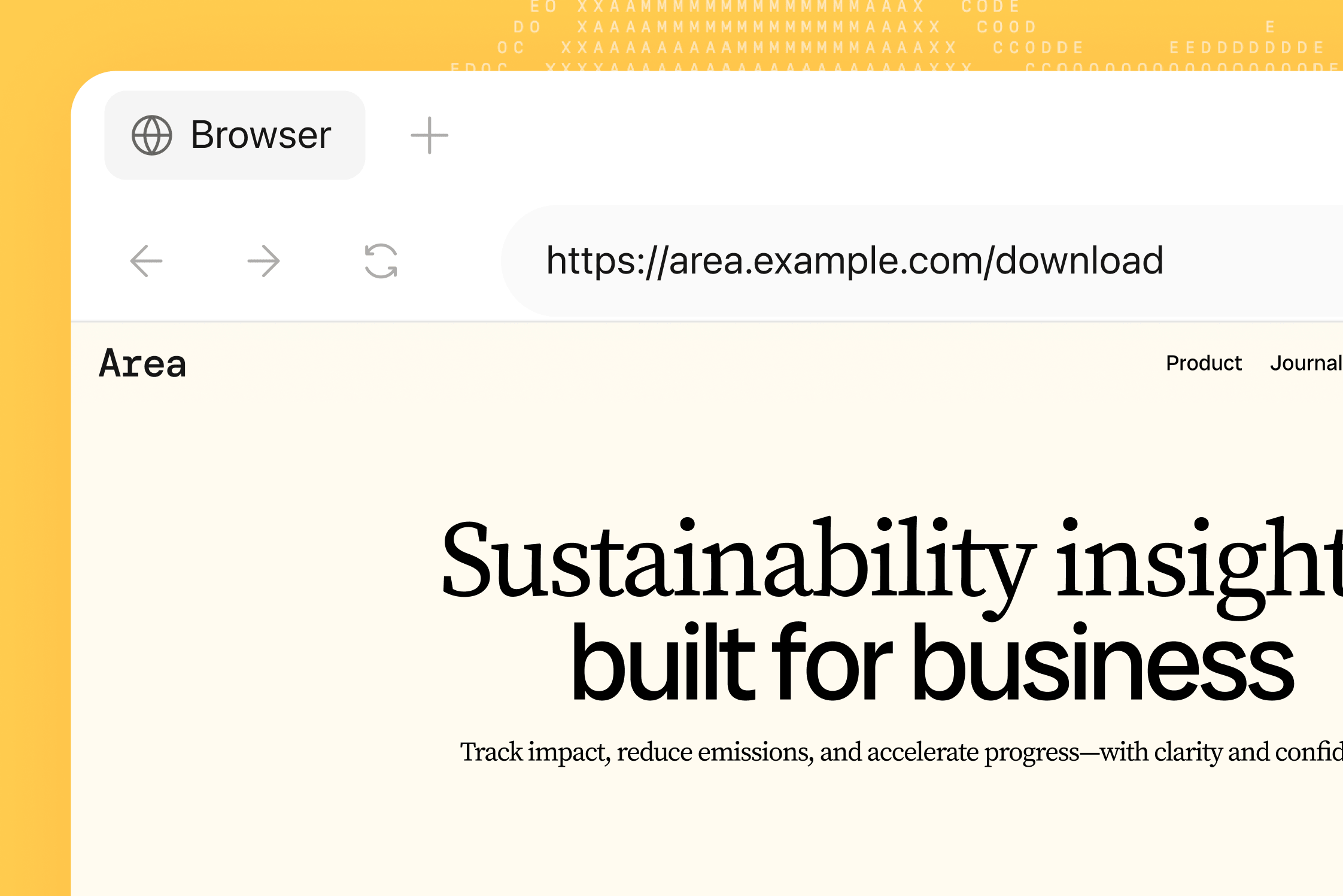
Let MiniMax Code browse the web, organize information, and verify results, connecting research, action, and delivery in one complete workflow.
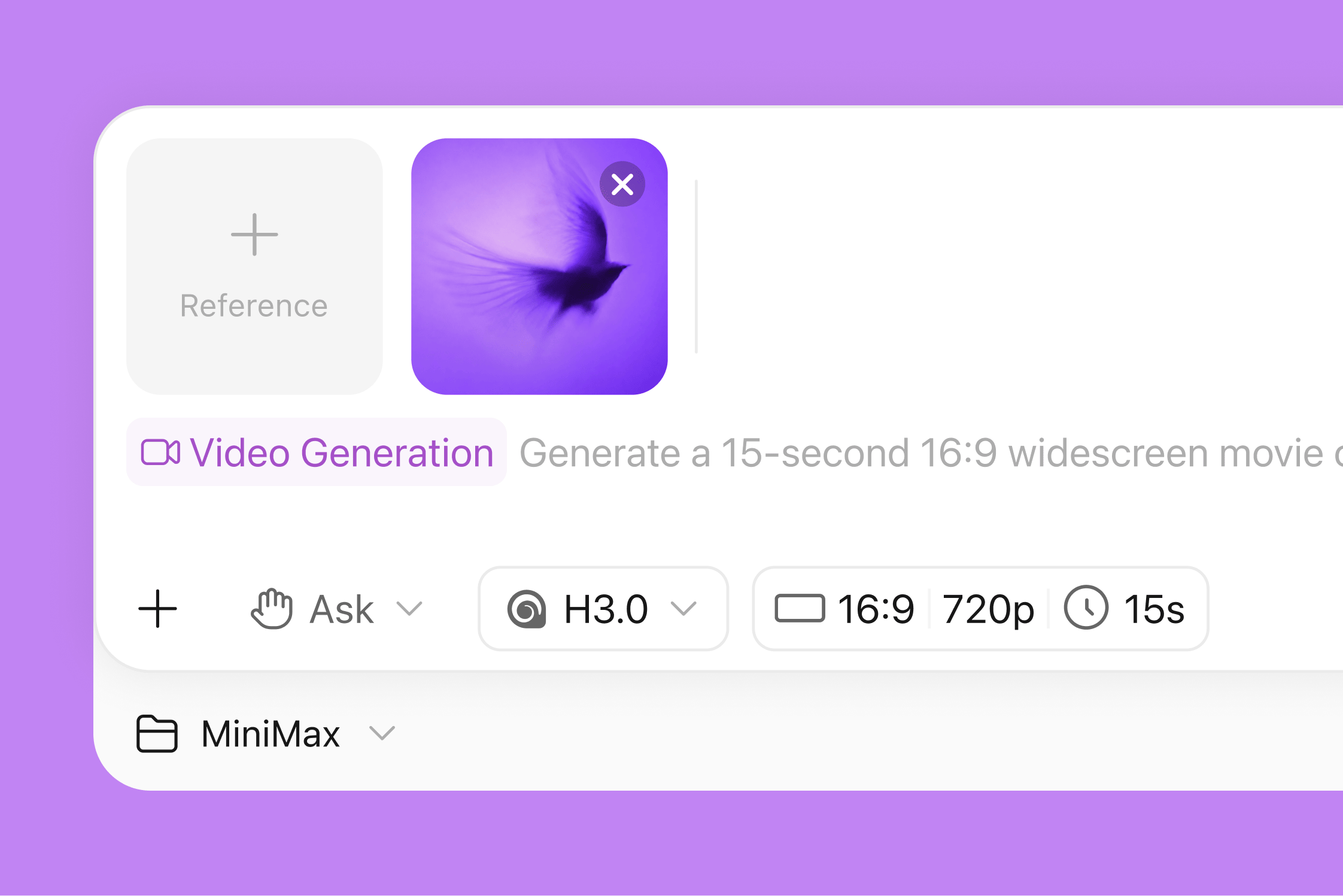
Start with a prompt or reference material, then use MiniMax Code to generate and refine video content from the first idea to the final cut.
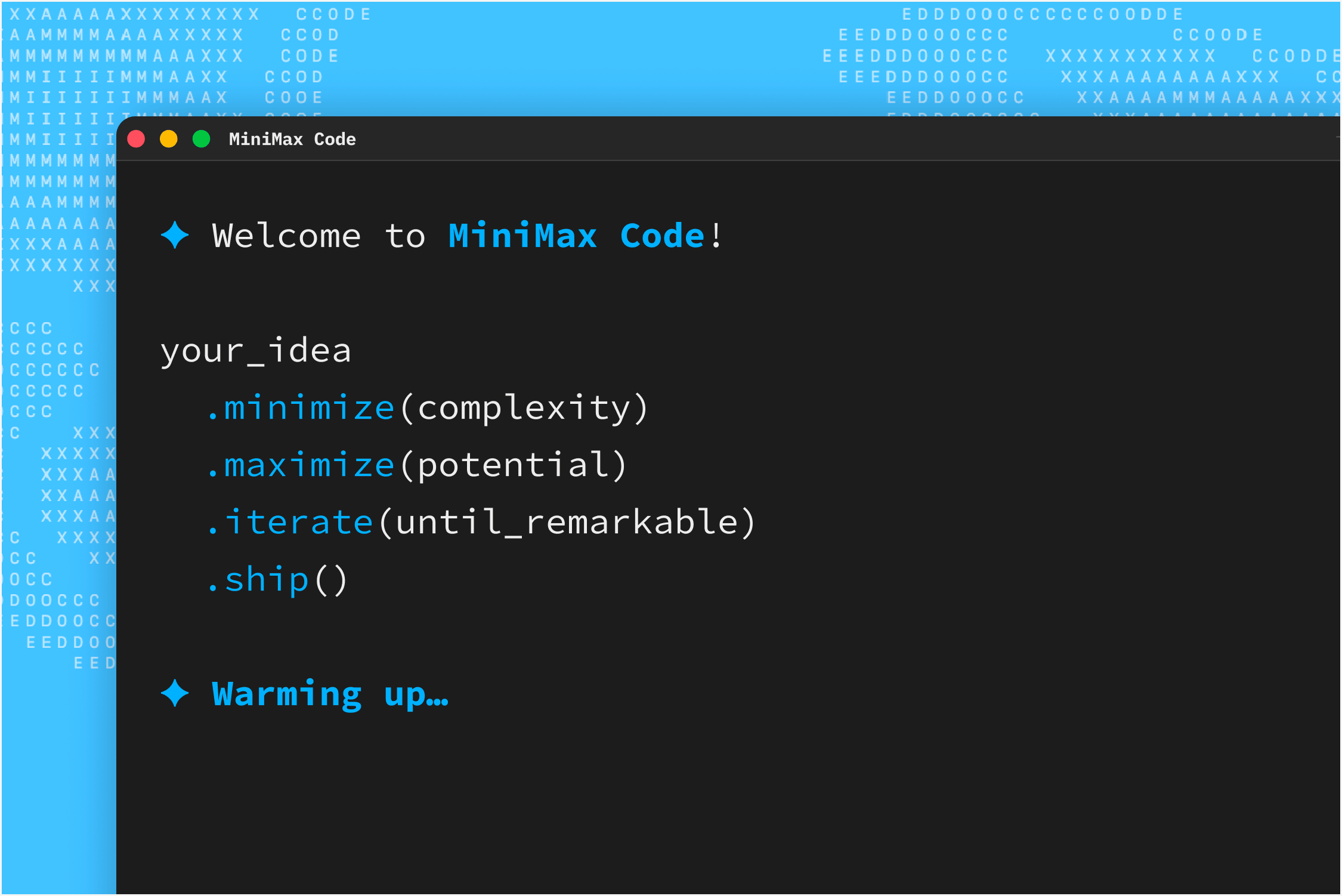
Run MiniMax Code from your terminal and combine it with local projects and command-line tools for development, analysis, and automation.
curl -fsSL https://filecdn.minimax.chat/public/install.sh | bashOr read the documentation
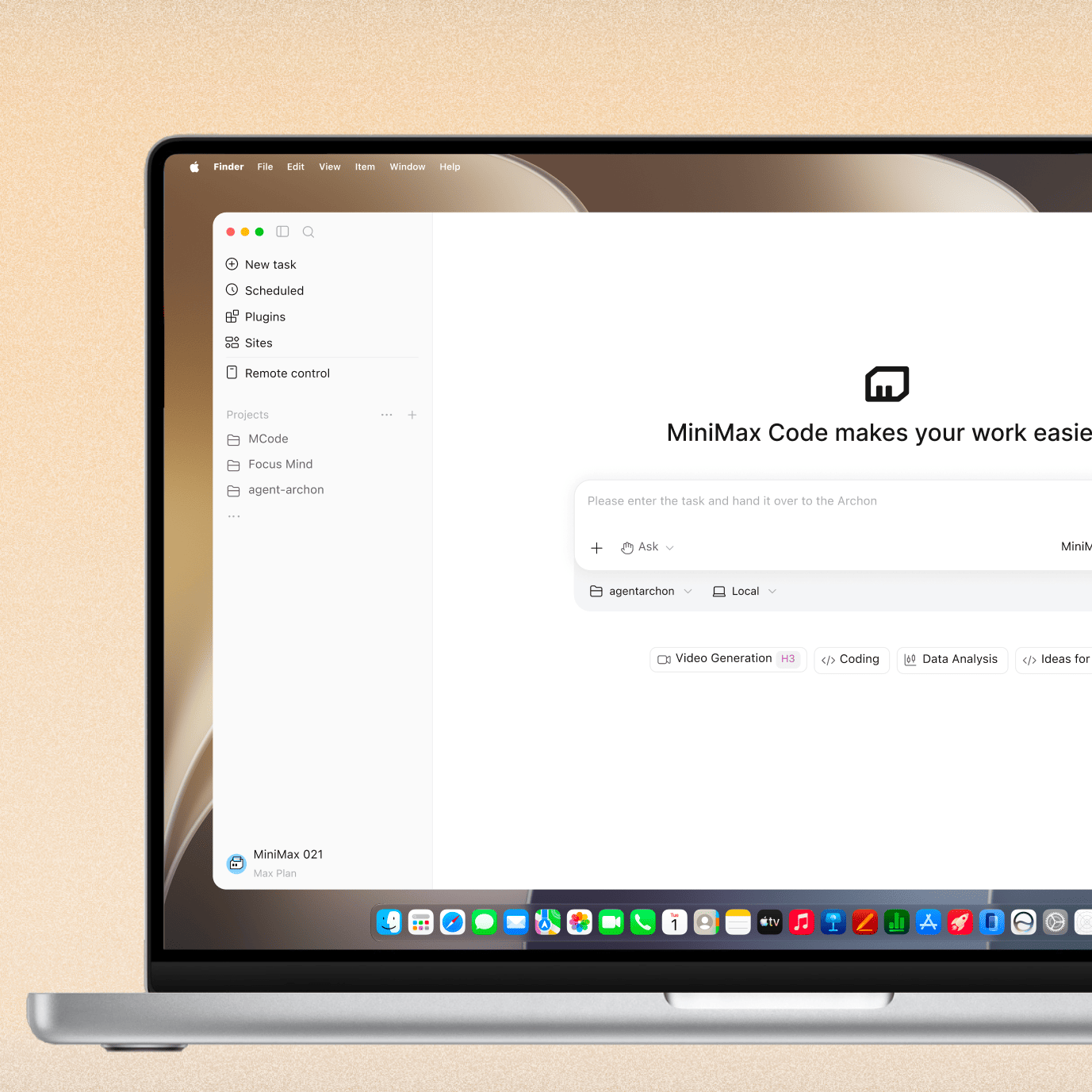
Connect local files, tools, and your browser to complete full tasks and deliver usable results from your computer.
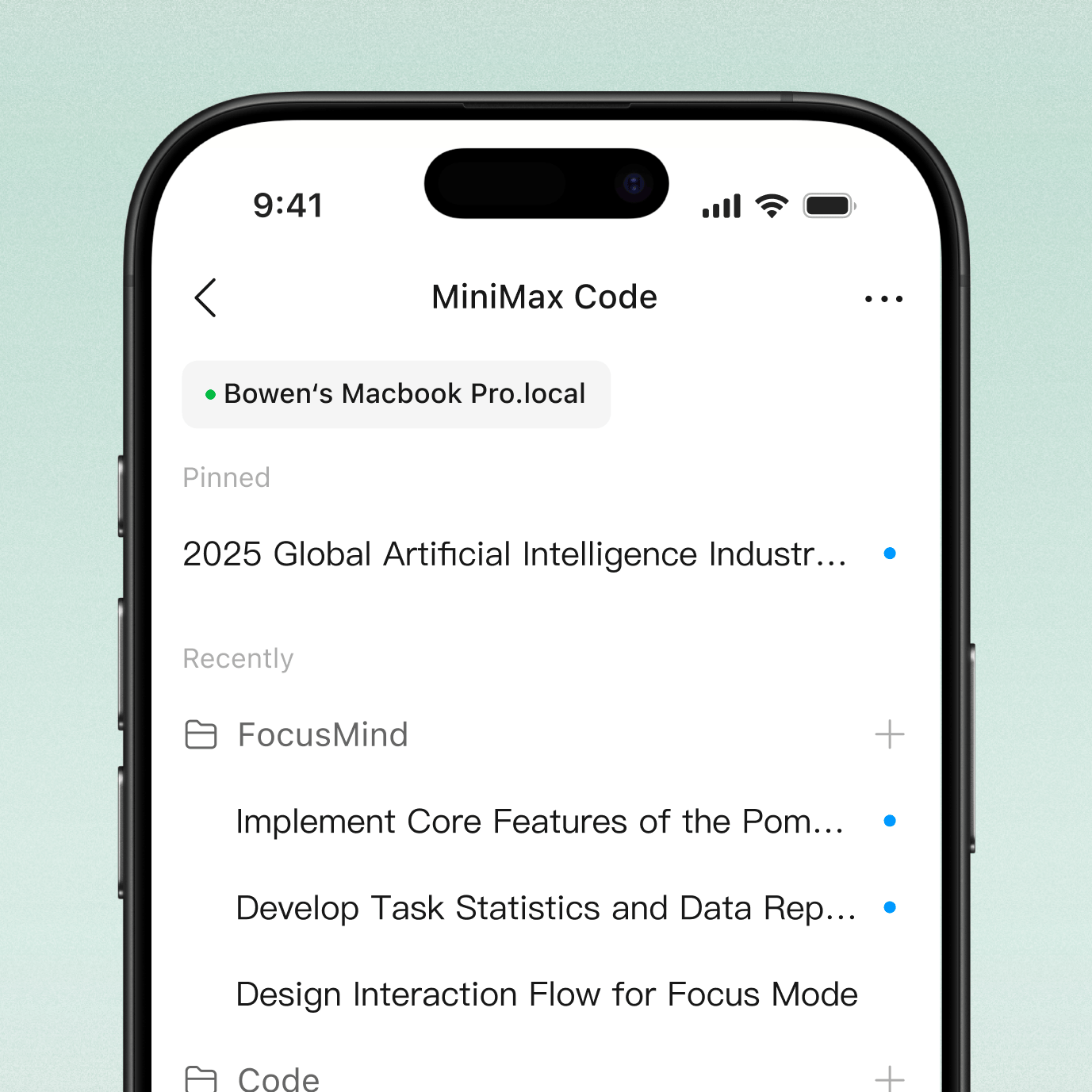
Check progress, add instructions, and remotely continue your desktop workflow wherever you are.
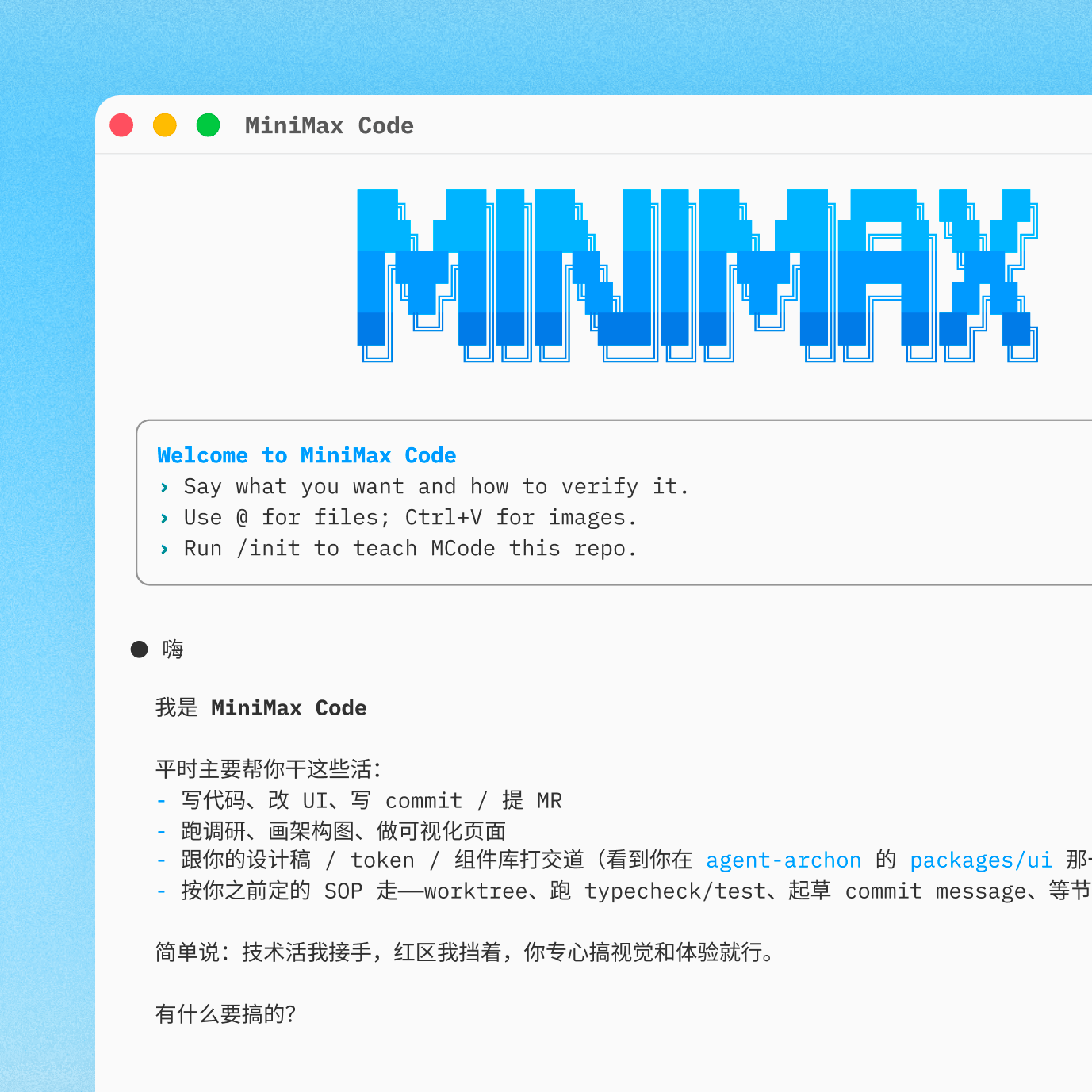
Use MiniMax Code from the command line with local projects and your existing tools to get work done.
curl -fsSL https://filecdn.minimax.chat/public/install.sh | bashOr read the documentation
| Comparison category | MiniMax Code | Traditional tools |
|---|---|---|
| Product form | Coding / Work modes in one desktop product, with dedicated task guidance and tools for programming and office work. | Primarily centered on chat, code editing, or a single office workflow; working across scenarios requires switching tools or additional configuration. |
| Local-cloud collaboration | Hand off local tasks to the cloud to continue execution, check progress and add instructions across devices, then sync results back locally when complete—all within the same ongoing task. | Desktop and web products operate independently without shared sessions, so switching between them requires providing context again. |
| Infinite canvas | Arrange images, videos, HTML, and other outputs on a single canvas with free zooming, dragging, and multi-selection for side-by-side viewing, comparison, and organization. | Lacks a unified space for organizing multimedia; side-by-side comparison typically requires switching windows or using other tools. |
| Multimedia generation | Native image, video, speech, and music generation, with outputs ready for websites, apps, presentations, and content tasks. | Multimedia generation capabilities are fragmented; products without full image, video, speech, and music coverage need external services to complete creative work. |
| Finance and enterprise data | Connects to local Chinese data services such as the Hundsun financial database and Qichacha for financial research and company information queries. | General-purpose or global data connections are more common; specialized Chinese sources such as Hundsun and Qichacha typically require additional integration. |
| Free use | Log in daily to claim free credits and try programming, office work, content creation, and other tasks. | No mechanism for earning free credits through daily login. |