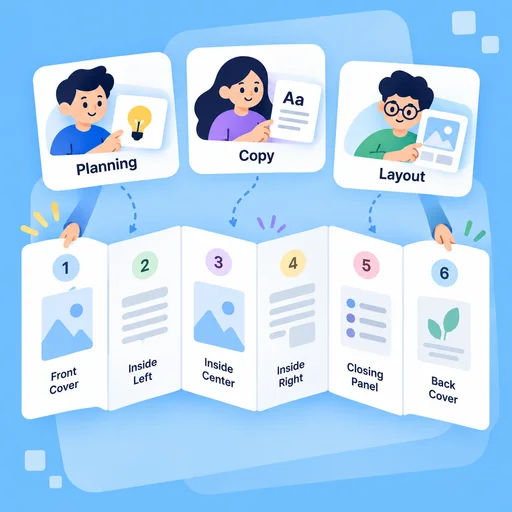
Panel Planning
Give Each Panel a Clear Job
Define the fold, front cover, inside spread, and closing panel before polishing the design. Match the order of information to how someone opens and reads the brochure.
Try Now
Give MiniMax Code your audience, message, approved facts, and fold format. Build a panel-by-panel brochure concept with a clear reading order, useful copy, and a practical production checklist.
Choose an example or describe your task, then continue in MiniMax Code.
Sample prompts
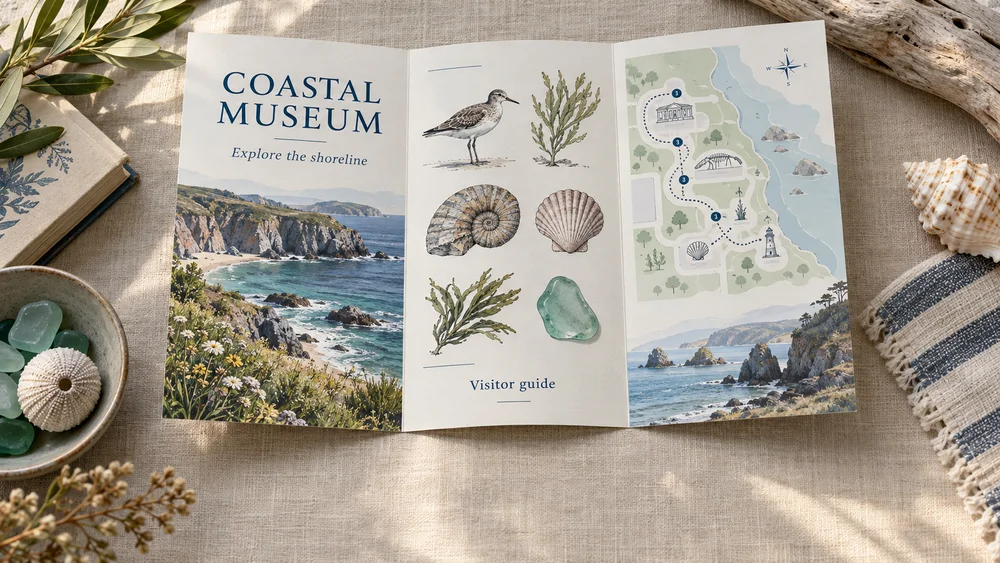
Illustrative print concepts explore how a museum, school, service business, and community event can organize information across panels.
Plan the brief, develop the work, and review the details with AI Brochure Generator.
Panel Planning
Define the fold, front cover, inside spread, and closing panel before polishing the design. Match the order of information to how someone opens and reads the brochure.
Try Now
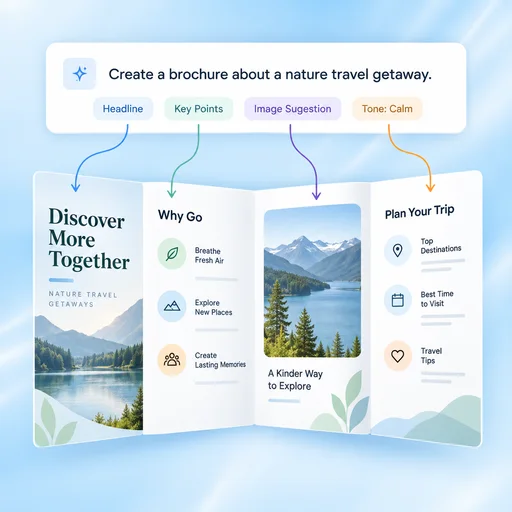
Copy & Layout
Develop short headlines, useful captions, and concise sections from approved source material. Explore image placement and hierarchy without squeezing dense paragraphs into every panel.
Try Now
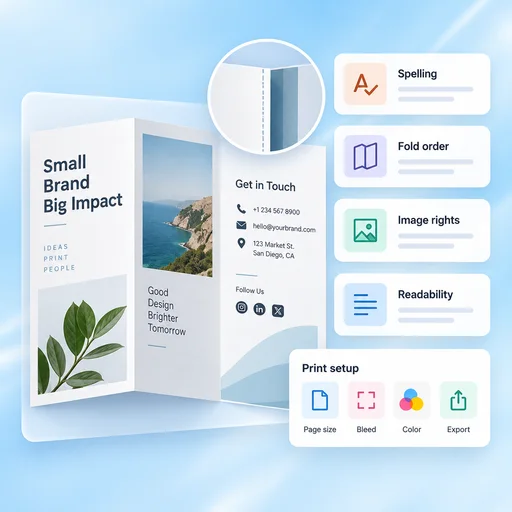
Production Review
Review spelling, fold order, contact details, image rights, and readability. Confirm page size, bleed, color requirements, and export settings with your designer or printer.
Try Now
A comparison of working approaches, not a measured performance claim. Review the output before using it.
Start with the right inputs and keep a human review before the final handoff.
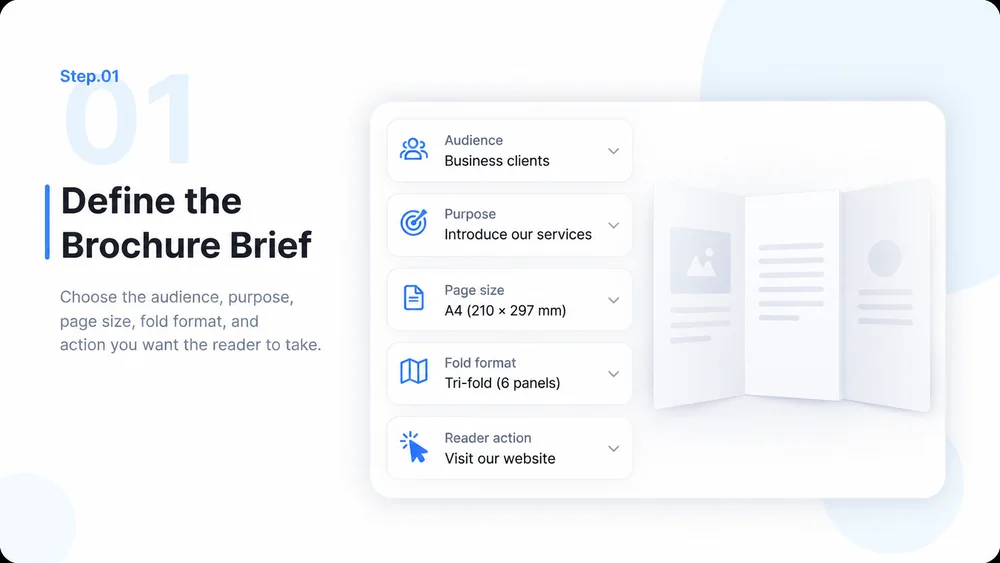
Choose the audience, purpose, page size, fold format, and action you want the reader to take.

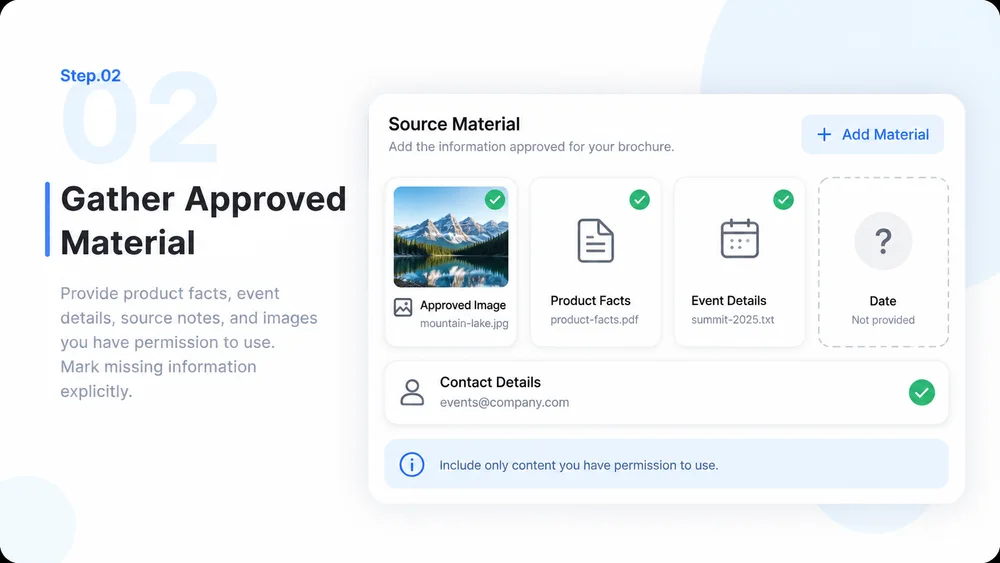
Provide product facts, event details, source notes, and images you have permission to use. Mark missing information explicitly.

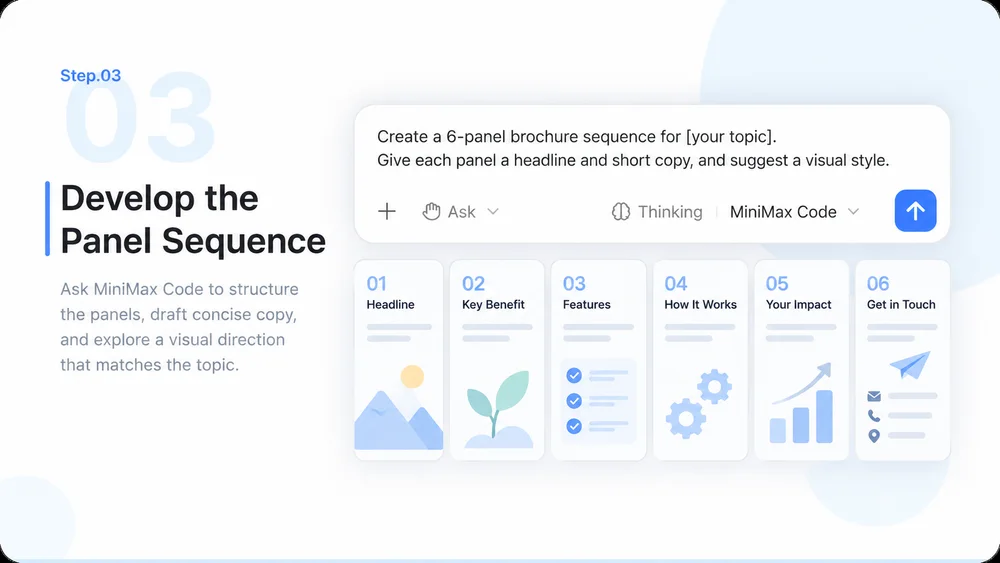
Ask MiniMax Code to structure the panels, draft concise copy, and explore a visual direction that matches the topic.

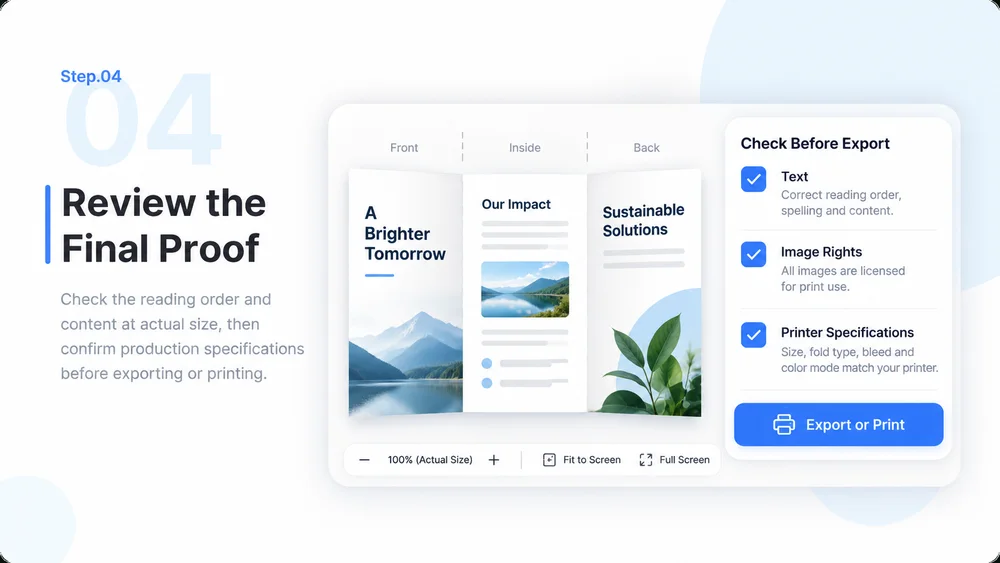
Check the reading order and content at actual size, then confirm production specifications before exporting or printing.

Practical answers about inputs, scope, review, and where the work happens.