AI Budget Planner: Give Every Expense a Place

Turn your income, recurring costs, and goals into a budget you can understand. Explore tradeoffs and keep estimates separate from confirmed amounts.

Start with Your Budget Planner Brief

Choose an example or describe your task, then continue in MiniMax Code.

Sample prompts

Four Budgets Built Around Real-Life Decisions

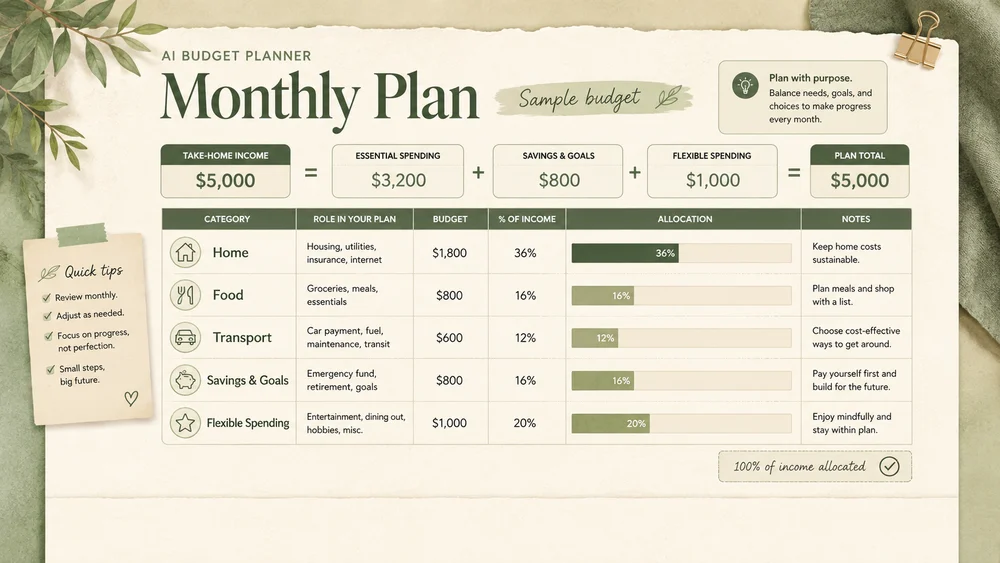
Illustrative planning formats show how to organize different needs. Sample amounts are fictional and are not financial recommendations.

Illustrative monthly household budget concept for AI Budget Planner; not a verified customer result.

Make the Assumptions as Clear as the Numbers

Focus the brief, develop the work, and review the details that matter for this task.

Expense Structure

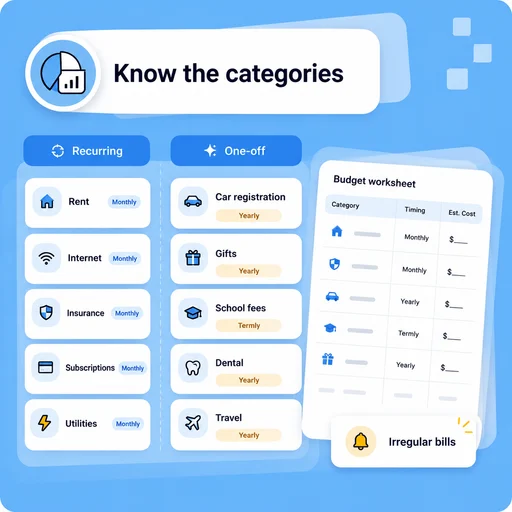
Separate Recurring Costs from One-Offs

Group income and spending by category and timing. Surface irregular bills before they disappear inside an average monthly number.

Try Now
Illustrative AI Budget Planner workflow: Separate Recurring Costs from One-Offs.

Scenario Planning

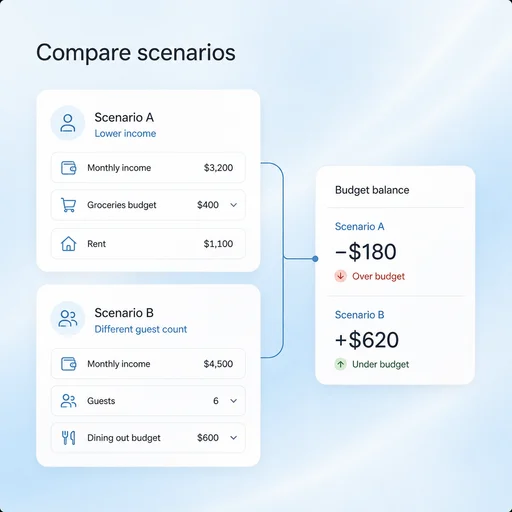
See What Changes When Plans Change

Compare a few explicitly named scenarios, such as lower income or a different guest count. Keep the inputs and their effect on the balance visible.

Try Now
Illustrative AI Budget Planner workflow: See What Changes When Plans Change.

Practical Review

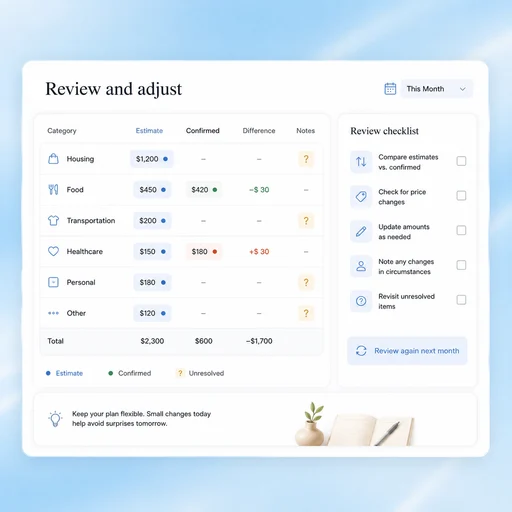
Build a Plan You Can Revisit

Keep estimates, confirmed amounts, and unresolved questions distinct. Review your budget when circumstances or source prices change.

Try Now
Illustrative AI Budget Planner workflow: Build a Plan You Can Revisit.

A More Connected Budget Planner Workflow

A comparison of working approaches, not a measured performance claim. Review the output before using it.

Working Manually

Inputs
Mix guesses with confirmed amounts
Scenarios
Rebuild totals for each change
Review
Focus only on the final balance

With MiniMax Code

Inputs
Label assumptions and source amounts separately
Scenarios
Compare specified inputs in a structured plan
Review
Inspect timing, missing costs and category logic

Create a Reviewable Budget in Four Steps

Start with the right inputs and keep a human review before the final handoff.

  1. Step.01

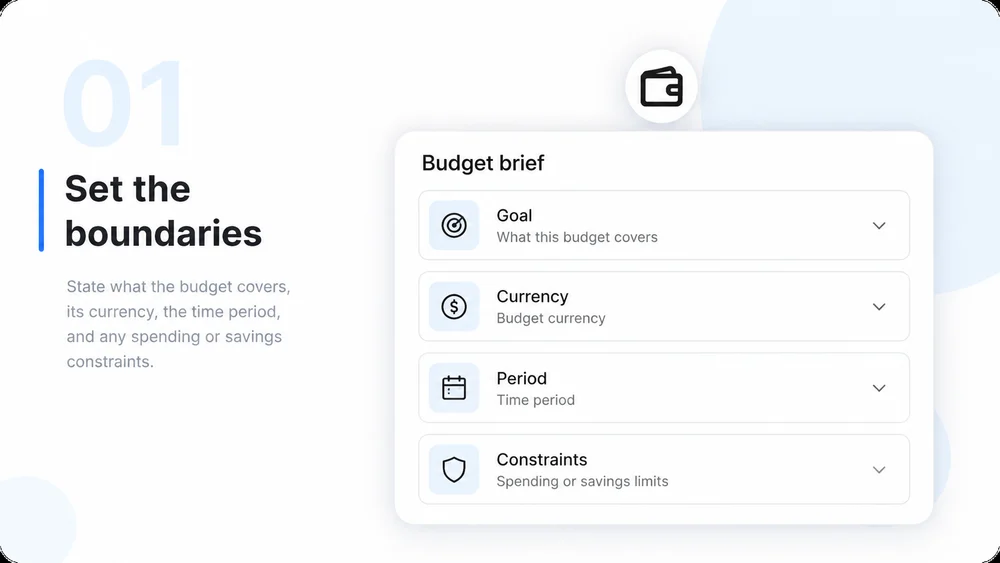
    Choose the Goal and Period

    State what the budget covers, its currency, the time period, and any spending or savings constraints.

    Illustrative AI Budget Planner step 1: Choose the Goal and Period.
  2. Step.02

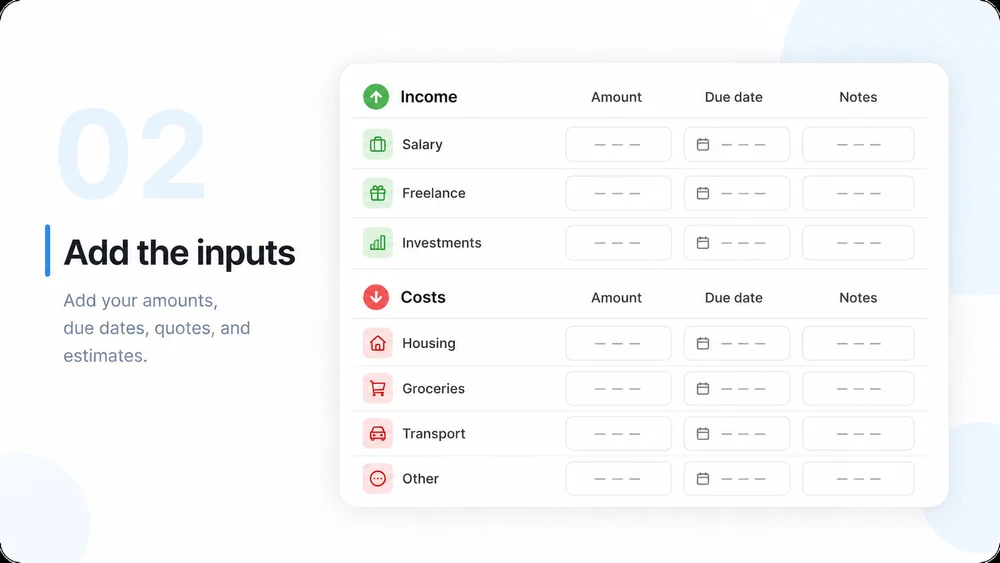
    Provide Income and Costs

    Add your amounts, due dates, quotes, and estimates. Remove account numbers or other details the task does not need.

    Illustrative AI Budget Planner step 2: Provide Income and Costs.
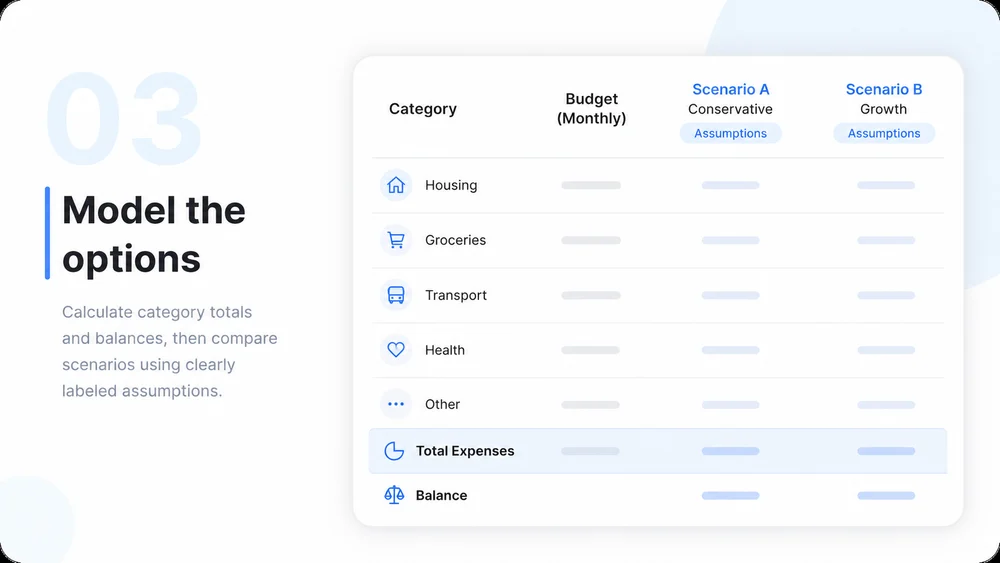
  3. Step.03

    Organize and Compare

    Calculate category totals and balances, then compare scenarios using clearly labeled assumptions.

    Illustrative AI Budget Planner step 3: Organize and Compare.
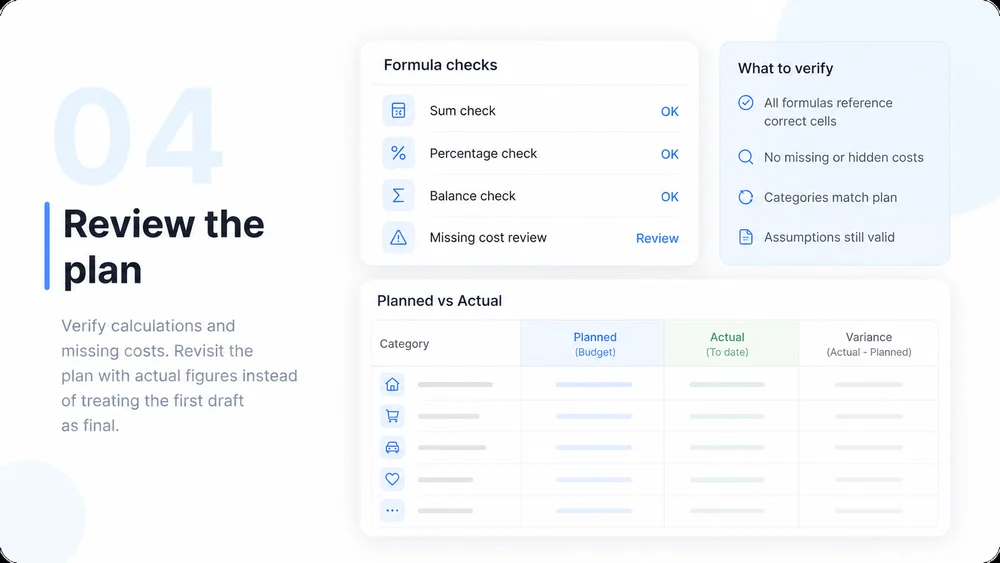
  4. Step.04

    Check and Maintain

    Verify calculations and missing costs. Revisit the plan with actual figures instead of treating the first draft as final.

    Illustrative AI Budget Planner step 4: Check and Maintain.

AI Budget Planner FAQs

Practical answers about inputs, scope, review, and where the work happens.

Start with Your Numbers. Build a Clearer Plan.