AI Coding Agent: From Prompt to Working Code

You decide, MiniMax Code executes. Bring requirements, project context, and acceptance criteria into one workflow to plan, build, test, and refine websites and software.

Start with a Coding Task

Describe what you want to build or improve, or choose a project prompt to get started.

Sample coding prompts

From Prompts to Websites and Web Apps

Explore project concepts for technology websites, interactive experiences, publishing, and product showcases.

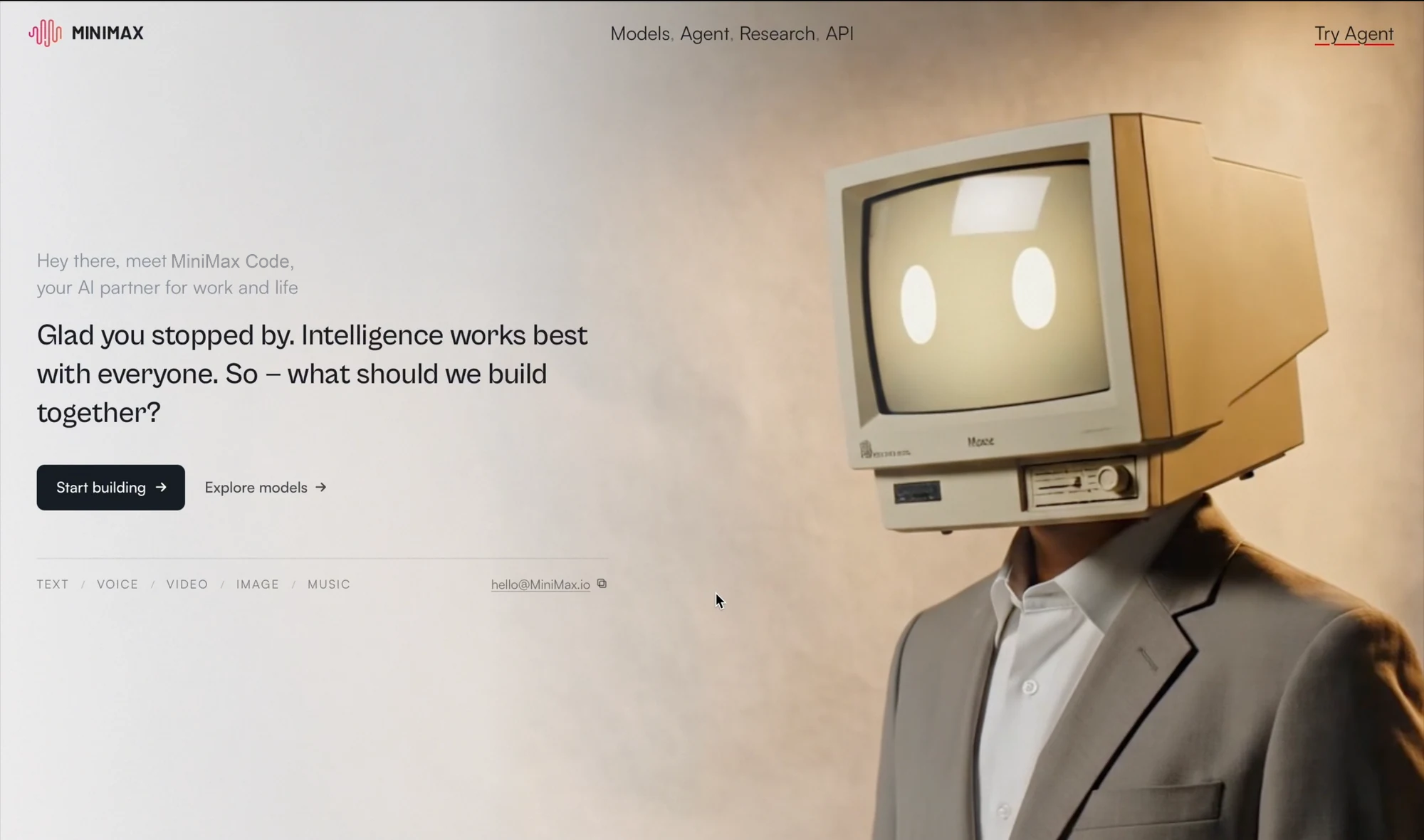
MiniMax technology company website with a warm background and a retro-monitor character.

Built for the Full Coding Workflow

Coordinate implementation, review changes, and stay connected to development tasks from one workspace.

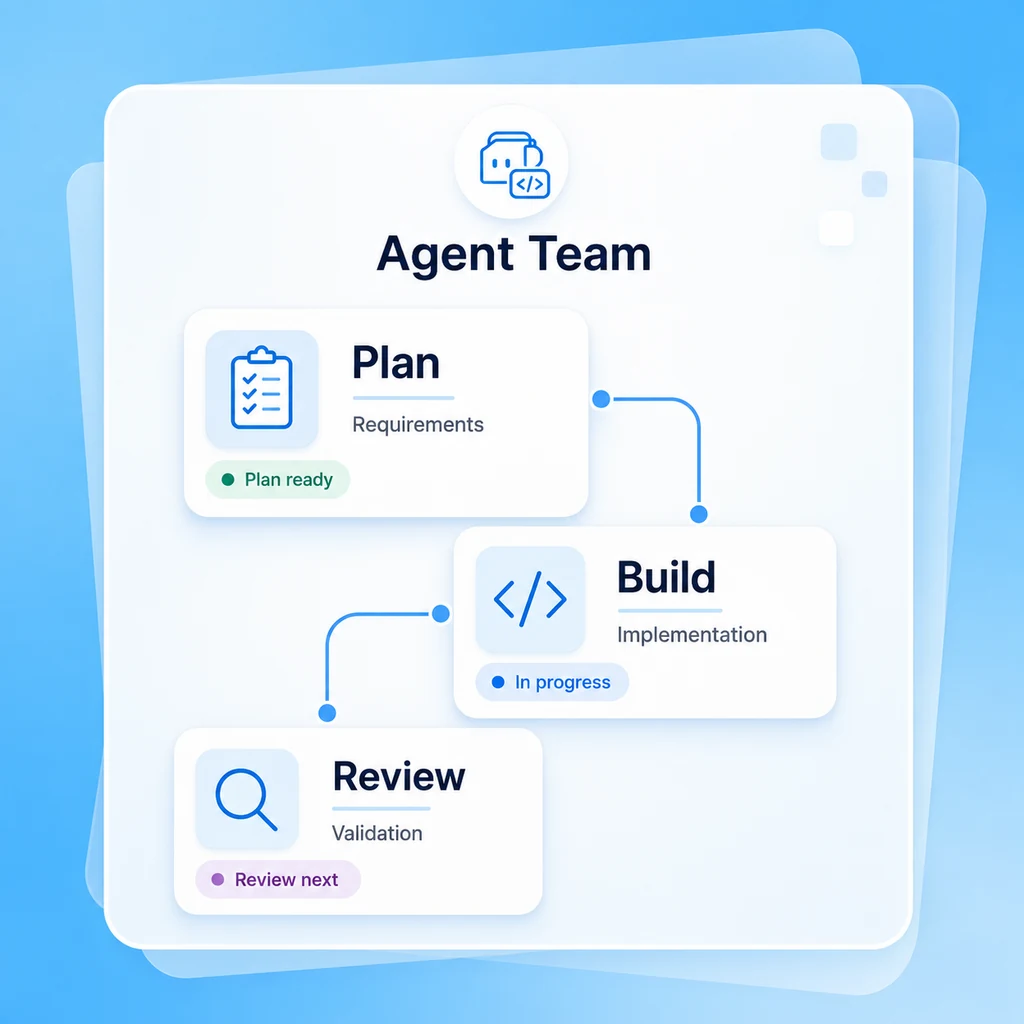
Agent Team

An AI Engineering Team, Not Just Another AI Assistant

Break a complex request into focused work. Specialized agents can coordinate planning, implementation, and verification across code, design, and tests while you track progress and guide the outcome.

Try Now
Illustrative blue-and-white agent team with planning, coding, and review task cards.

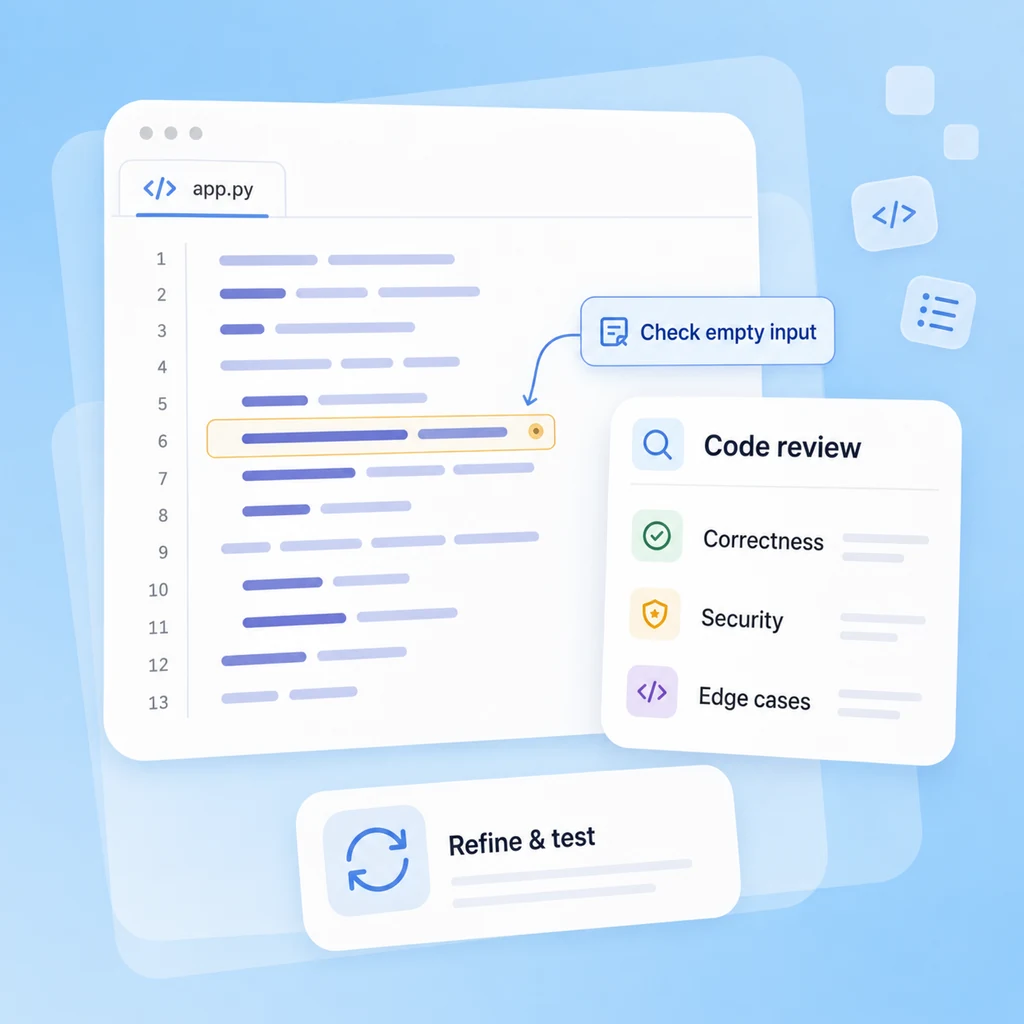
Code Review

Build, Review, and Refine Your Code

Use a separate review pass to inspect local changes for correctness, security, and maintainability. Turn findings into focused fixes, run relevant tests, and use human judgment before shipping critical changes.

Try Now
Illustrative code review workflow showing a code change, a review finding, and a revised test check.

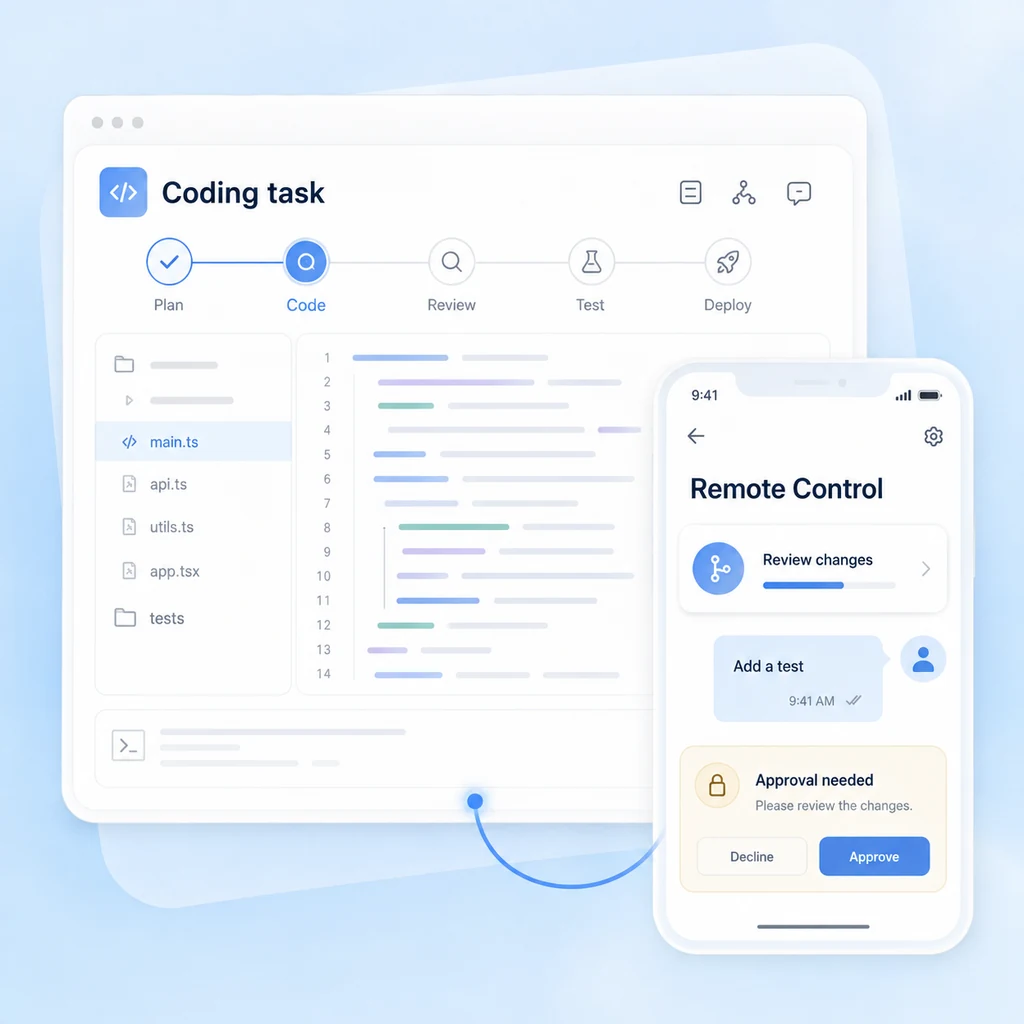
Remote Control

Keep Coding Even When You're Away

Connect your phone to the running desktop app to check progress, send follow-up instructions, and approve permission requests. Keep the desktop app running so you can stay involved in longer coding tasks.

Try Now
Illustrative desktop and phone task views connected for remote progress checks and permission approval.

From Separate Prompts to a Coordinated Workflow

Compare two ways of organizing development work—not a feature ranking of other products.

Prompt-by-Prompt Workflow

Task planning
You divide the request into prompts and manage the handoffs.
Implementation
You move between suggested snippets, project files, and development tools.
Code review
You organize a separate review step and collect the findings.
Debugging
You copy errors into the next prompt and repeat the troubleshooting loop.
Longer tasks
You track progress and restate decisions across separate exchanges.
Remote follow-up
You return to the development workspace to check the next step.
Project context
You supply relevant files and conventions for each request.
Project scope
You coordinate changes across features, files, and development stages.
Delivery decision
You inspect the output and decide what is ready to ship.

MiniMax Code Agent Team

Task planning
Describe a goal and constraints, then coordinate specialized agents around the work.
Implementation
Work with project files, terminal commands, and previews in a shared task context.
Code review
Ask for a focused review of local changes and follow findings back to the code.
Debugging
Use command output and test feedback to guide fixes and follow-up checks.
Longer tasks
Follow task progress and add instructions as multi-step work continues.
Remote follow-up
Connect from your phone to check progress and respond to permission requests.
Project context
Attach a workspace and provide project guidelines to inform changes.
Project scope
Bring planning, implementation, testing, and review into one workflow.
Delivery decision
Review changes and test results; you retain responsibility for production readiness.

Complete Coding Tasks in 4 Simple Steps

Let MiniMax Code understand your requirements, work through your codebase, and turn complex development tasks into working code.

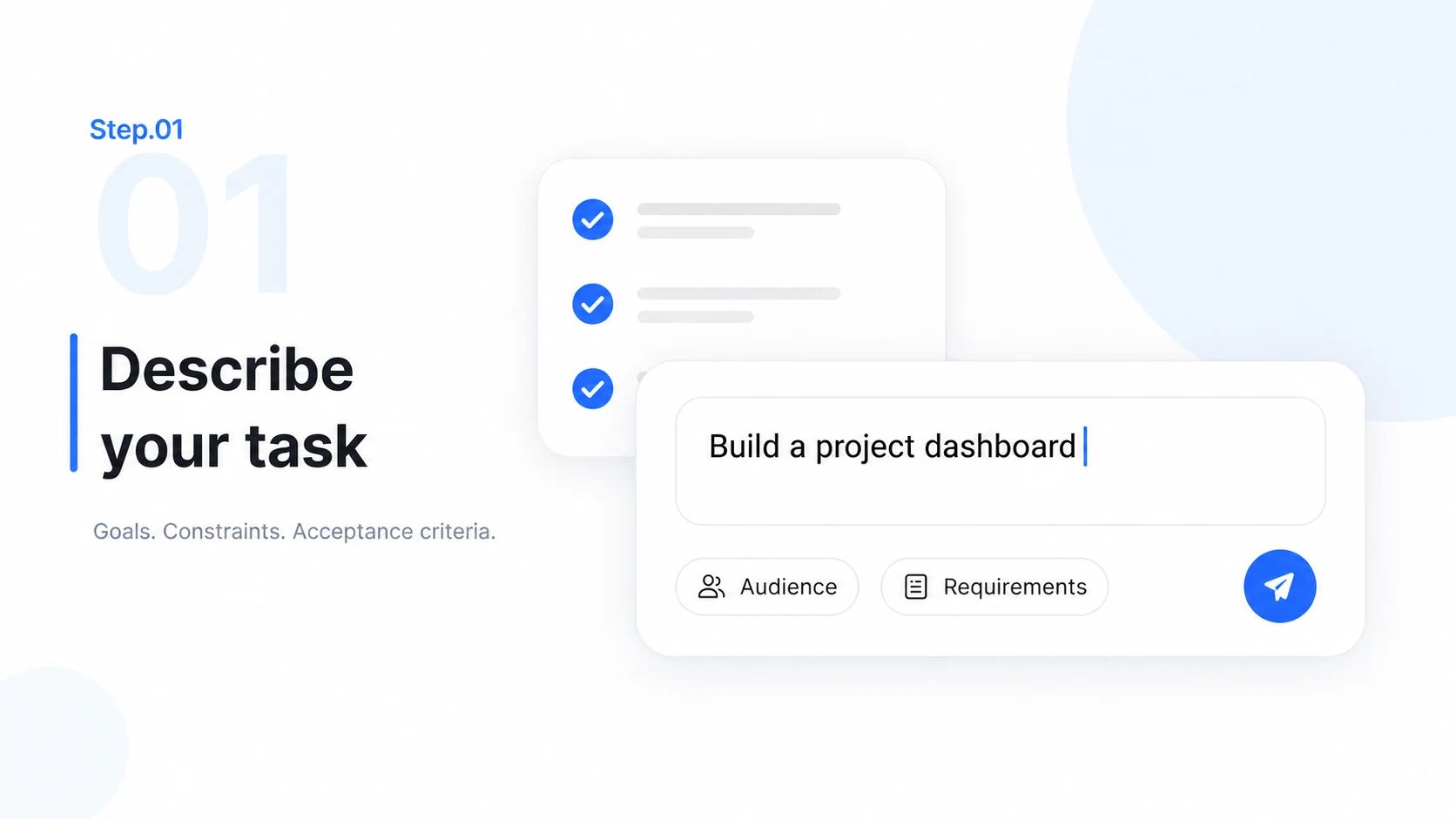
  1. Step.01

    Describe Your Coding Task

    Explain the feature, bug, or product you want to build. Include expected behavior, constraints, and clear acceptance criteria.

    Step 01 illustration: a coding task prompt and a short checklist of requirements.
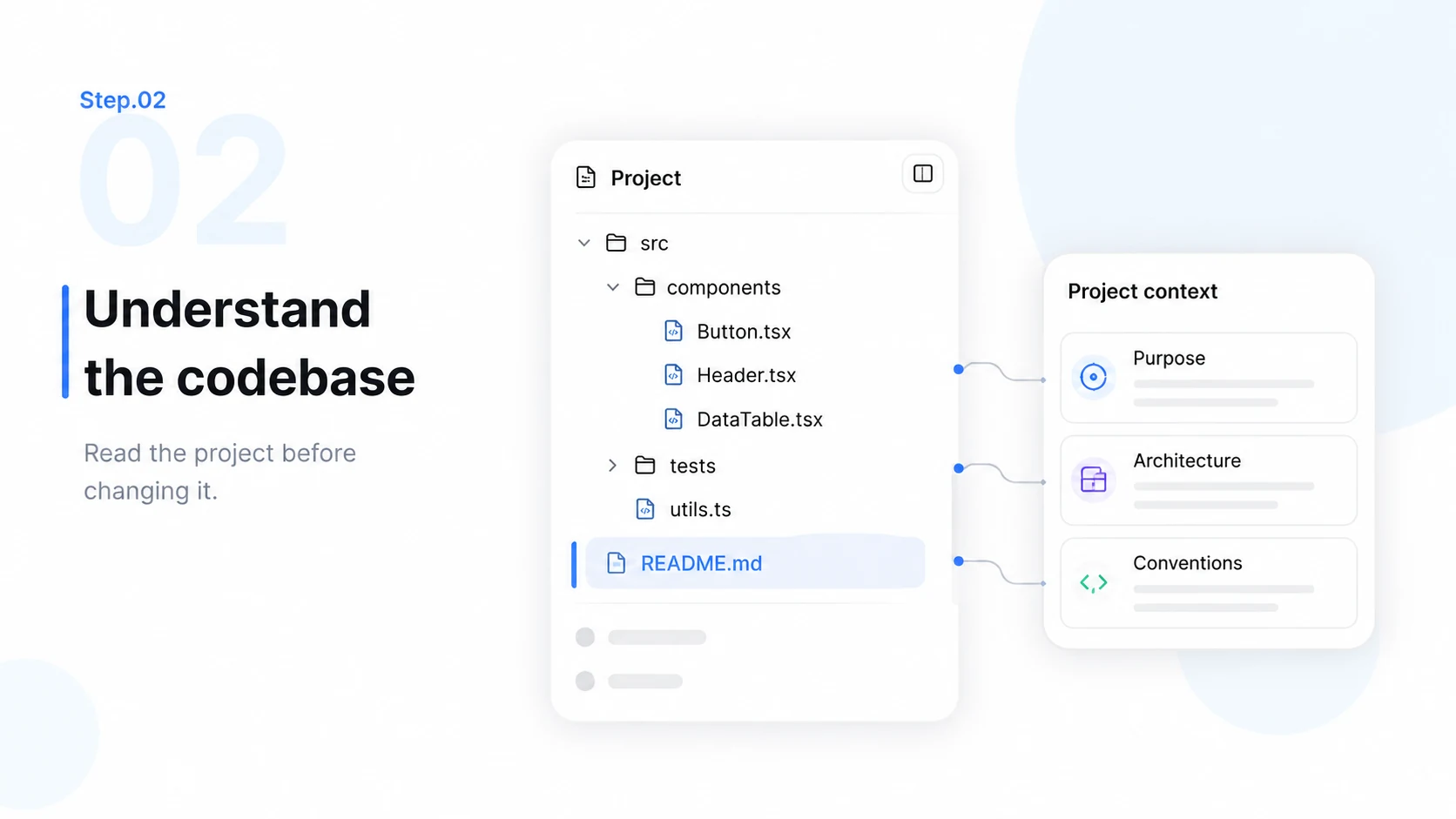
  2. Step.02

    Let MiniMax Code Understand Your Codebase

    Attach the relevant project and share its conventions. Let the agent inspect files, dependencies, and existing behavior before making changes.

    Step 02 illustration: a project folder tree and connected source files being examined.
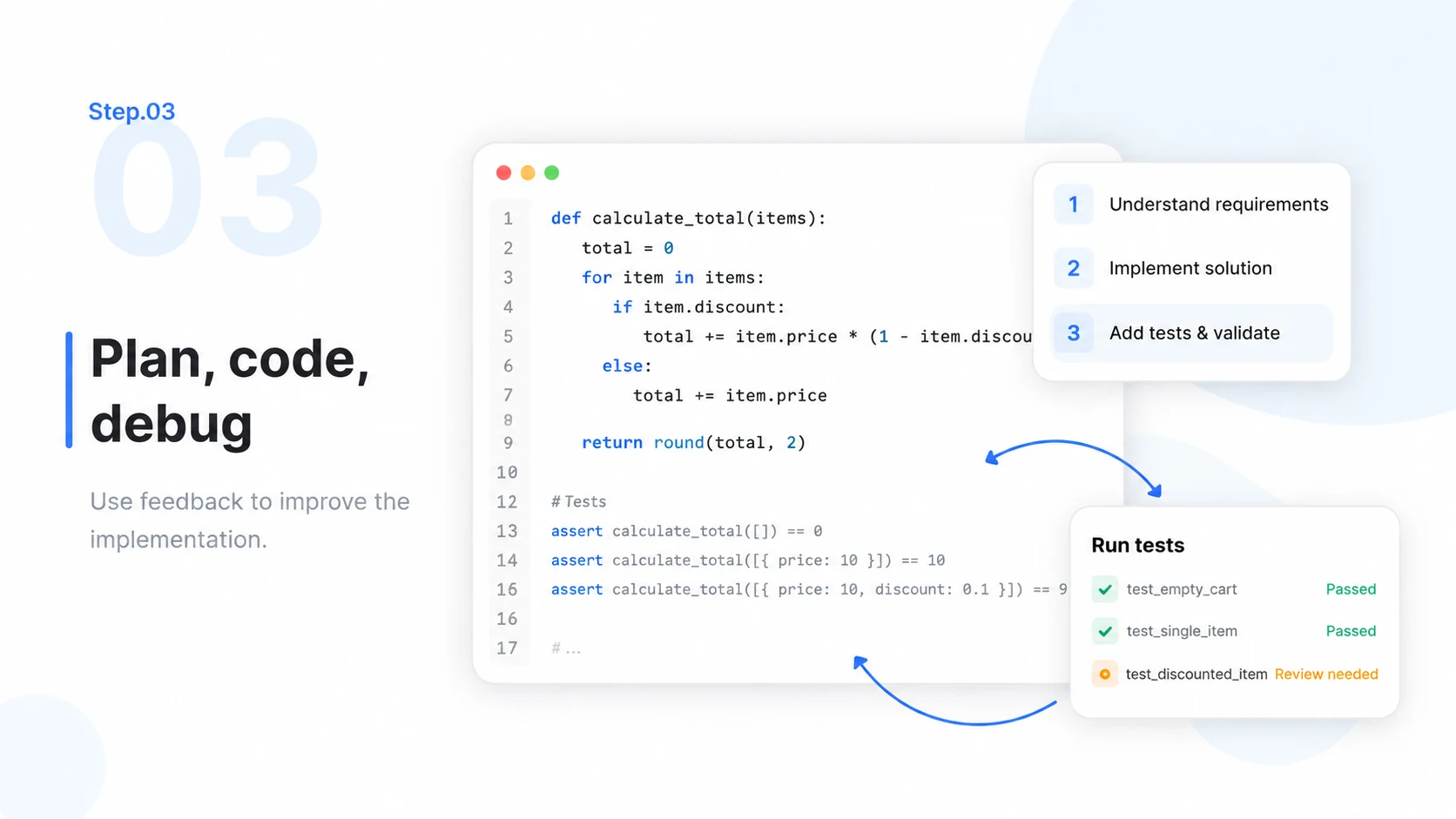
  3. Step.03

    Plan, Code, and Debug Automatically

    Let agents work through the plan, edit project files, and use test or command output to investigate problems. Respond when approval or clarification is needed.

    Step 03 illustration: a coding plan, a code editor, and a test-feedback loop.
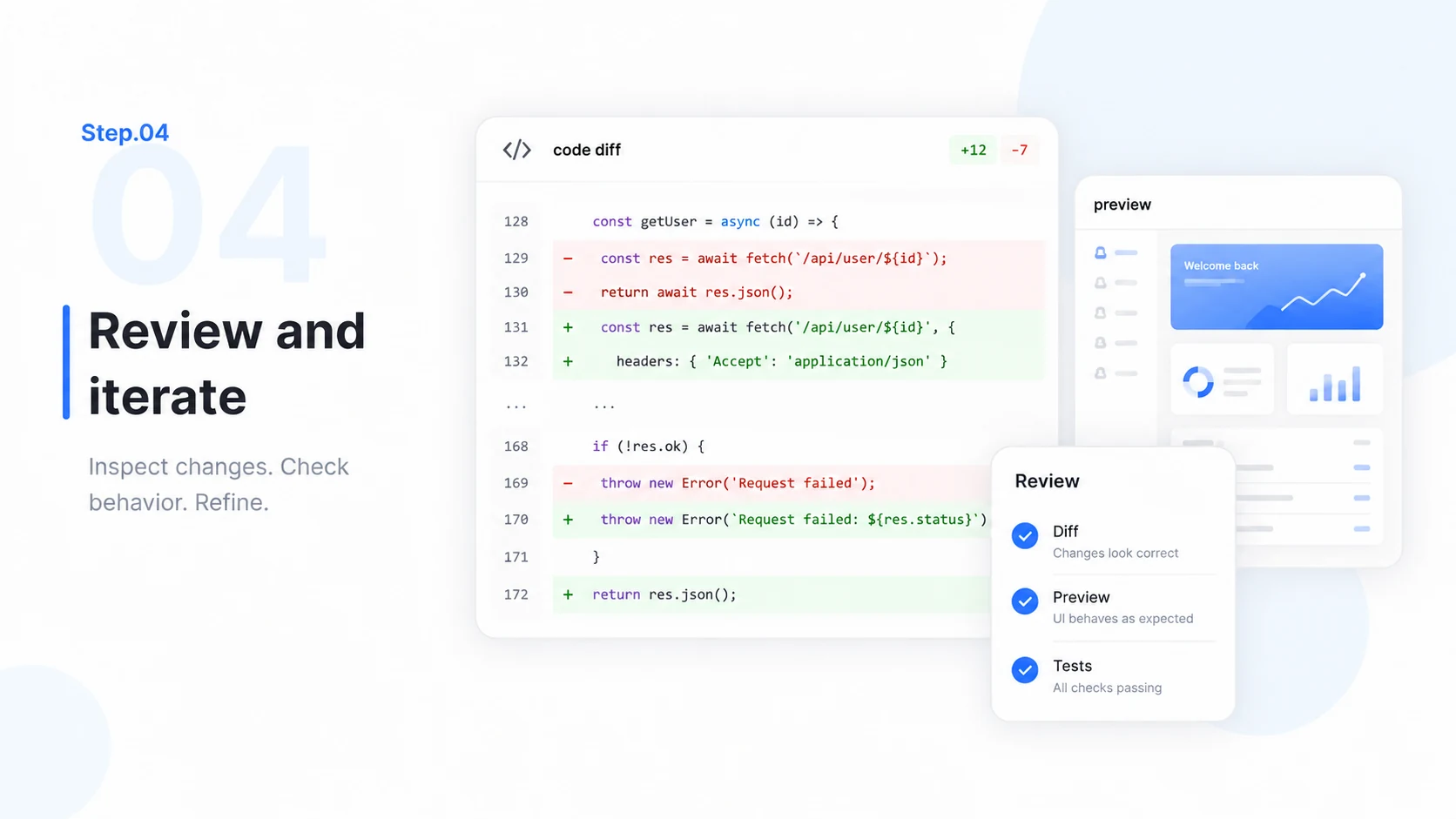
  4. Step.04

    Review the Result and Keep Iterating

    Inspect the diff, preview behavior, and review test results. Request focused refinements and validate critical changes before shipping.

    Step 04 illustration: a code diff beside a project preview and a review checklist.

Frequently Asked Questions

Learn about agent collaboration, code review, project context, remote control, and usage.

Ship Faster. Ship Better.