Build an Ecommerce Website with Just One Prompt

Describe your products and brand. MiniMax Code helps design your storefront, write the code, and refine responsive shopping experiences—from your first idea to a store you can review and build on.

Describe Your Ecommerce Website

Start with your products, audience, and brand style, or choose a storefront idea below.

Explore storefront ideas

From Product Idea to Storefront

Explore illustrative storefront concepts for skincare, sports equipment, specialty coffee, and consumer technology.

Luxury skincare website showing Nature's Pharmacy, botanical extracts, essential oils, and aloe vera.

Build a Store Around Your Business

Bring your products, brand identity, and shopping experience together in one AI-assisted workflow.

AI Ecommerce Website Builder

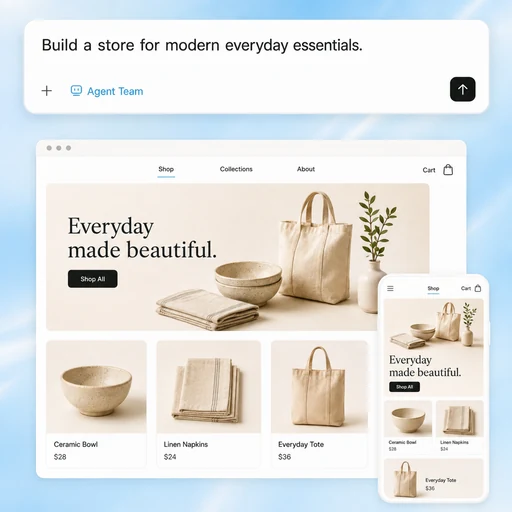
From Product Idea to Online Store

Describe your business, products, and brand style. MiniMax Code can help create product pages, navigation, shopping interfaces, and responsive layouts from your prompt, giving you a starting point to review and develop.

Try Now
Illustration of a store brief becoming coordinated desktop and mobile homeware storefront concepts.

Built Around Your Brand

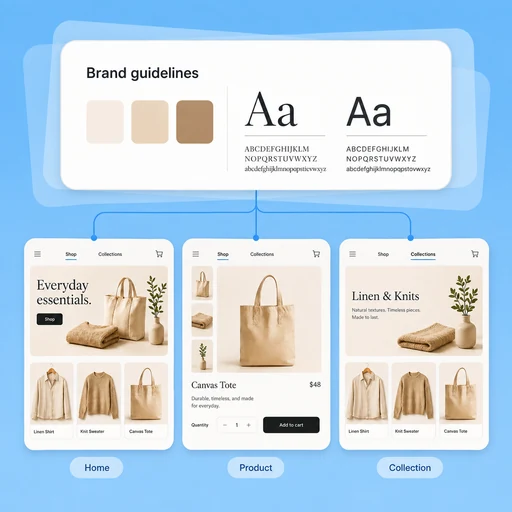
Keep Every Page Consistent

Provide your brand guidelines, preferred layouts, and product presentation. With project context and memory for useful preferences, MiniMax Code can help carry your visual direction across new pages as your store grows.

Try Now
Illustration of shared brand colors and typography guiding consistent home, product, and collection pages.

Customize Without Starting Over

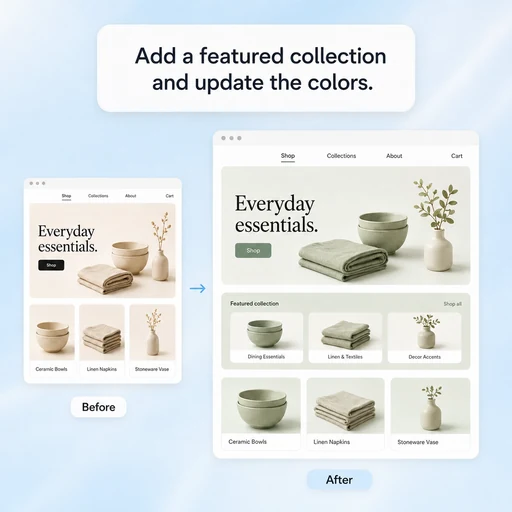
Edit Your Store With Natural Language

Add product sections, update layouts, change visual styles, or refine the shopping experience by describing what you want. MiniMax Code uses your existing project context to help apply and review changes.

Try Now
Illustration of a natural-language request updating an existing homeware storefront with a featured collection and sage accents.

A More Flexible Store-Building Workflow

Compare a template-led approach with AI-assisted custom development. Capabilities vary by tool, and every store needs review before launch.

Template-Led Setup

Store structure
Begin with a selected theme and its available page sections.
Review and testing
Review the theme and test any customizations and integrations.
Editing experience
Adjust the controls and components exposed by the theme.
Remote collaboration
Remote access depends on the builder and its connected tools.
Brand context
Maintain brand choices through theme settings and reusable assets.

MiniMax Code

Store structure
Describe your requirements and work with an Agent team on custom pages and code.
Review and testing
Ask Agents to inspect changes and run checks; validate shopping flows before launch.
Editing experience
Request changes in natural language and review the code and browser preview.
Remote collaboration
Use Remote Control to follow tasks and approve permissions while the desktop app is running.
Brand context
Use project guidelines and useful remembered preferences to guide future work.

Build an Ecommerce Website in 4 Simple Steps

Turn your product idea into a storefront you can preview, customize, and prepare for launch.

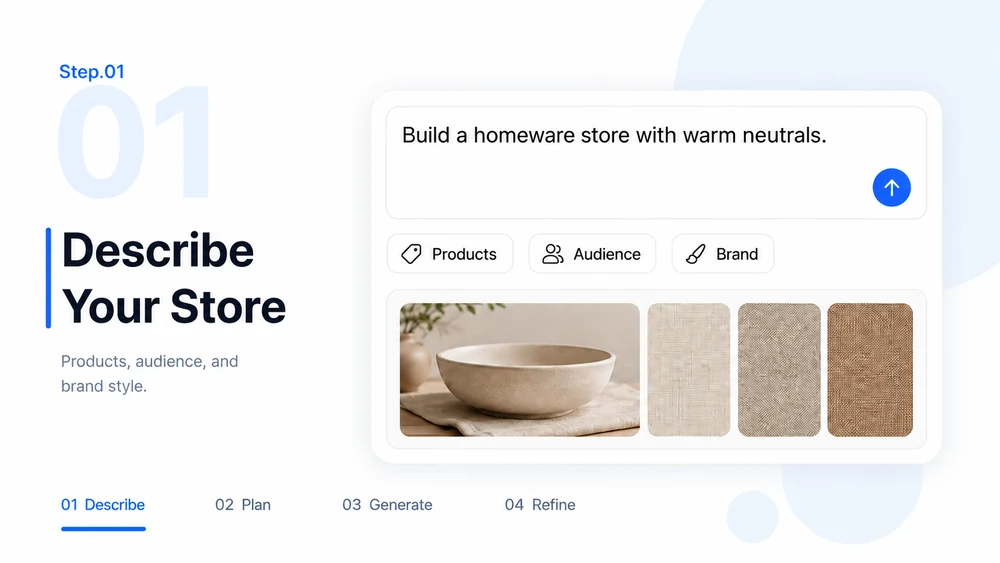
  1. Step.01

    Describe Your Store and Brand

    Share your product categories, audience, brand colors, and reference styles. Explain how shoppers should discover and explore your products.

    Step 01 illustration: a store brief with product, audience, and brand-style inputs.
  2. Step.02

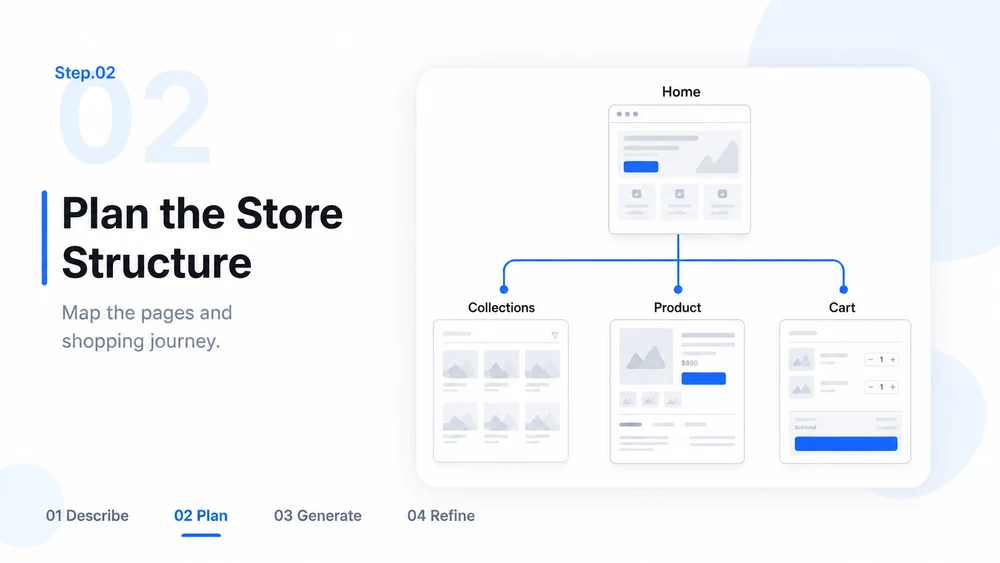
    Let MiniMax Code Plan Your Store Structure

    Ask MiniMax Code to organize the home page, collections, product details, and shopping interface. Review the page plan and clarify integration requirements.

    Step 02 illustration: a storefront sitemap connecting home, collections, product pages, and cart.
  3. Step.03

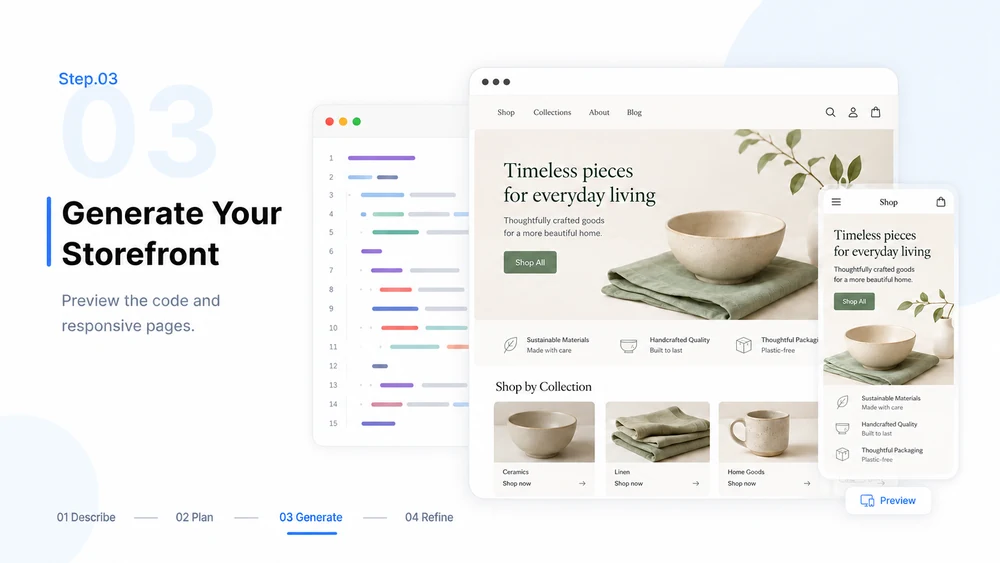
    Generate Your Ecommerce Website

    Use the agreed plan to create the storefront code and responsive layouts. Preview the pages and inspect navigation, product options, and cart interactions.

    Step 03 illustration: generated storefront code beside desktop and mobile previews for review.
  4. Step.04

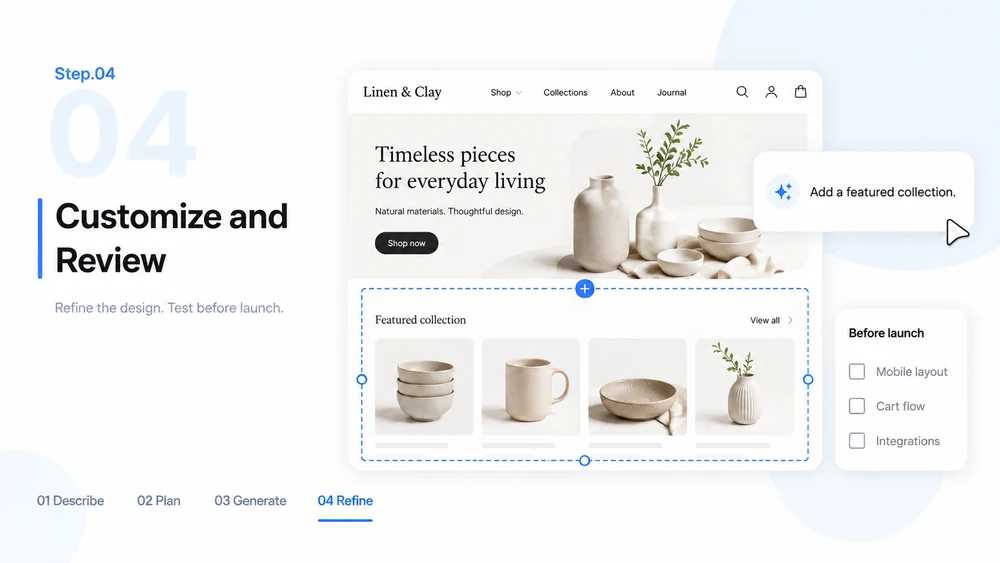
    Customize Products, Pages, and Design

    Refine content and layouts with follow-up prompts. Test the customer journey and configure your chosen hosting and payment services before accepting orders.

    Step 04 illustration: a storefront refinement request and launch review checklist.

AI Ecommerce Website Builder FAQs

Learn about building, customizing, reviewing, and preparing your store for launch.

Build Your Ecommerce Website with MiniMax Code