AI Graphic Design: From Brief to Visual Direction

Explore layout, typography, imagery, and hierarchy for your next campaign. Use MiniMax Code to develop concepts around your message and review them against your brand guidelines.

Start with Your Graphic Design Brief

Choose an example or describe your task, then continue in MiniMax Code.

Sample prompts

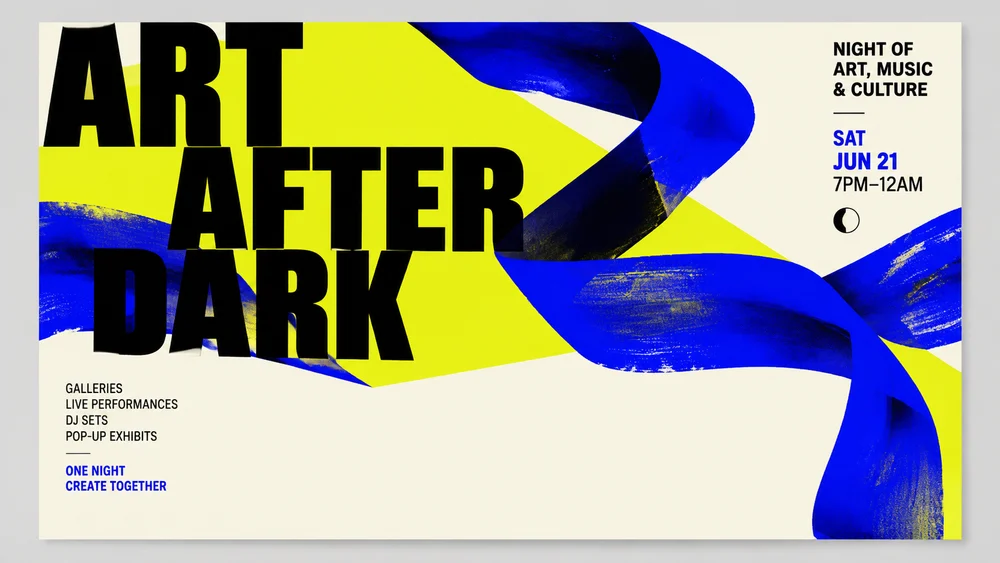
Four Design Briefs, Not Four Copies of One Template

These illustrative concepts demonstrate different art directions. Final files, typography rights, resolution, and production requirements still need review.

Illustrative culture event poster concept for AI Graphic Design; not a verified customer result.

Make Visual Choices That Serve the Message

Focus the brief, develop the work, and review the details that matter for this task.

Art Direction

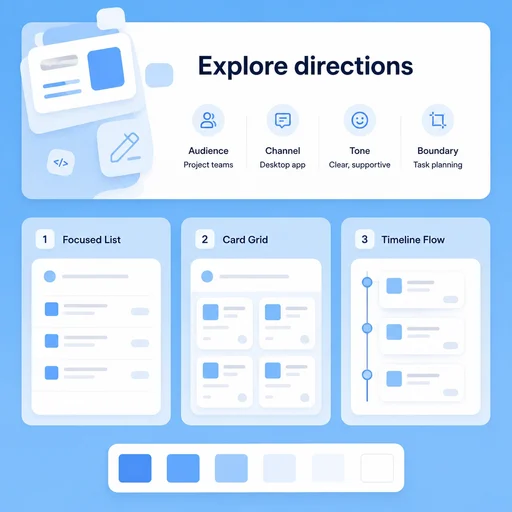
Choose a Direction Before Polishing Details

Define the audience, channel, tone, and reference boundaries. Compare meaningful layout and typography directions instead of changing colors on one template.

Try Now
Illustrative AI Graphic Design workflow: Choose a Direction Before Polishing Details.

Brand Consistency

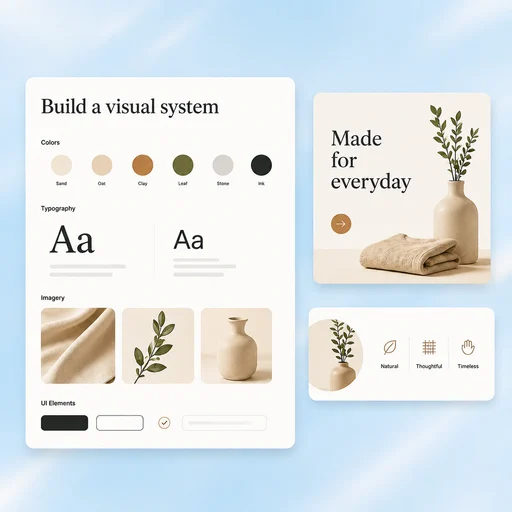
Connect the Pieces of a Campaign

Carry a defined type hierarchy, spacing rhythm, and image treatment across related materials while adapting the composition to each format.

Try Now
Illustrative AI Graphic Design workflow: Connect the Pieces of a Campaign.

Production Review

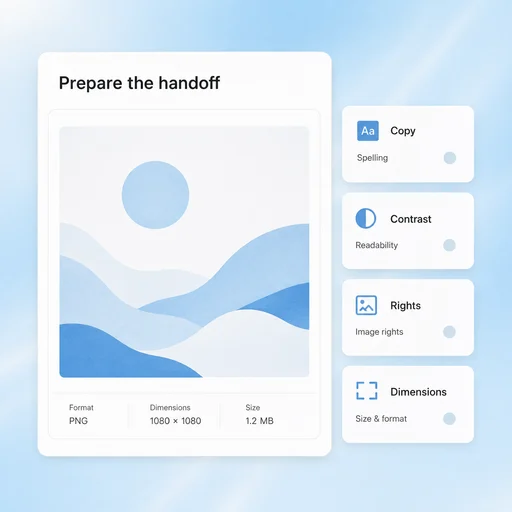
Check the Details That Concepts Can Hide

Review spelling, contrast, image rights, font licenses, dimensions, and output format. A compelling mockup still needs production checks.

Try Now
Illustrative AI Graphic Design workflow: Check the Details That Concepts Can Hide.

A More Connected Graphic Design Workflow

A comparison of working approaches, not a measured performance claim. Review the output before using it.

Working Manually

Direction
Change colors without a creative brief
Consistency
Design every placement independently
Handoff
Treat a mockup as a finished production file

With MiniMax Code

Direction
Compare choices against audience and message
Consistency
Carry a coherent hierarchy across materials
Handoff
Document copy, rights and format checks

Develop a Design Concept in Four Steps

Start with the right inputs and keep a human review before the final handoff.

  1. Step.01

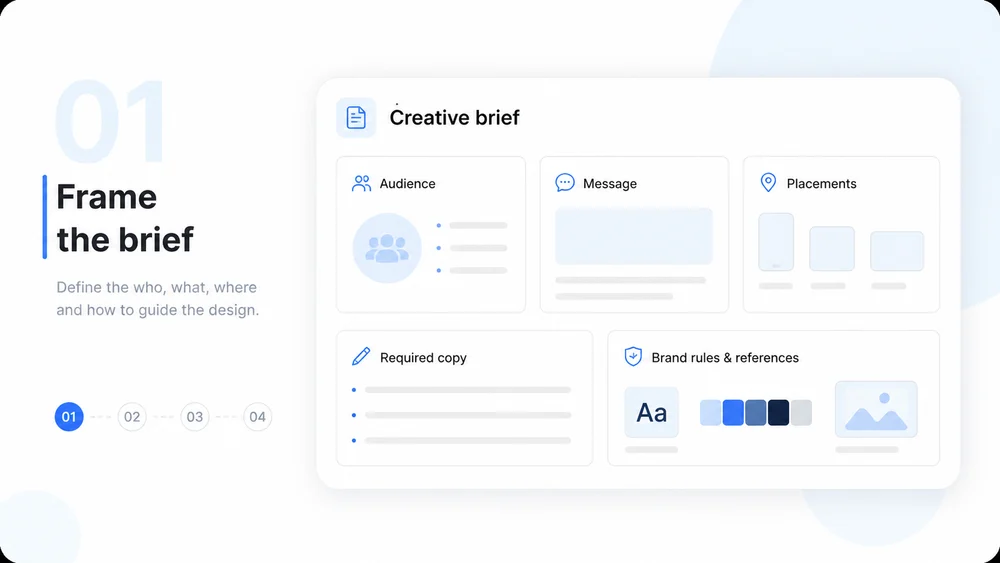
    Define the Creative Brief

    Provide the audience, message, placements, required copy, and any brand rules or visual references.

    Illustrative AI Graphic Design step 1: Define the Creative Brief.
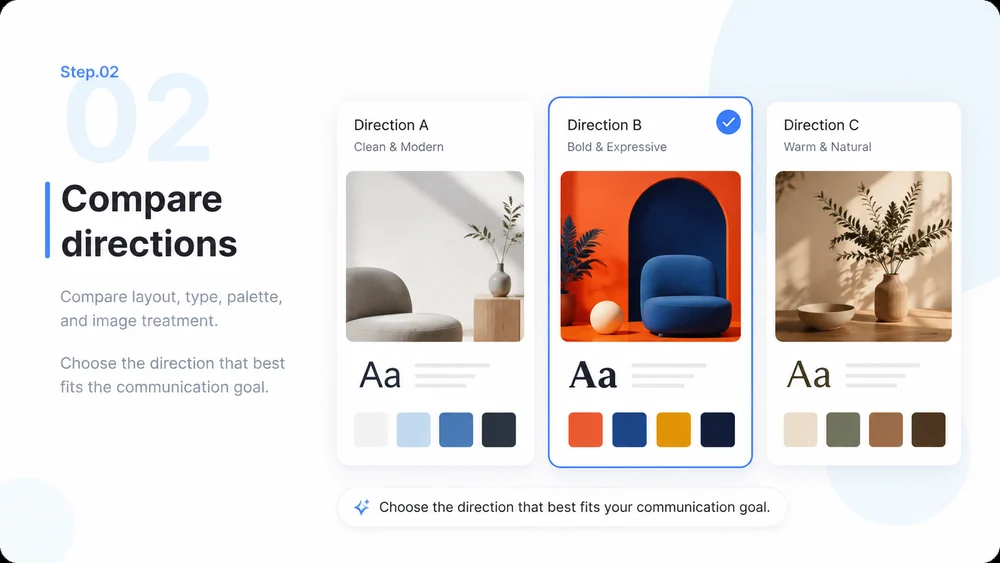
  2. Step.02

    Explore Art Directions

    Compare layout, type, palette, and image treatment. Choose the direction that best fits the communication goal.

    Illustrative AI Graphic Design step 2: Explore Art Directions.
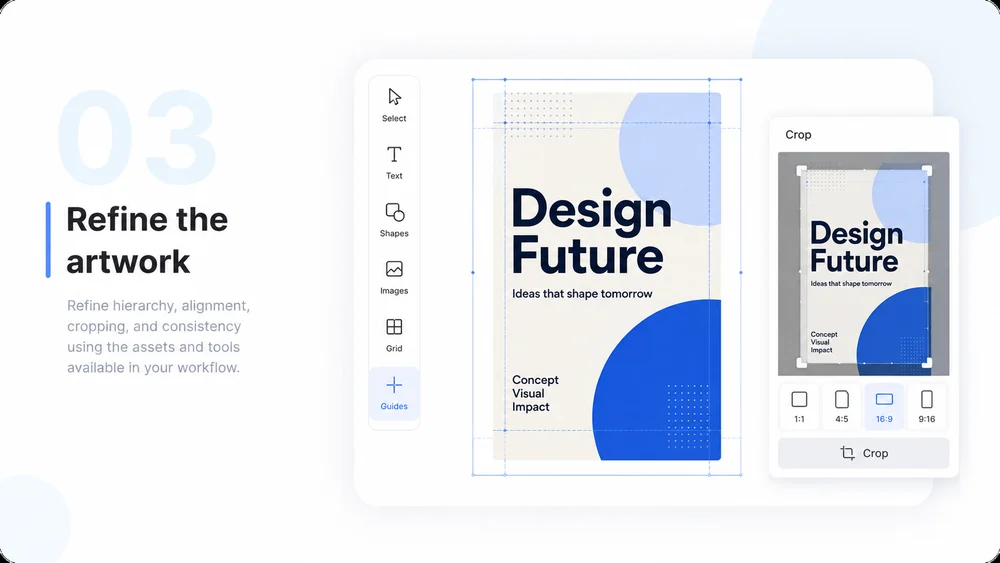
  3. Step.03

    Develop the Selected Concept

    Refine hierarchy, alignment, cropping, and consistency using the assets and tools available in your workflow.

    Illustrative AI Graphic Design step 3: Develop the Selected Concept.
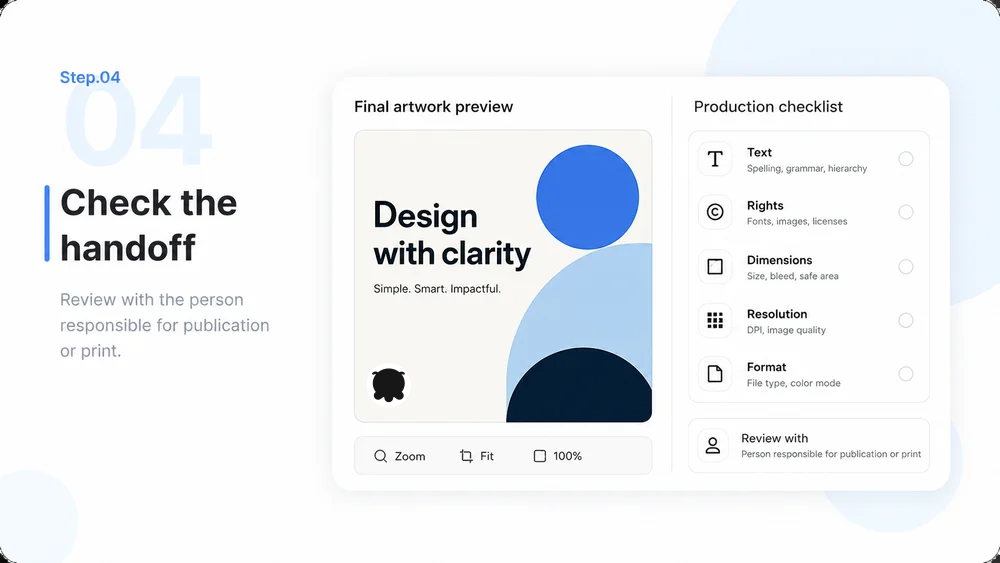
  4. Step.04

    Review for Production

    Check text, rights, dimensions, resolution, and format with the person responsible for publication or print.

    Illustrative AI Graphic Design step 4: Review for Production.

AI Graphic Design FAQs

Practical answers about inputs, scope, review, and where the work happens.

Give Your Next Campaign a Distinctive Direction