AI Logo Generator for Distinct Brand Directions

Describe the brand, audience, personality, and places the logo needs to work. MiniMax Code helps explore original directions and refine the relationship between symbol, lettering, and scale.

Start with Your AI Logo Generator Brief

Choose an example or describe your task, then continue in MiniMax Code.

Sample prompts

Four Logo Briefs, Four Different Identities

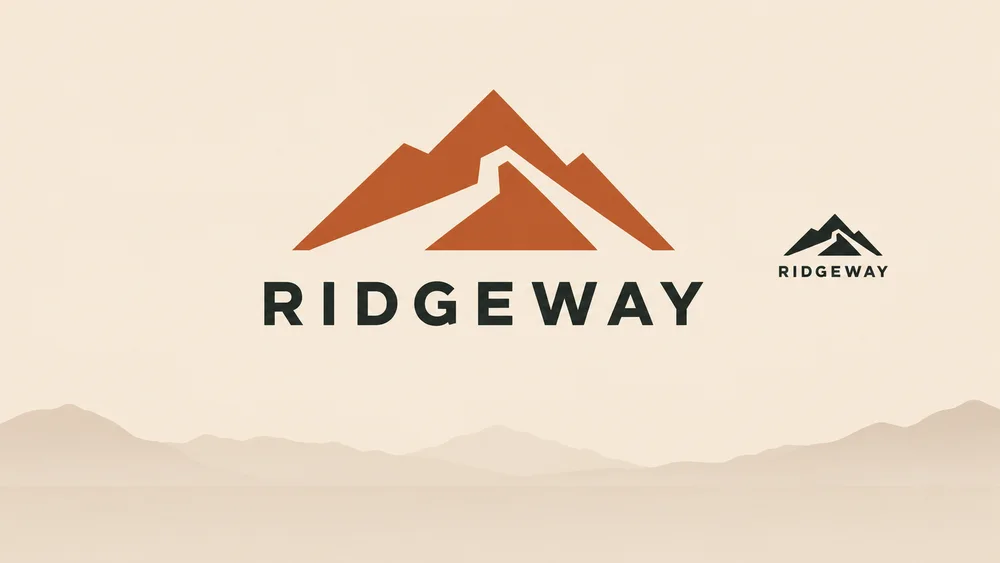
Illustrative marks for fictional brands explore distinct visual directions. They are not trademark-cleared identities or verified client projects.

Illustrative trail equipment mark concept for AI Logo Generator.

Explore the Identity Before Finalizing the Asset

Plan the brief, develop the work, and review the details with AI Logo Generator.

Brand Brief

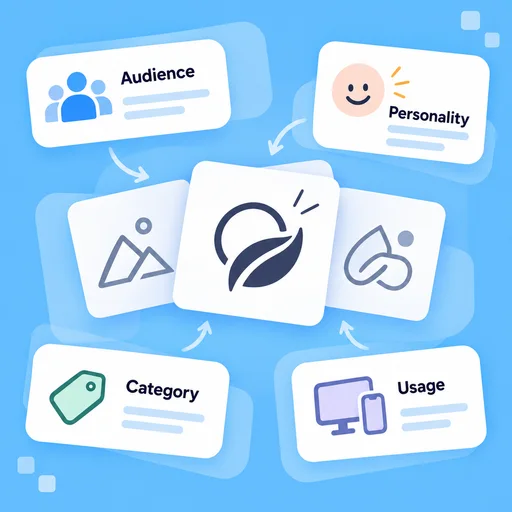
Define What the Logo Should Express

Start with the audience, personality, category, and usage constraints. Describe distinctive characteristics rather than requesting a lookalike of another brand.

Try Now
AI Logo Generator workflow illustration: Define What the Logo Should Express.

Concept Review

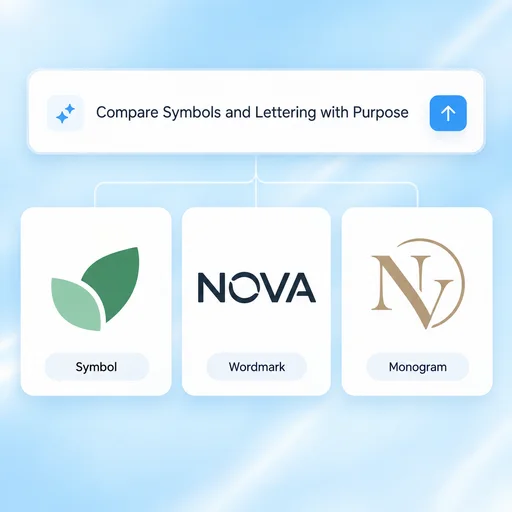
Compare Symbols and Lettering with Purpose

Explore meaningful alternatives in shape, lettering, and balance. Review why each direction fits the brief rather than selecting only by color preference.

Try Now
AI Logo Generator workflow illustration: Compare Symbols and Lettering with Purpose.

Real-World Checks

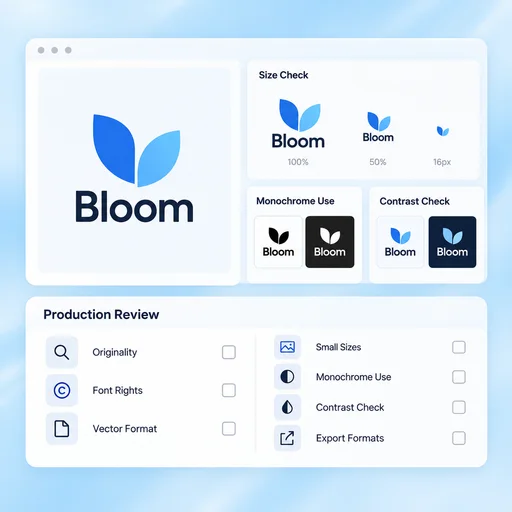
Test Legibility and Production Needs

Check small sizes, monochrome use, contrast, and practical applications. Review originality, font rights, and required vector or export formats before adopting the mark.

Try Now
AI Logo Generator workflow illustration: Test Legibility and Production Needs.

A More Connected AI Logo Generator Workflow

A comparison of working approaches, not a measured performance claim. Review the output before using it.

Working Manually

Brief
Choose a visual style before defining the brand
Exploration
Iterate on one symbol without clear criteria
Adoption
Treat an attractive mockup as a finished identity

With MiniMax Code

Brief
Organize audience, personality and usage constraints
Exploration
Compare distinct directions against the same brief
Adoption
Review legibility, originality and production requirements

Get Started with AI Logo Generator in Four Steps

Start with the right inputs and keep a human review before the final handoff.

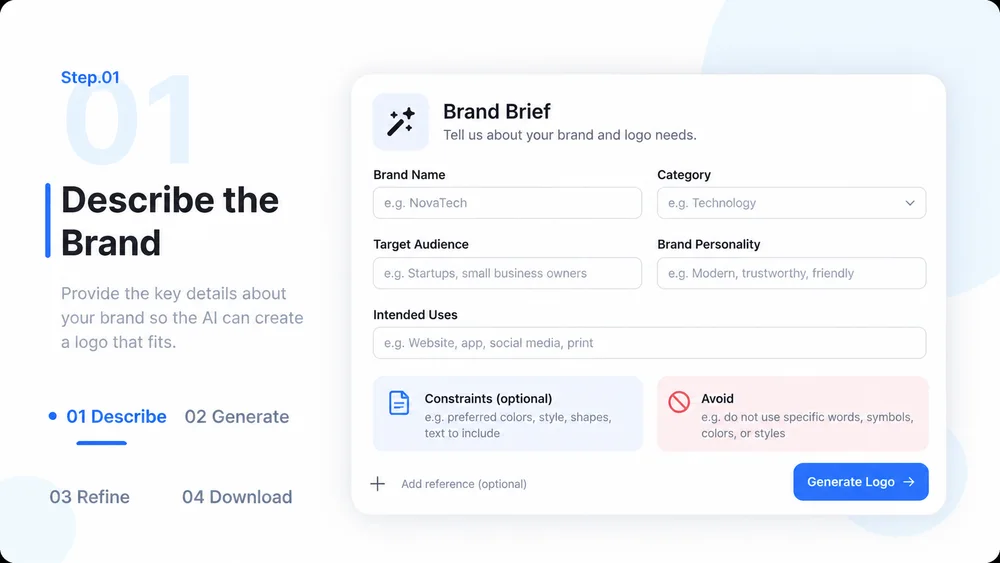
  1. Step.01

    Describe the Brand

    Provide the brand name, audience, personality, category, and intended uses. Include constraints and avoid-list references.

    AI Logo Generator step 1: Describe the Brand.
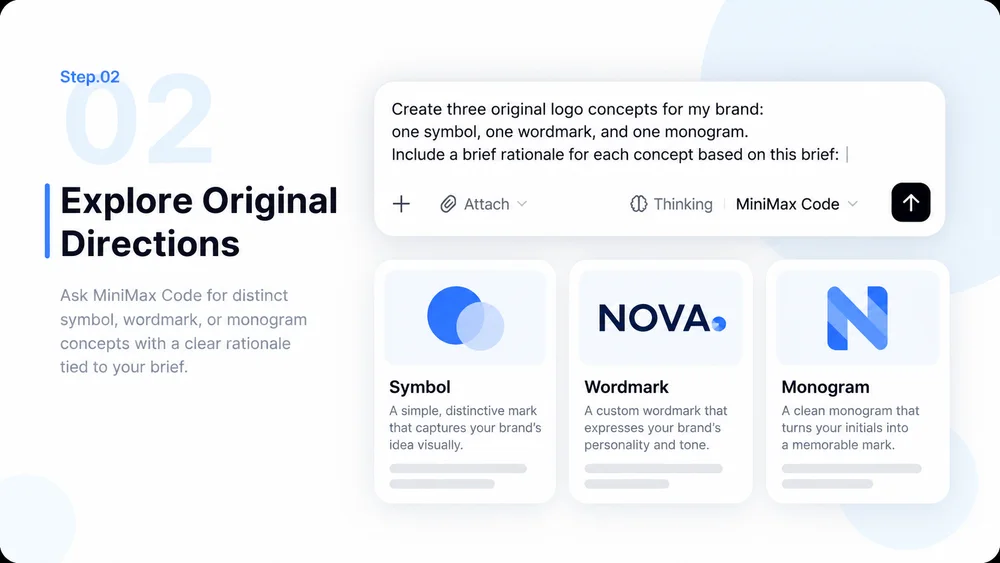
  2. Step.02

    Explore Original Directions

    Ask MiniMax Code for distinct symbol, wordmark, or monogram concepts with a rationale tied to the brief.

    AI Logo Generator step 2: Explore Original Directions.
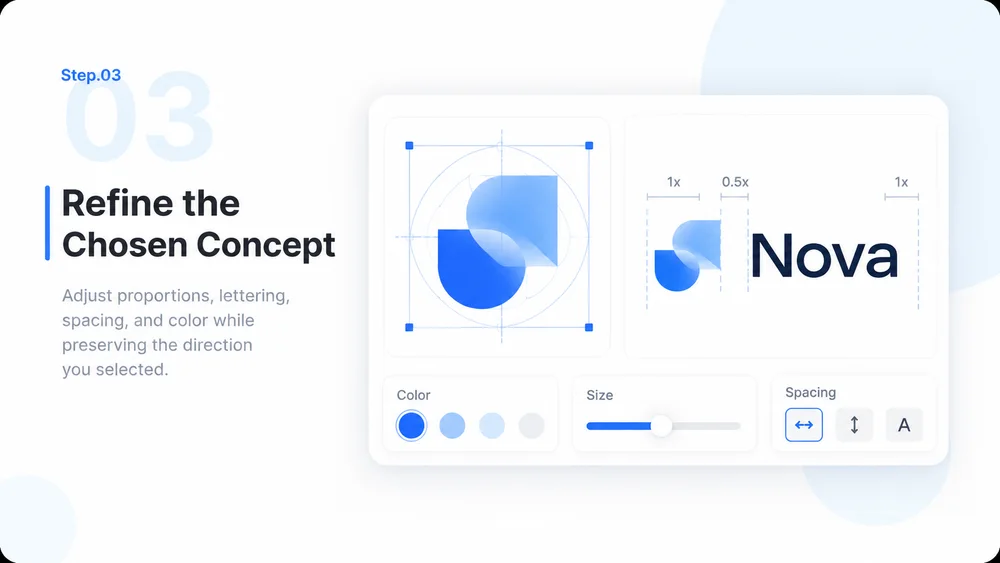
  3. Step.03

    Refine the Chosen Concept

    Adjust proportions, lettering, spacing, and color while preserving the direction you selected.

    AI Logo Generator step 3: Refine the Chosen Concept.
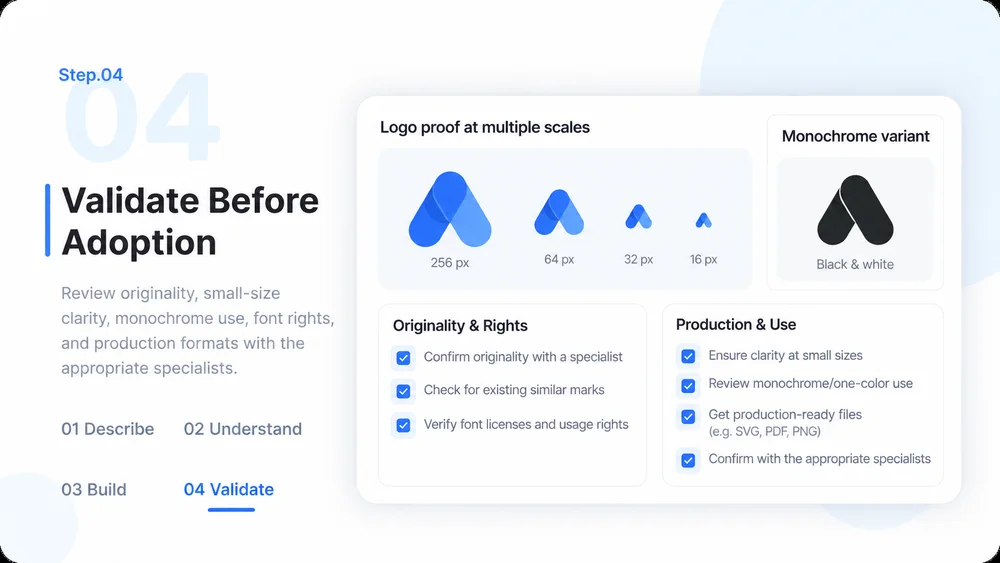
  4. Step.04

    Validate Before Adoption

    Review originality, small-size clarity, monochrome use, font rights, and production formats with the appropriate specialists.

    AI Logo Generator step 4: Validate Before Adoption.

AI Logo Generator FAQs

Practical answers about inputs, scope, review, and where the work happens.

Give Your Brand a Direction Worth Developing