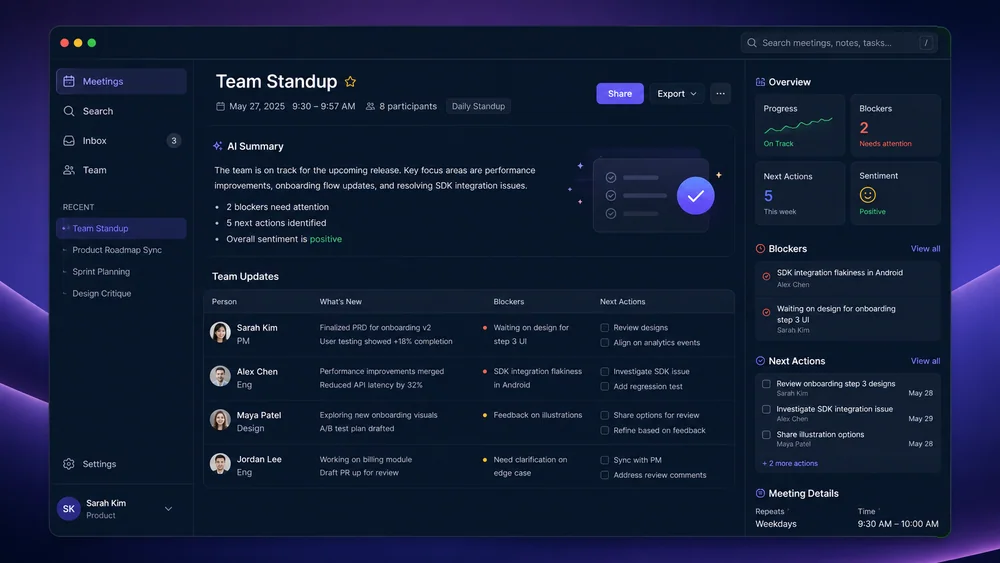
Reliable Inputs
Start from a Transcript or Notes
Provide the meeting record and context; this page does not record or join meetings on its own.
Try Now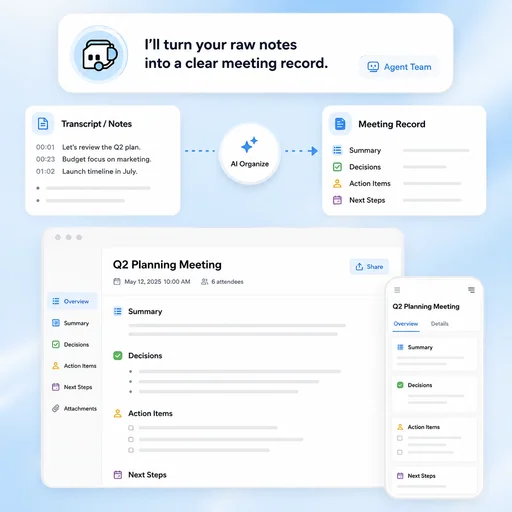
Turn supplied transcripts or notes into structured decisions, action items, questions, and follow-ups for review.
Choose a sample or describe your meeting notes, then continue in MiniMax Code.
Sample prompts
Each example starts from verifiable material and a clear brief. Choose a prompt, then adapt it to your own requirements.
Keep planning, creation, review, and handoff connected in one clear workflow.
Reliable Inputs
Provide the meeting record and context; this page does not record or join meetings on its own.
Try NowDecision Tracking
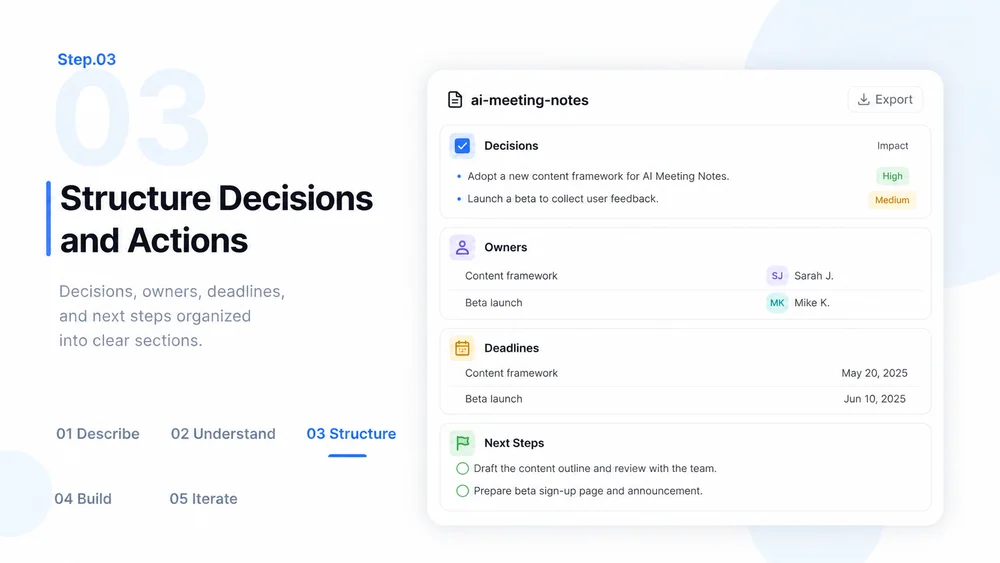
Distinguish ideas, decisions, commitments, owners, due dates, and unresolved questions.
Try Now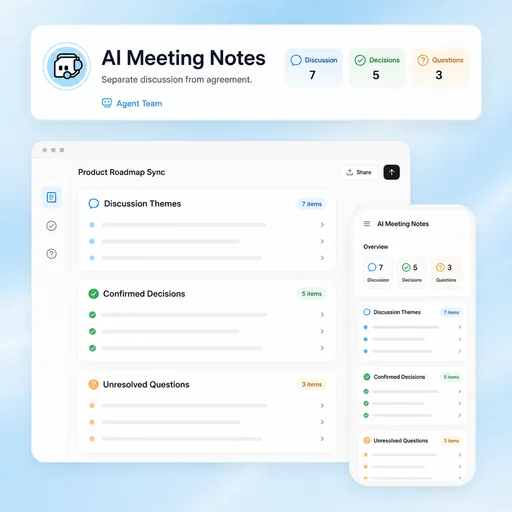
Participant Review
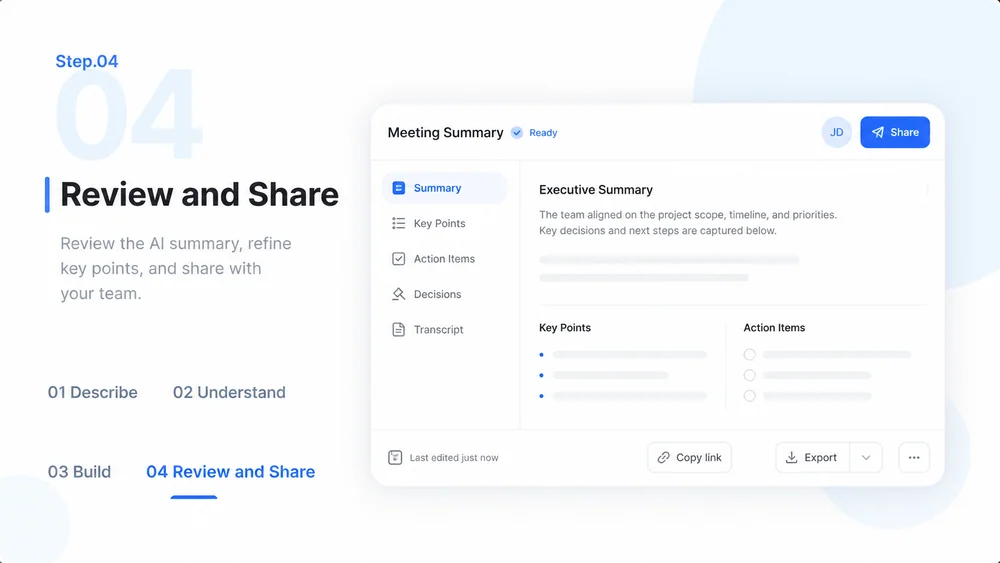
Verify names, sensitive content, quotes, decisions, and action items with participants as appropriate.
Try Now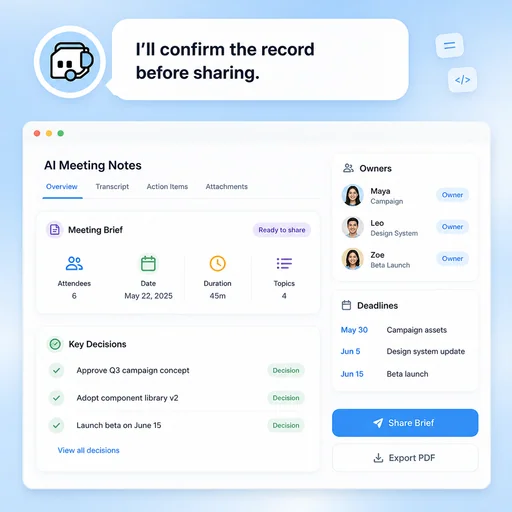
A workflow comparison, not a performance benchmark. Important facts and final results still need human review.
Start with a focused brief, create a reviewable draft, and validate the result before delivery.
Provide the meeting purpose, participants, date, desired format, and the decisions or actions that matter.
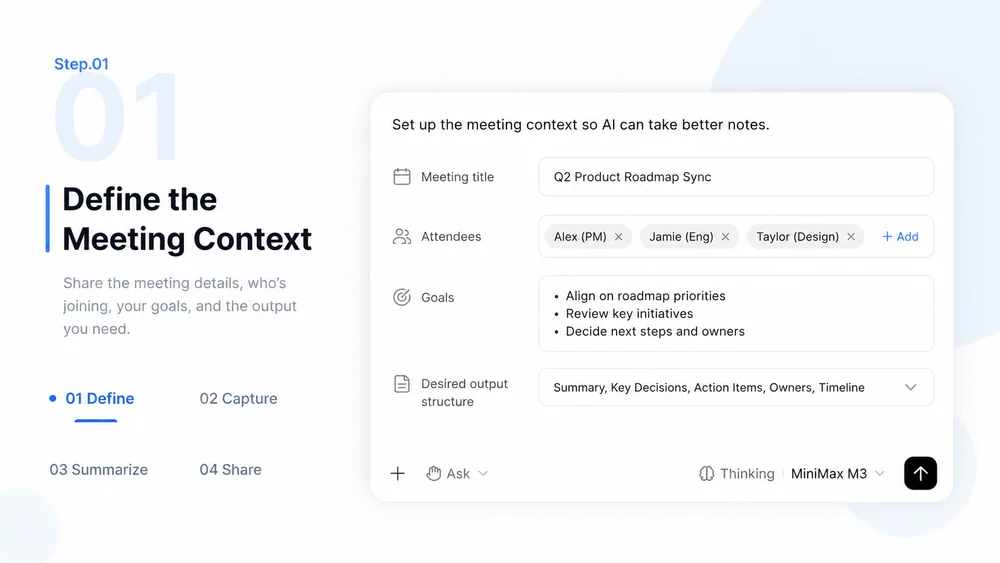
Paste or provide the transcript or notes in MiniMax Code, respecting consent, privacy, and access rules.
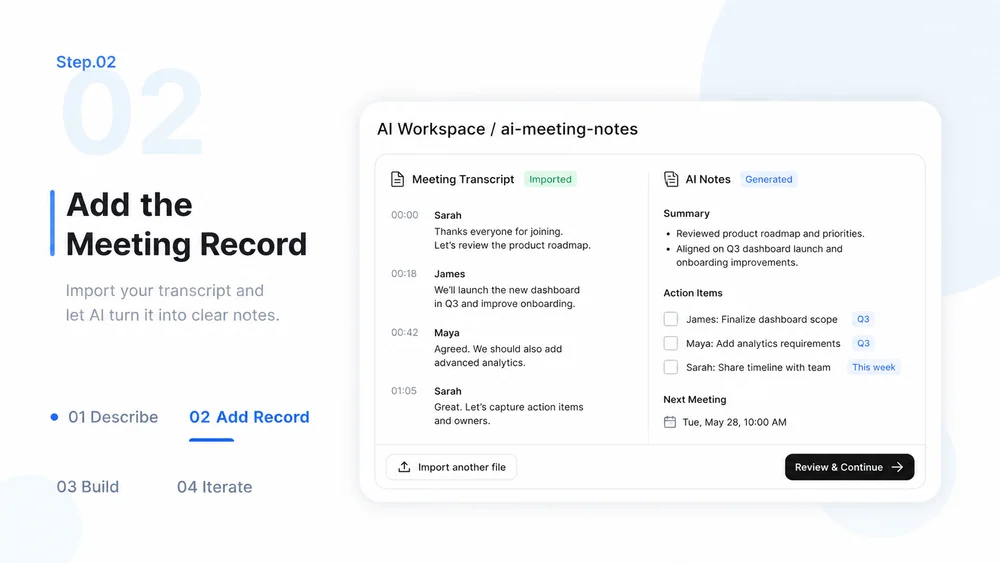
Extract themes, decisions, owners, dates, risks, and open questions without inventing missing assignments.
Check the record with participants, remove inappropriate sensitive details, and share through approved channels.
What to prepare, where the work happens, and what still needs review.
