AI Mobile App Builder for Your Next App Idea

Use MiniMax Code as an AI mobile app builder and mobile app generator for AI app development, turning app briefs into screens, code, and testable prototypes.

Start with an App Brief

Choose a prompt or describe your app, then continue in MiniMax Code.

Sample app prompts

Explore Four Mobile App Concepts

Illustrative concepts for everyday mobile workflows. Use a prompt as a starting brief, then tailor the implementation to your project.

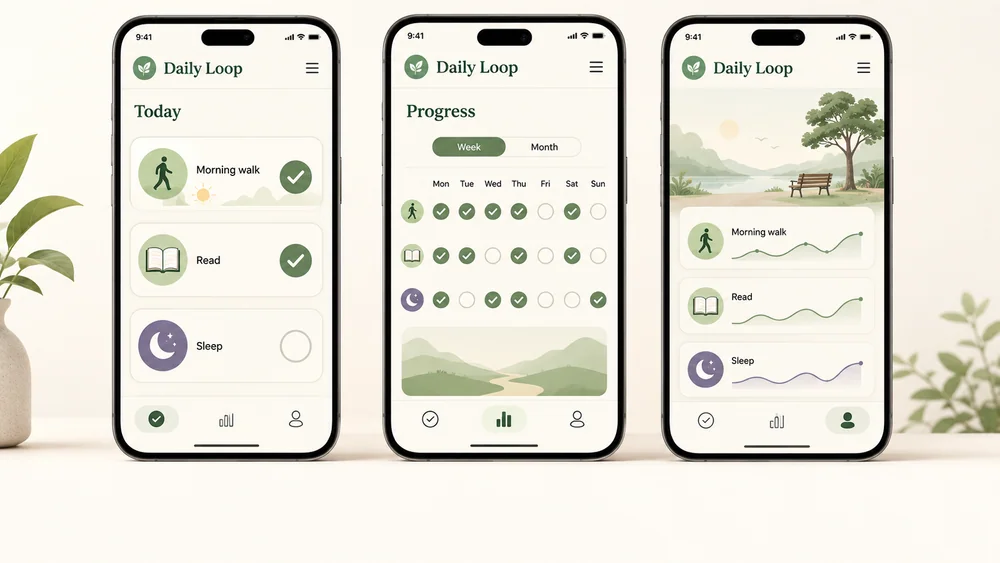
Illustrative habit-tracking app screens with a daily checklist and progress calendar.

Move from App Brief to Working Flows

Keep scope, implementation, device review, and handoff connected instead of treating a screen mockup as a finished app.

Scope & Structure

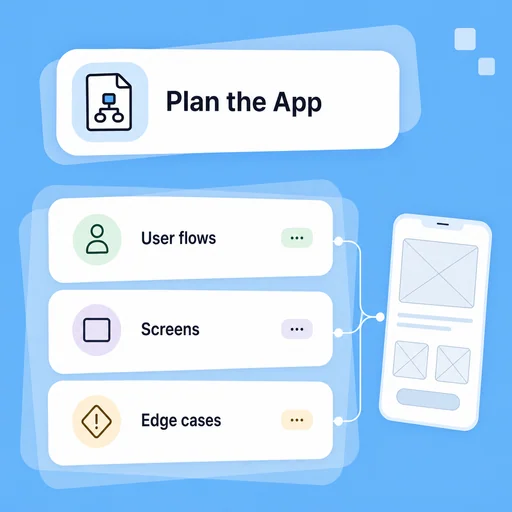
Plan the Screens Before the Build

Describe who the app serves, its main journey, and the data it needs. MiniMax Code can help organize these requirements into screens and implementation tasks so missing states are discussed early.

Try Now
Illustrative app-planning cards connecting user flows, screens, and development tasks.

Build & Review

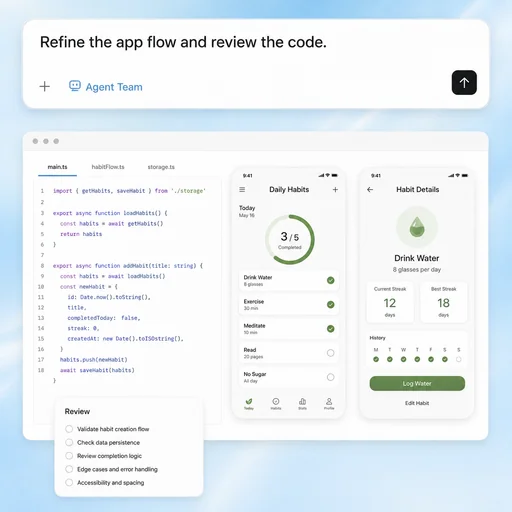
Iterate on Code, Not Just Mockups

Work in your project context to refine components, state, validation, and tests. Device testing, signing, store requirements, and production integrations still need your environment and review.

Try Now
Illustrative prompt-to-code workflow beside mobile app preview screens.

Device & Release Review

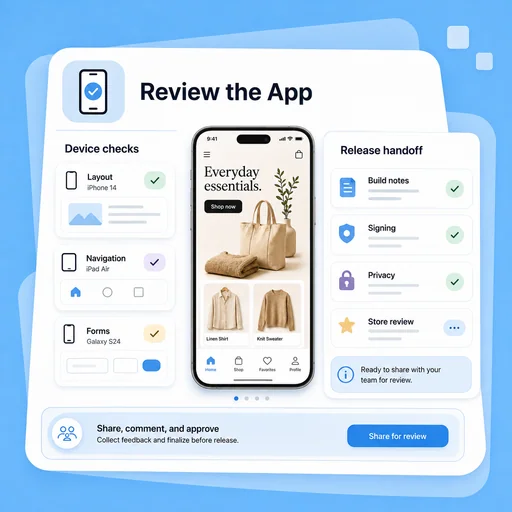
Prepare the App for Device Review

Review key flows on target devices, then document build setup, unresolved integrations, signing, privacy, and store-review tasks before handoff. Publishing remains a separate process.

Try Now
Illustrative mobile app review workspace with device checks and release-handoff tasks.

Keep the Development Work Connected

A practical workflow comparison, not a performance benchmark. Your review remains part of every stage.

Working Manually

Planning
Write briefs by hand
Implementation
Build components
Verification
Investigate issues

With MiniMax Code

Planning
Outline app flows
Implementation
Generate and revise code
Verification
Review suggested tests

Build a Mobile App in Four Stages

Start with a focused brief, build in your project, and validate the result before release.

  1. Step.01

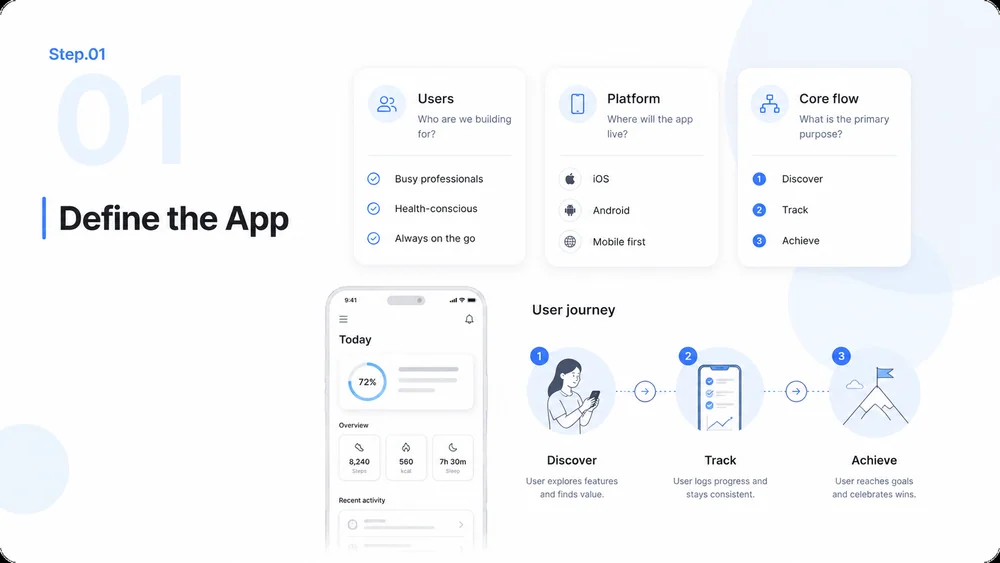
    Define the Platform and Core Flow

    Specify users, target devices, preferred stack, and one essential journey before adding optional features.

    Illustrative mobile app workflow, step 1: define the platform and core flow.
  2. Step.02

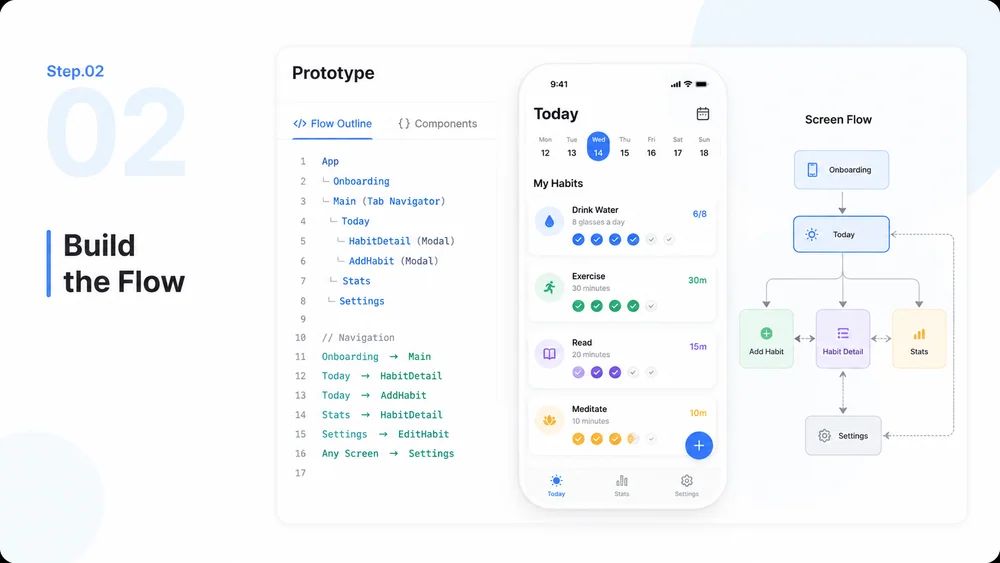
    Create and Run the Prototype

    Continue in MiniMax Code, provide the project context, and ask for a runnable first version with setup instructions.

    Illustrative mobile app workflow, step 2: create and run the prototype.
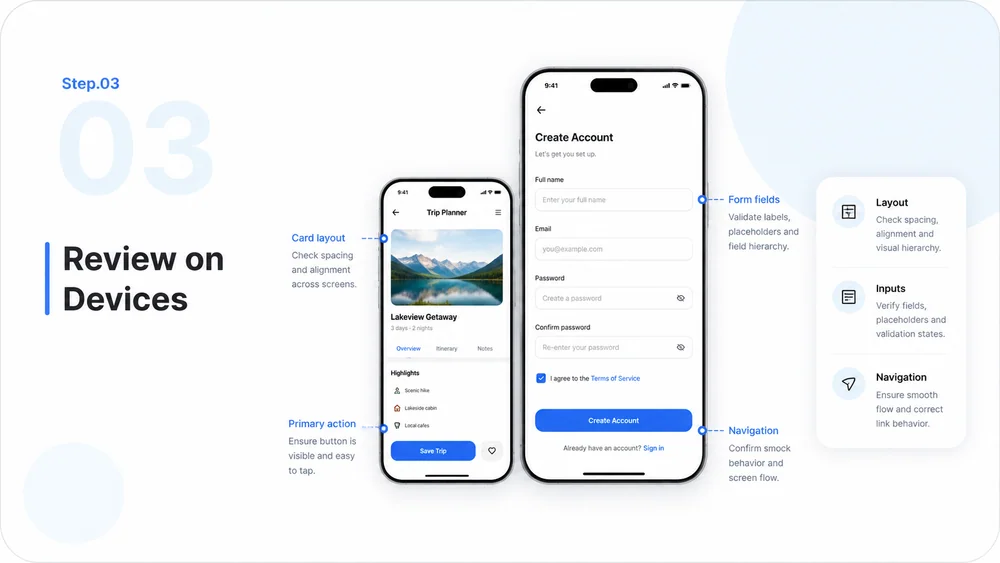
  3. Step.03

    Test and Refine on Devices

    Review navigation, form validation, errors, and empty states on your target devices. Use the findings to refine the prototype.

    Illustrative mobile app workflow, step 3: test navigation, inputs, and layouts on devices.
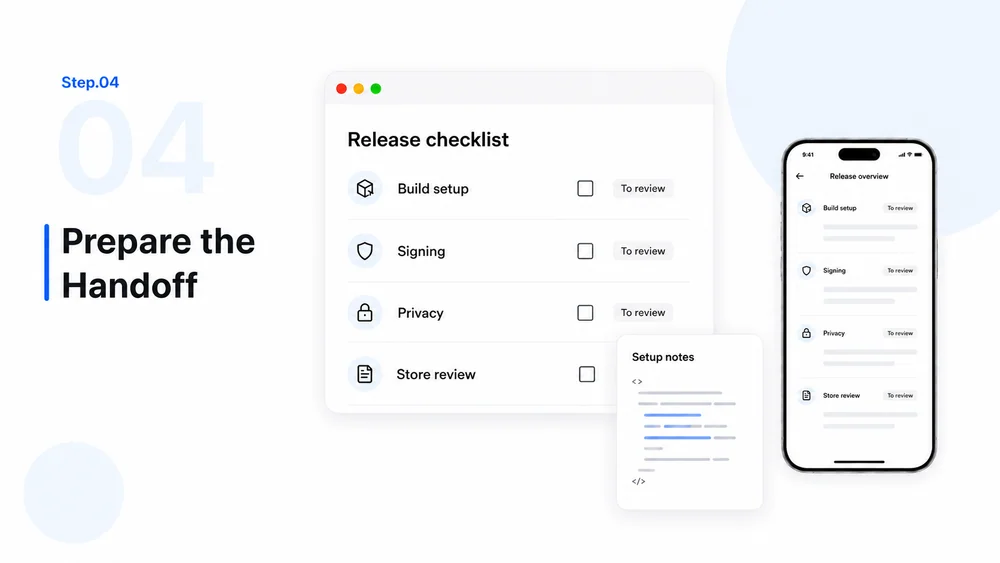
  4. Step.04

    Prepare the Release Handoff

    Document build setup and remaining integrations. Prepare signing, permissions, privacy disclosures, and store review separately; publishing is not automatic.

    Illustrative mobile app workflow, step 4: prepare build notes, signing, privacy, and store-review tasks.

AI Mobile App Builder FAQs

What to prepare, what to review, and where the app-building work happens.

Give Your Next App Idea a Practical Starting Point