AI Quotation Generator for Clear, Reviewable Quotes

Bring your approved rates and project details. MiniMax Code helps organize the line items, assumptions, and terms into a quotation your customer can review.

Start with Your Quotation Generator Brief

Choose an example or describe your task, then continue in MiniMax Code.

Sample prompts

Four Quotation Formats for Different Work

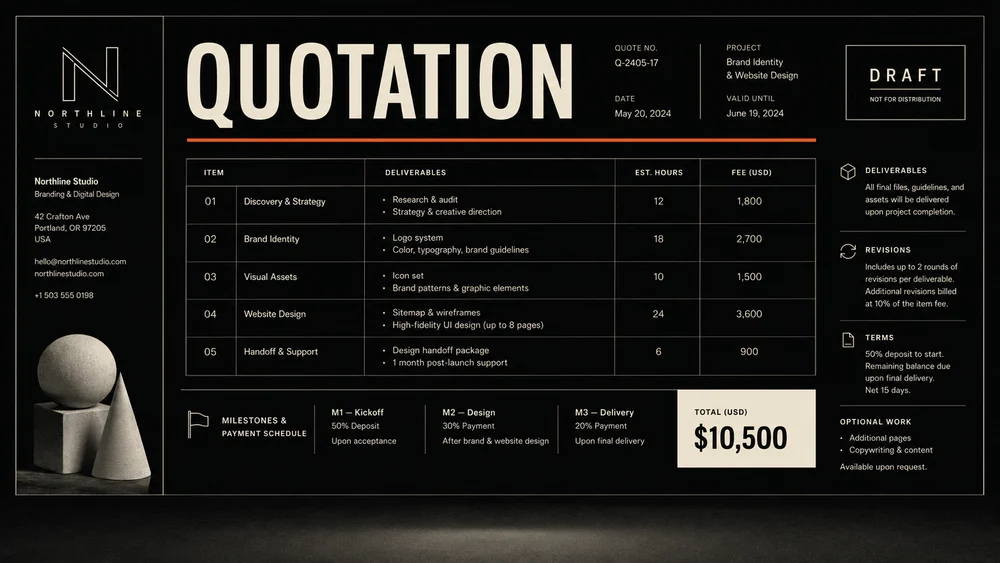
Illustrative quotation drafts show different commercial contexts. Sample names and amounts are fictional; your approved prices remain the source of truth.

Illustrative creative services quote concept for AI Quotation Generator; not a verified customer result.

Keep Price, Scope, and Assumptions Together

Focus the brief, develop the work, and review the details that matter for this task.

Itemized Scope

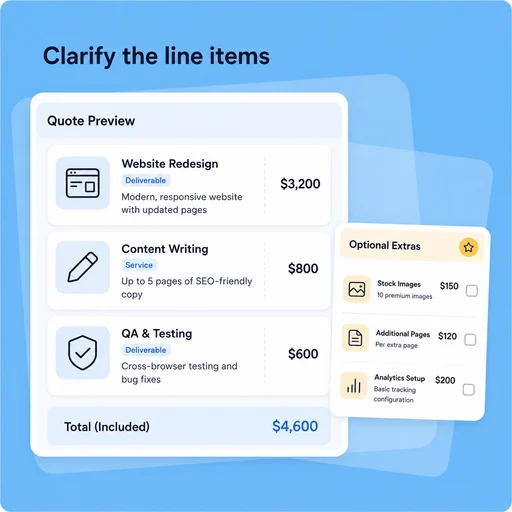
Make Every Line Item Understandable

Connect each charge to a product, service, or deliverable. Separate included work from optional extras so the customer can compare the offer.

Try Now
Illustrative AI Quotation Generator workflow: Make Every Line Item Understandable.

Pricing Discipline

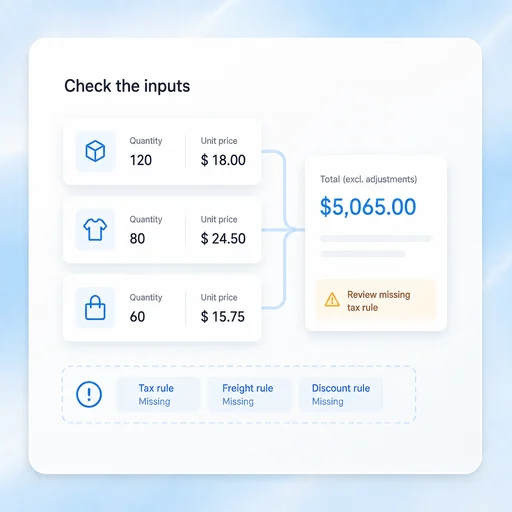
Use Your Approved Rates

Calculate from supplied quantities and prices. Flag missing tax, freight, or discount rules rather than choosing commercial terms on your behalf.

Try Now
Illustrative AI Quotation Generator workflow: Use Your Approved Rates.

Commercial Review

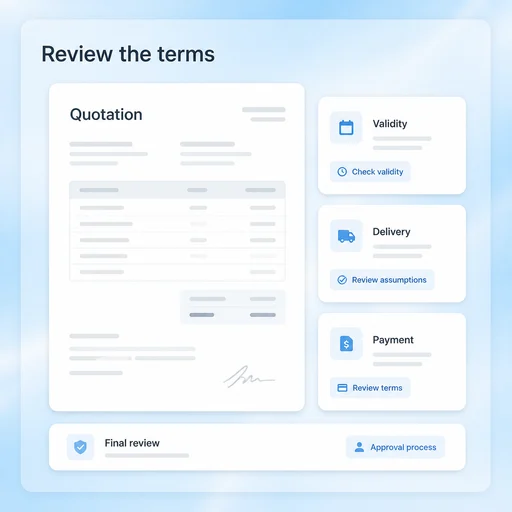
Set Expectations Before Sending

Check validity, delivery assumptions, exclusions, and payment terms. Review the final quotation through your normal approval process.

Try Now
Illustrative AI Quotation Generator workflow: Set Expectations Before Sending.

A More Connected Quotation Generator Workflow

A comparison of working approaches, not a measured performance claim. Review the output before using it.

Working Manually

Scope
Describe the job in an unstructured message
Pricing
Retype calculations across versions
Approval
Review price without the assumptions

With MiniMax Code

Scope
Organize deliverables, inclusions and exclusions
Pricing
Build item totals from supplied quantities and rates
Approval
Review price, validity and terms together

Prepare a Quotation in Four Steps

Start with the right inputs and keep a human review before the final handoff.

  1. Step.01

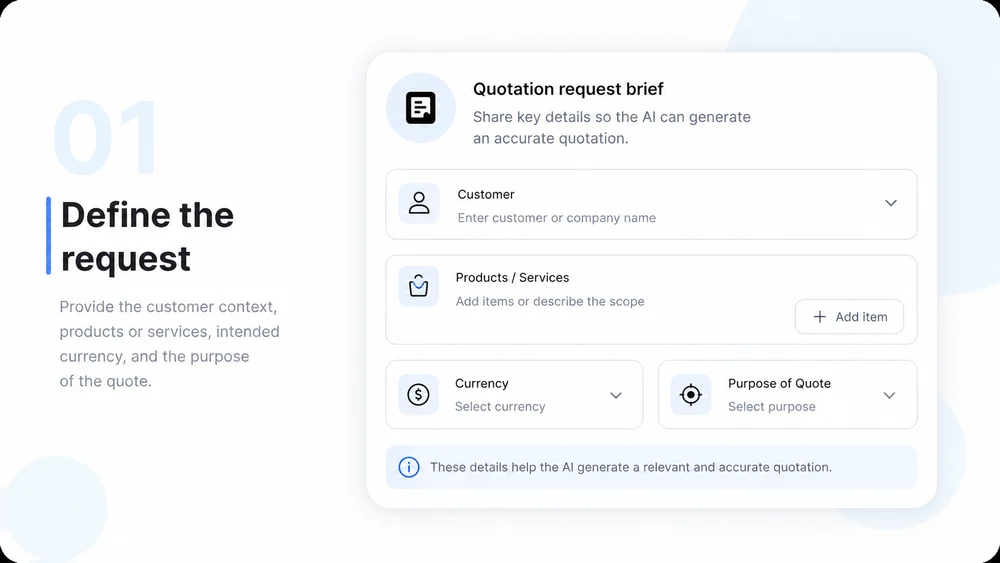
    Describe the Request

    Provide the customer context, products or services, intended currency, and the purpose of the quote.

    Illustrative AI Quotation Generator step 1: Describe the Request.
  2. Step.02

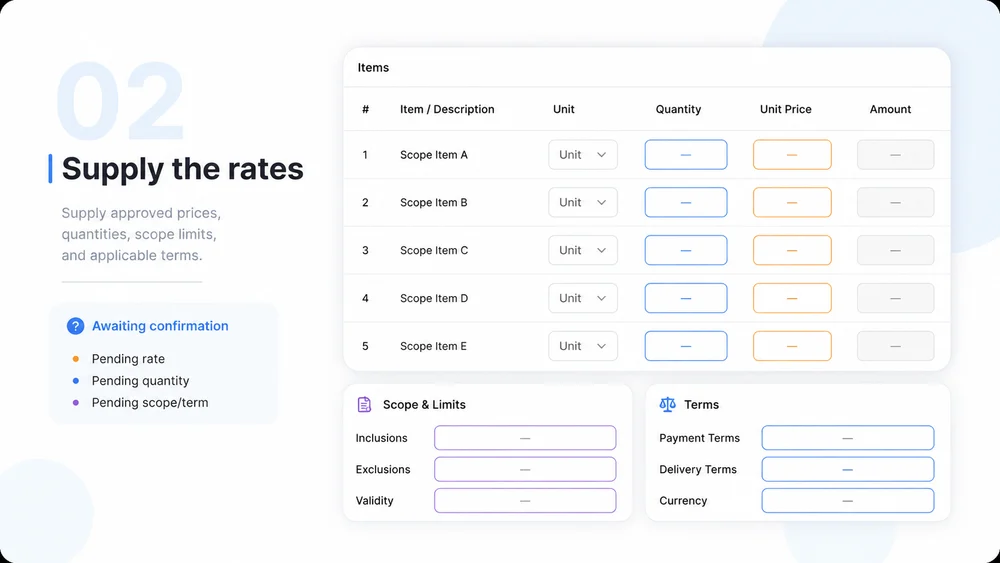
    Add Rates and Quantities

    Supply approved prices, quantities, scope limits, and applicable terms. Identify anything still awaiting confirmation.

    Illustrative AI Quotation Generator step 2: Add Rates and Quantities.
  3. Step.03

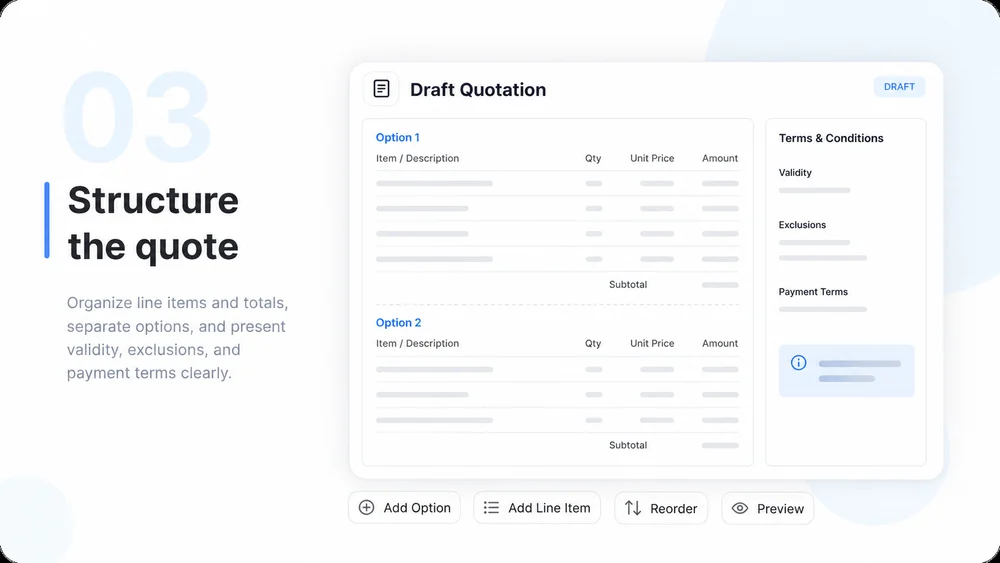
    Build the Draft

    Organize line items and totals, separate options, and present validity, exclusions, and payment terms clearly.

    Illustrative AI Quotation Generator step 3: Build the Draft.
  4. Step.04

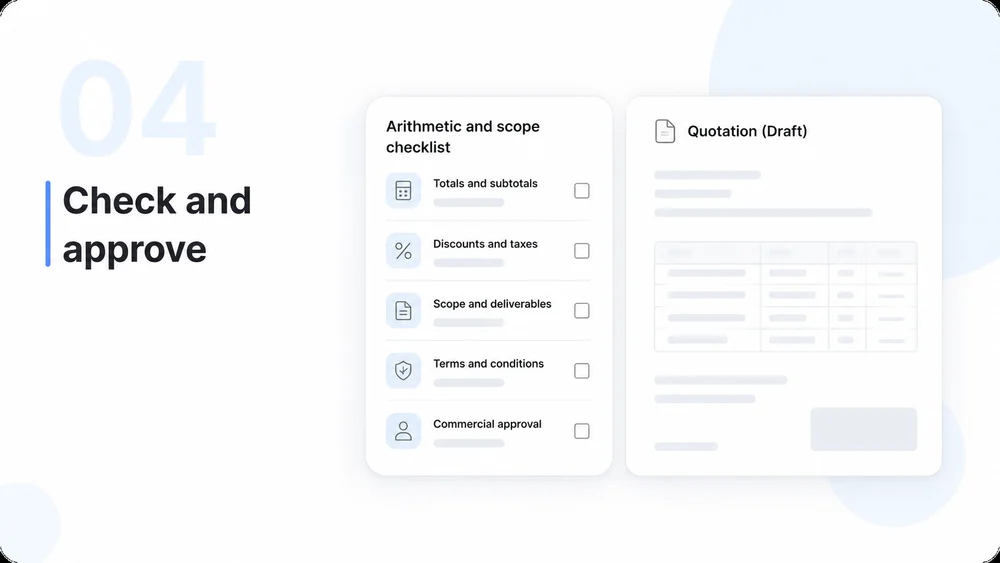
    Approve Before Sending

    Verify arithmetic and scope, obtain commercial approval, and send through your usual customer workflow.

    Illustrative AI Quotation Generator step 4: Approve Before Sending.

AI Quotation Generator FAQs

Practical answers about inputs, scope, review, and where the work happens.

Make Your Next Quotation Easier to Review