AI Web App Builder for Workflows Beyond a Website

Turn a business process into a browser-based application. MiniMax Code helps plan screens, data models, roles, and integrations, then write and test the code for dashboards, portals, and internal tools.

Start Your AI Web App Builder Brief

Choose an example or describe your task, then continue in MiniMax Code.

Sample prompts

Four Browser Apps with Different Jobs to Do

Illustrative application concepts show workflows and data interactions, not just landing-page layouts. Production services require separate setup and review.

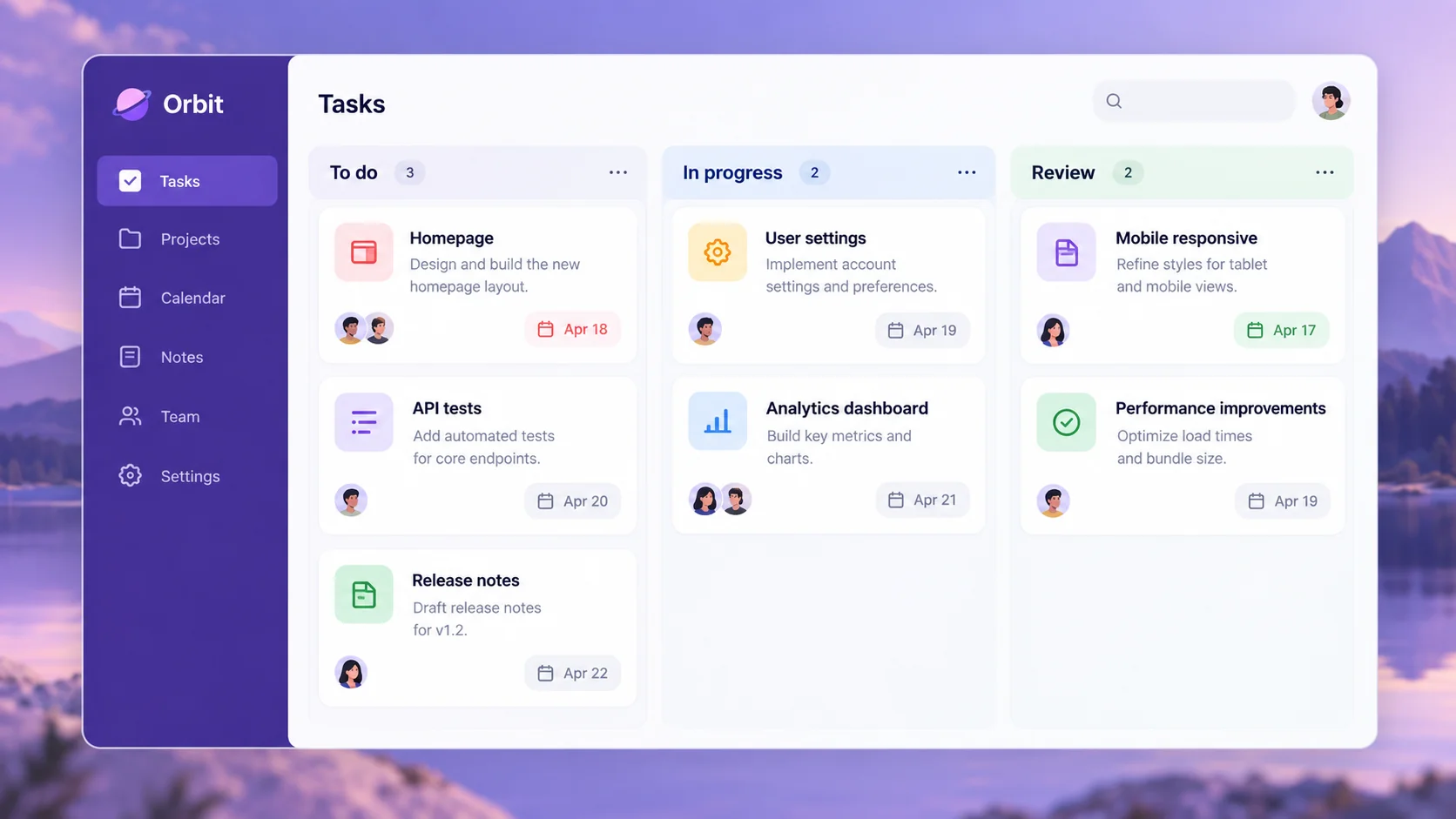
AI Web App Builder: Project Tracker. Illustrative concept, not a verified customer result.

A task board for assigning work, tracking status, and reviewing deadlines across a small team.

Build the Workflow, Data, and Rules Together

An AI web app builder should address how an application works—not only how its first screen looks.

Application Planning

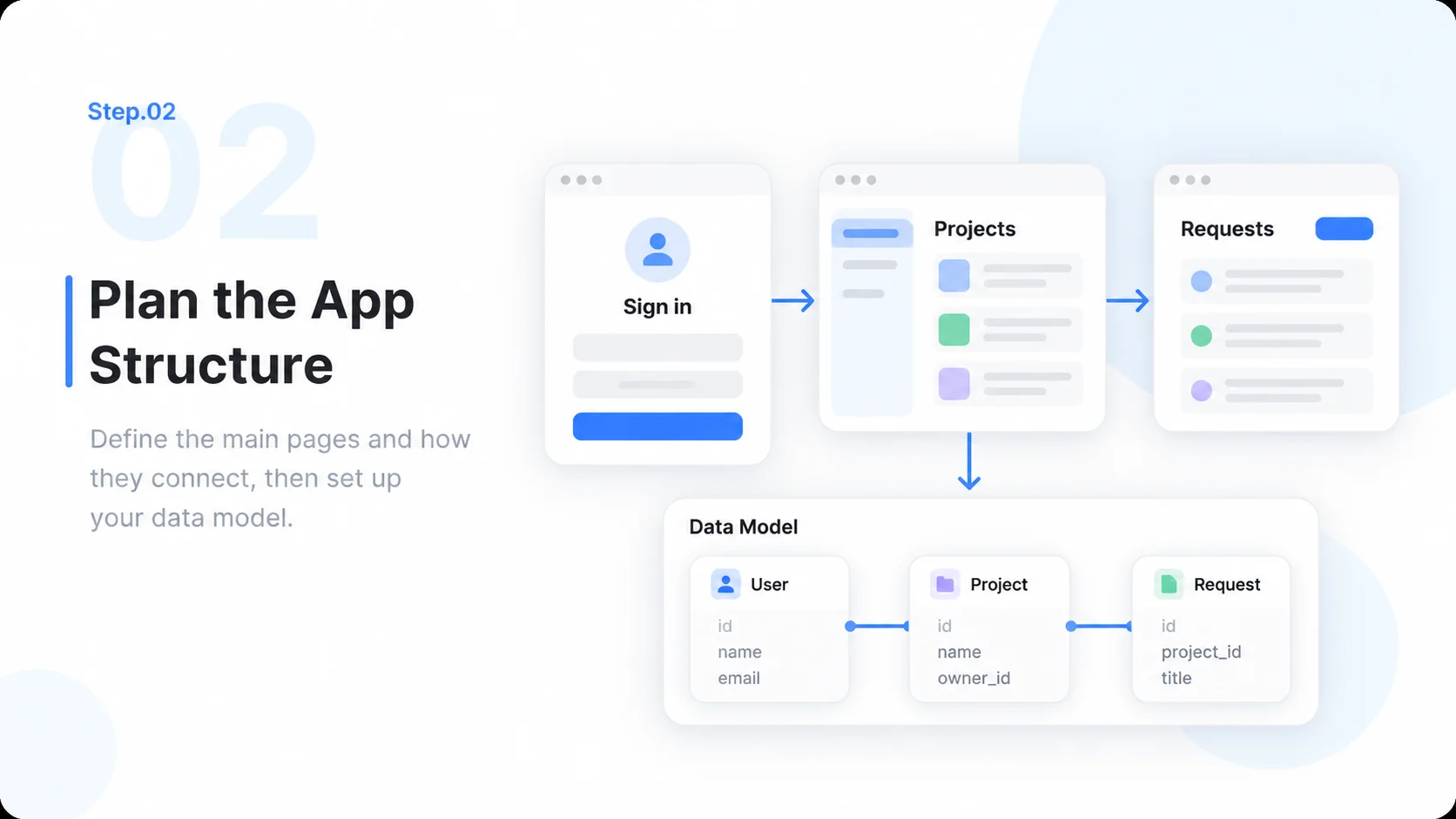
Define Users, Screens, and Data Relationships

Describe who uses the app, what each person may do, and which records support the workflow. MiniMax Code can turn that brief into a screen plan, data model, and implementation tasks. State acceptance criteria for important interactions, including empty, loading, and error states. Start with a small working slice before adding more features.

Try Now
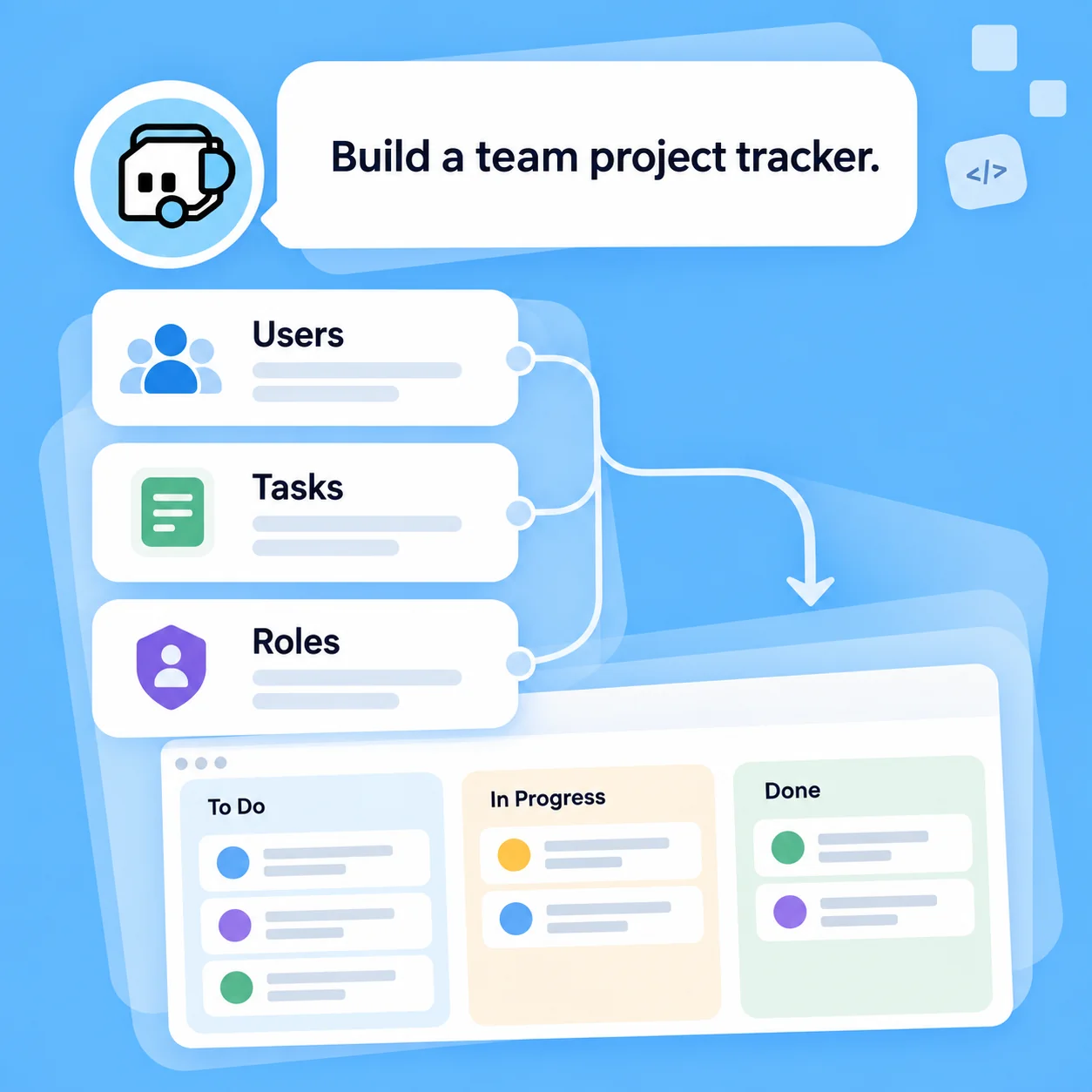
Illustrative AI Web App Builder workflow: Define Users, Screens, and Data Relationships.

Working Implementation

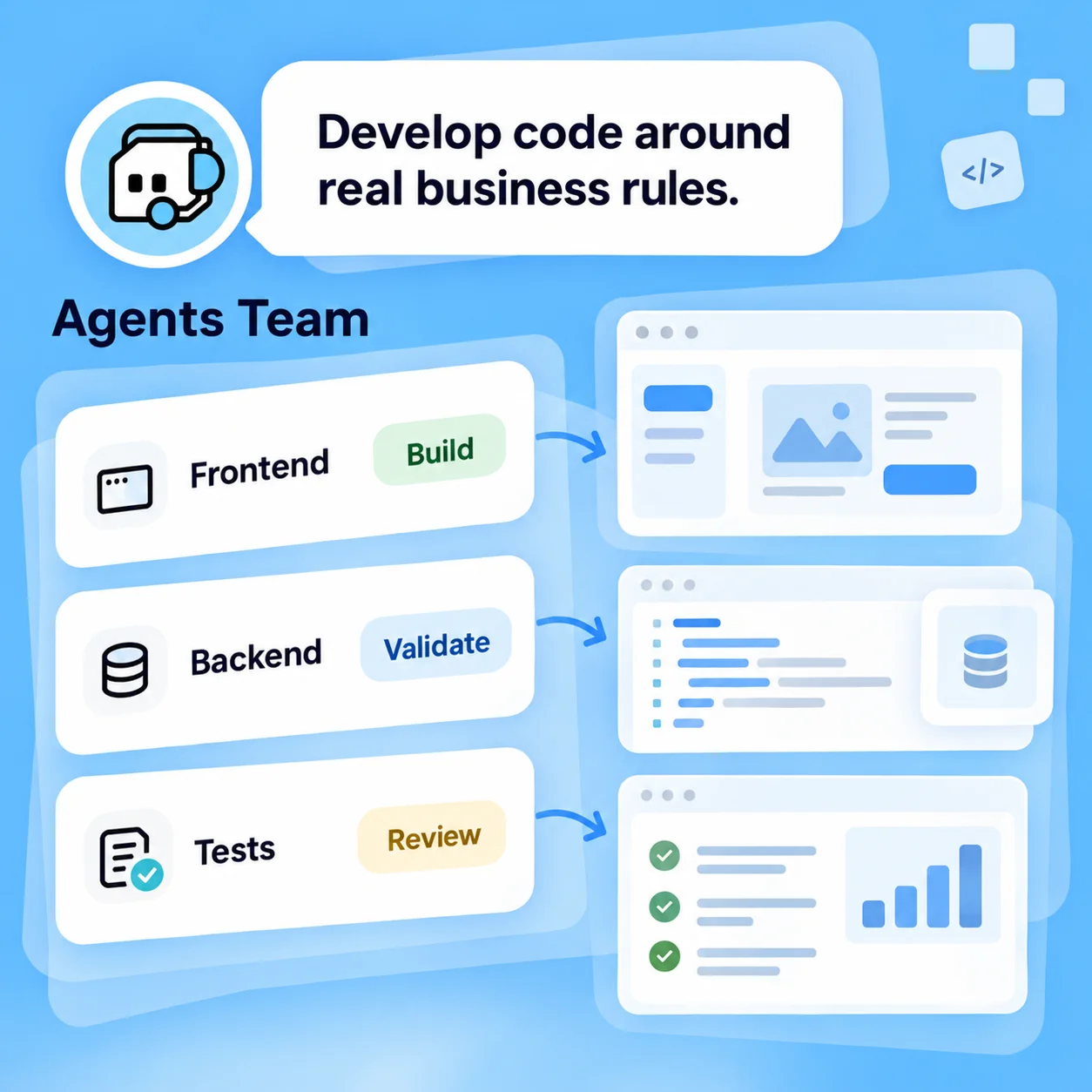
Develop Code Around Real Business Rules

Ask for frontend interactions, backend routes, validation, and tests that fit your chosen stack. Treat login, authorization, database credentials, and third-party integrations as explicit implementation work. Use synthetic data during prototyping, then connect approved services with environment-specific configuration. A polished prototype is not proof that sensitive production data is protected.

Try Now
Illustrative AI Web App Builder workflow: Develop Code Around Real Business Rules.

Iteration and Handoff

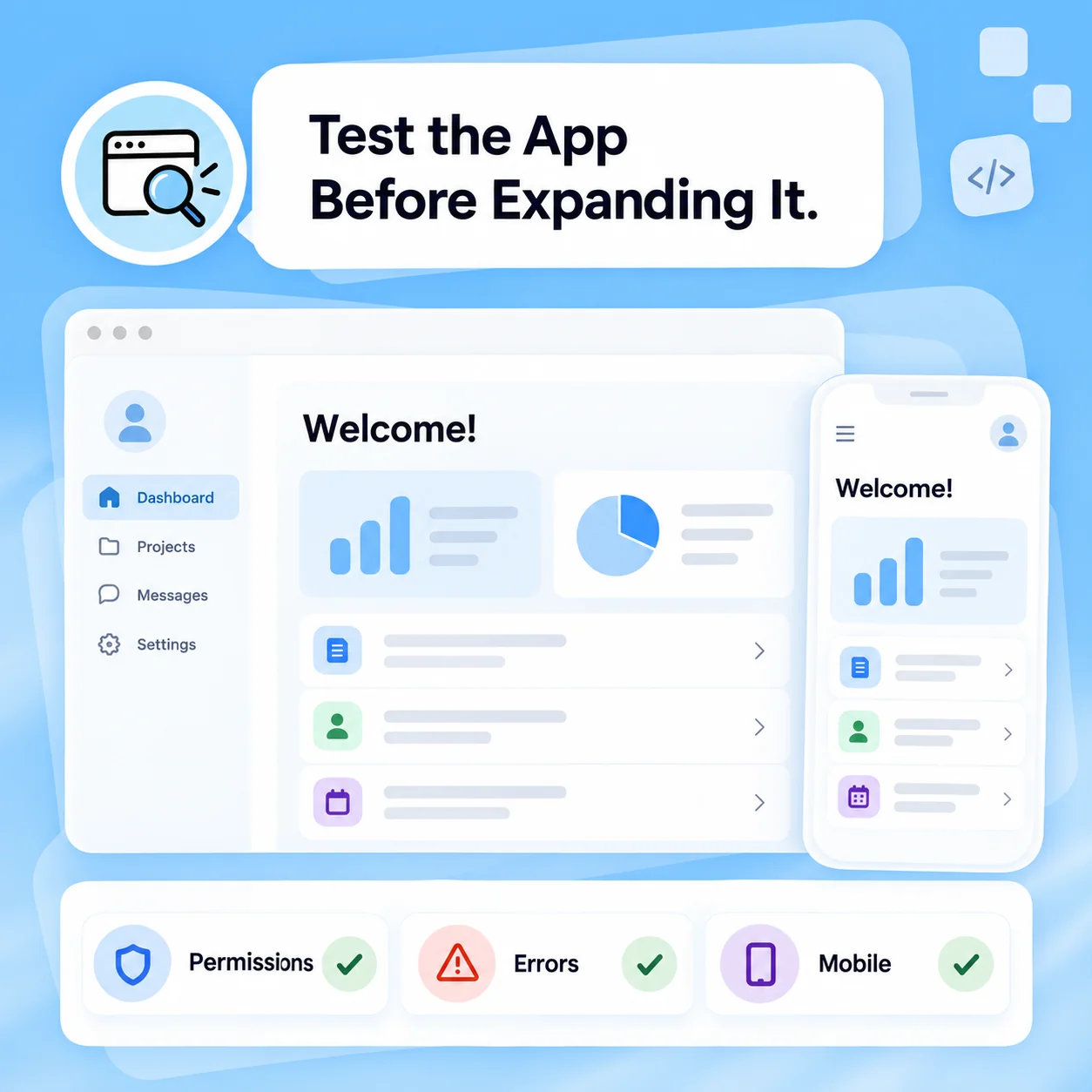
Test the App Before Expanding It

Review the generated source and exercise complete user journeys, not just individual screens. Check permissions, failed requests, conflicting edits, and mobile usability. Refine one behavior at a time and keep the requirements alongside the code. Hosting, migrations, monitoring, and a production security review remain separate steps before real users depend on the app.

Try Now
Illustrative AI Web App Builder workflow: Test the App Before Expanding It.

From Static Screens to Reviewable Application Code

A comparison of workflows, not measured performance. Review facts and outputs before using them.

Working Manually

Scope
Describe screens in separate design and development notes
Prototype data
Build fixtures by hand
Business rules
Implement each validation separately
Iteration
Coordinate UI and backend changes manually
Production readiness
Configure hosting, secrets, and monitoring

With MiniMax Code

Scope
Connect screens, records, roles, and acceptance criteria in one brief
Prototype data
Create clearly labeled sample records for a working slice
Business rules
Draft validation and permission logic with explicit tests
Iteration
Revise the relevant code and recheck the user journey
Production readiness
Prepare the same setup and review tasks; deployment is not automatic

Build a Web Application in Four Steps

Prepare a focused brief, work in MiniMax Code, and review the result before the final handoff.

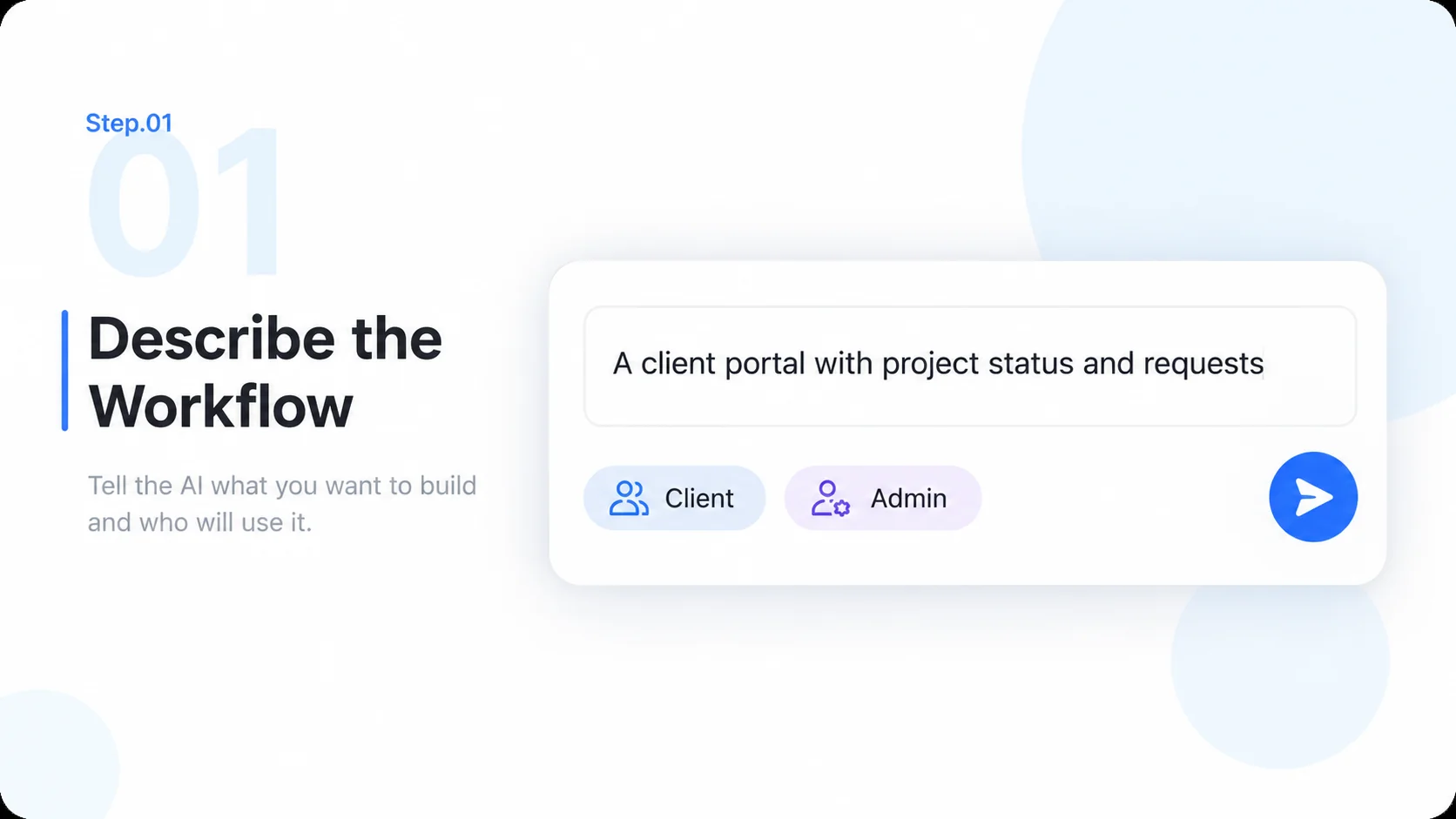
  1. Step.01

    Describe the Workflow

    Define the users, task, data, and must-have screens. Name the stack or ask for a proposal that explains the tradeoffs.

    Illustrative AI Web App Builder step 1: Describe the Workflow.
  2. Step.02

    Plan the App Structure

    Review the screen map, record relationships, roles, and acceptance criteria before implementation grows.

    Illustrative AI Web App Builder step 2: Plan the App Structure.
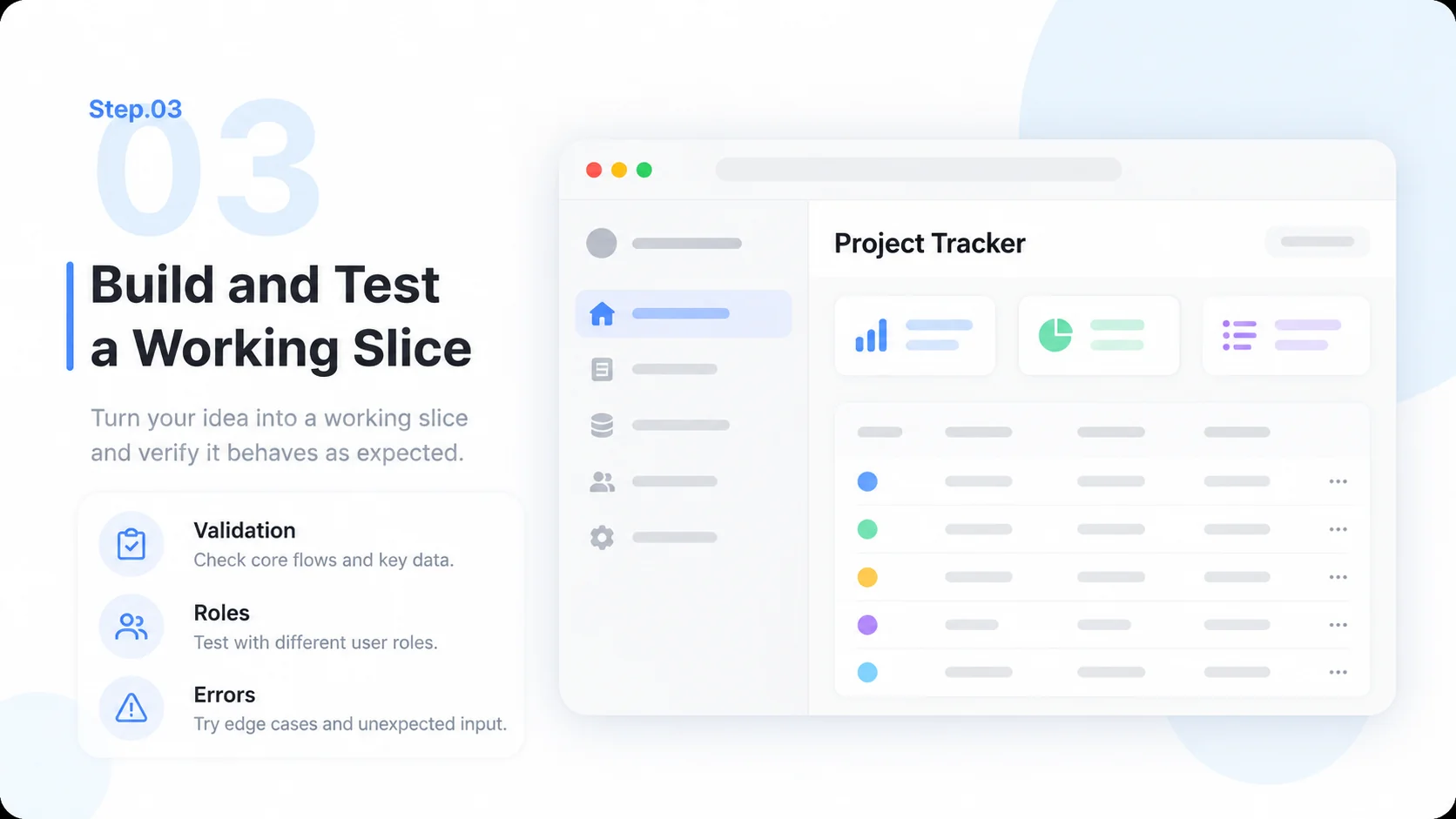
  3. Step.03

    Build and Test a Working Slice

    Generate the code, preview it with sample data, and check validation, permissions, and error handling for a complete journey.

    Illustrative AI Web App Builder step 3: Build and Test a Working Slice.
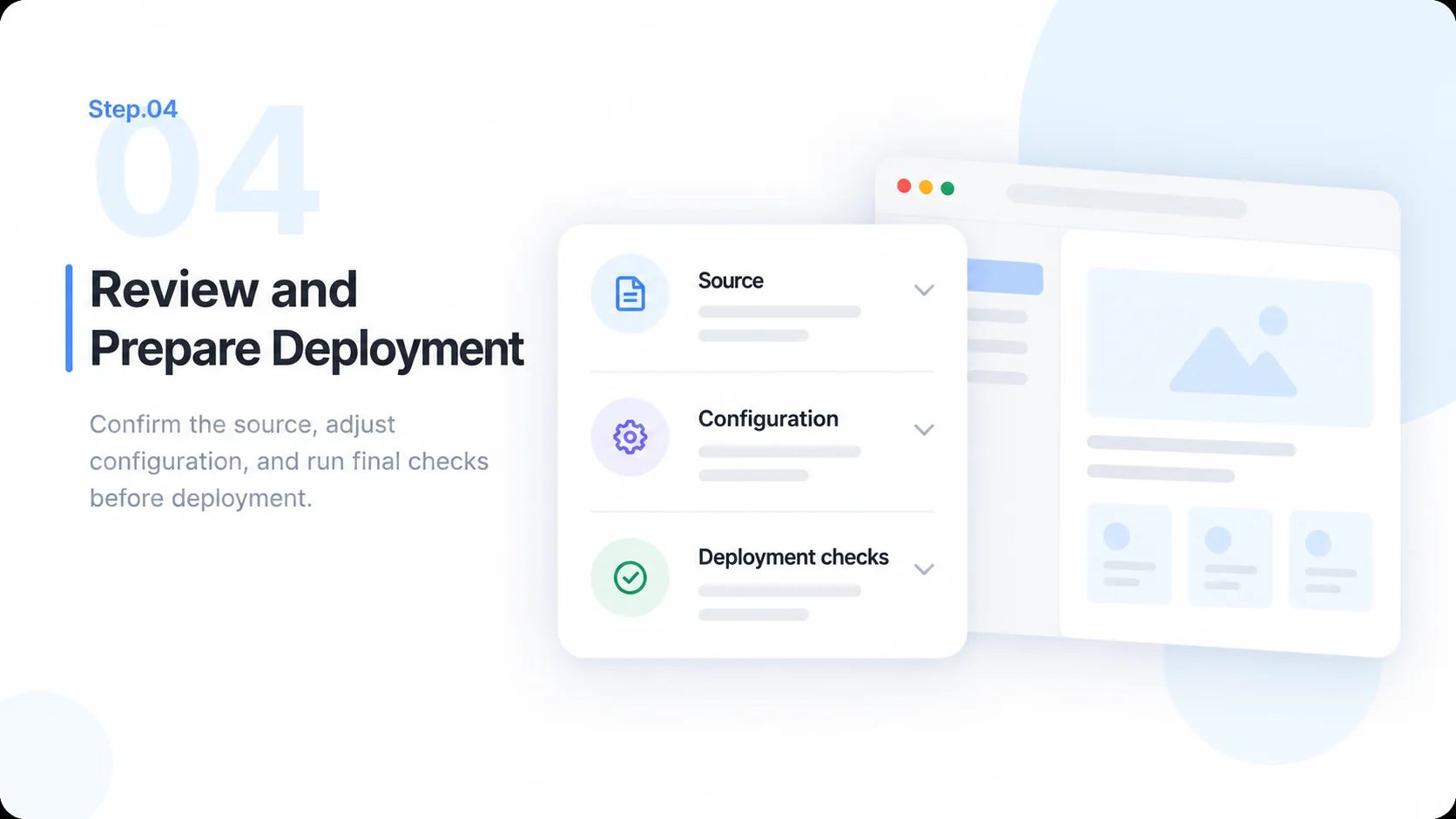
  4. Step.04

    Review and Prepare Deployment

    Inspect the source, configure approved services, verify mobile behavior, and prepare hosting and production checks before launch.

    Illustrative AI Web App Builder step 4: Review and Prepare Deployment.

AI Web App Builder FAQs

Practical answers about inputs, scope, product workflow, and review.

Turn Your Business Workflow into a Testable App