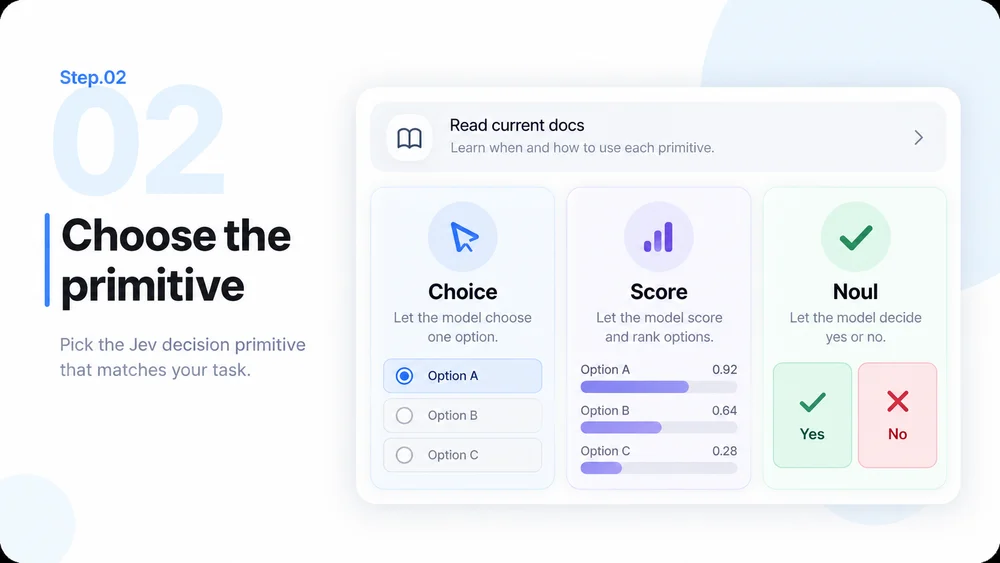
Choice
Choice: route to a defined option
Select a team, category or handler from options you define. Ask MiniMax Code to add an other route and a review queue so an incomplete label set does not silently force a match.
Try Jev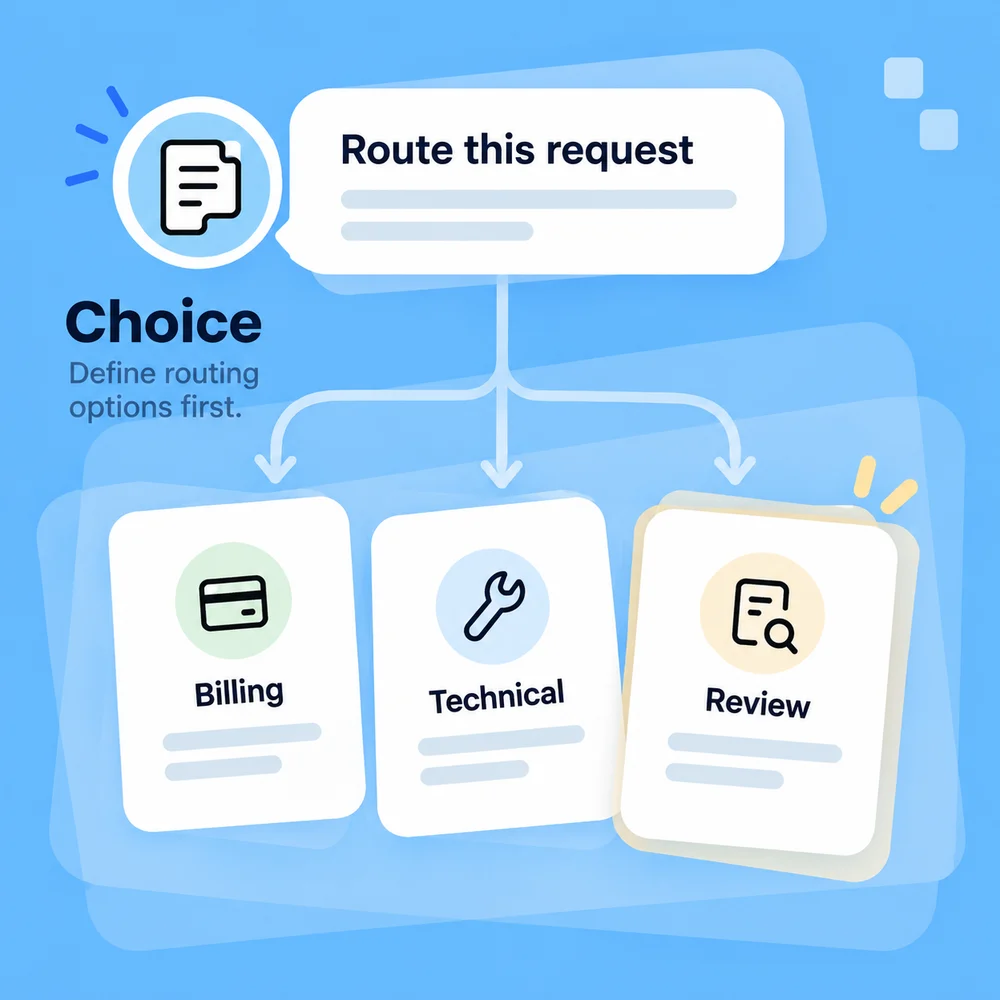
Turn natural-language inputs into decisions your code can use. Build with the TypeSafe / Jev plugin in MiniMax Code for ticket routing, document ranking, value selection and evidence checks.
Choose a starting prompt, adapt it to your project, and continue in MiniMax Code.
Workflow starters
Choose a workflow
From ticket routing to evidence checks, choose a starting point for your project in MiniMax Code. Images are illustrative concepts, not verified execution results.
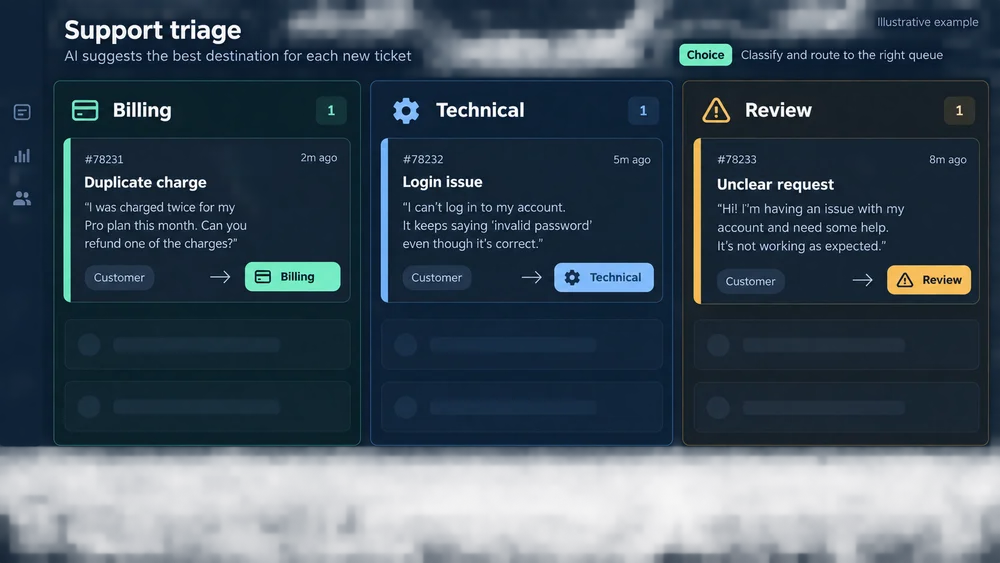
Use Choice to route requests to defined queues. Keep the original ticket and send ambiguous cases to a reviewer.
Jev is TypeSafe AI's System One model: it returns bounded judgments, not prose. Ask MiniMax Code to compose those judgments into your application.
Choice
Select a team, category or handler from options you define. Ask MiniMax Code to add an other route and a review queue so an incomplete label set does not silently force a match.
Try JevScore
Judge relevance or priority on described, ordered levels. Keep weights and sorting in code so you can change product priorities without redesigning the entire workflow.
Try Jev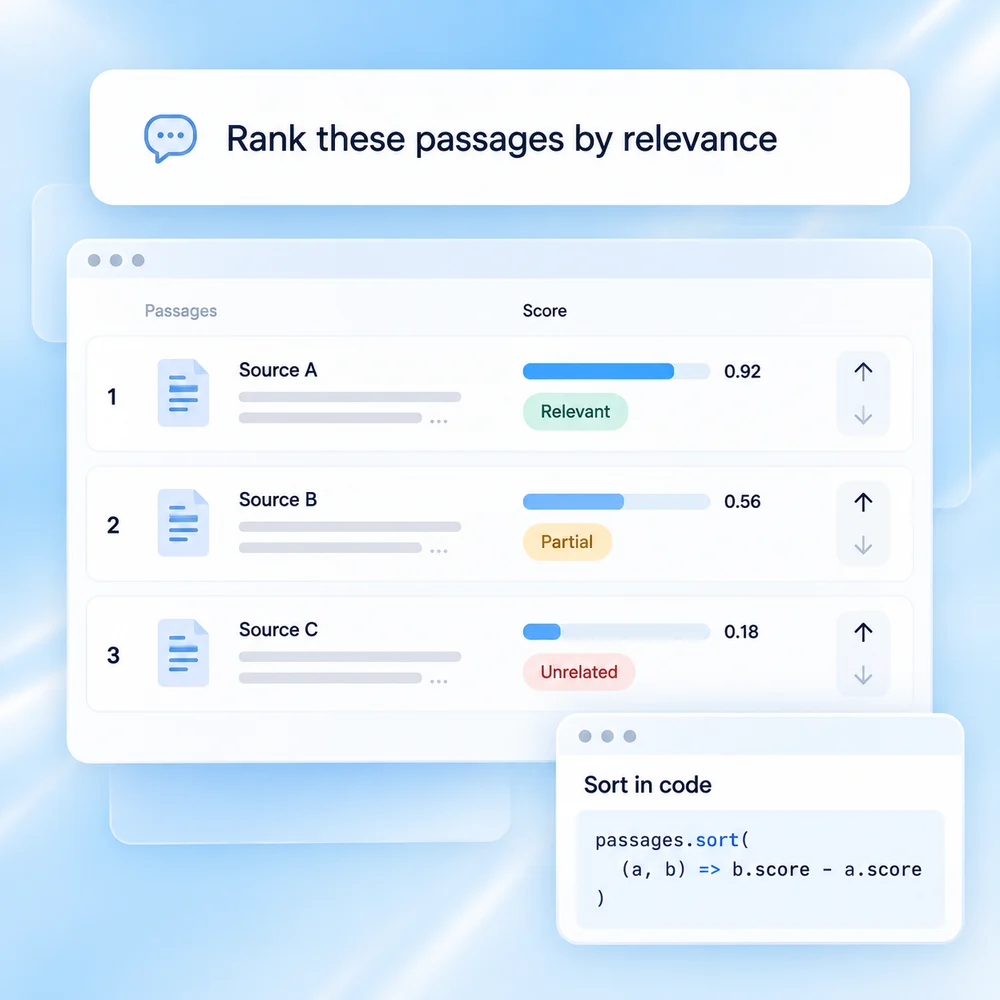
Noul
Get a probability for a yes-or-no question, such as whether a source supports a claim. Use domain-tested rules to flag uncertain cases; a probability is not permission to publish or execute an action.
Try Jev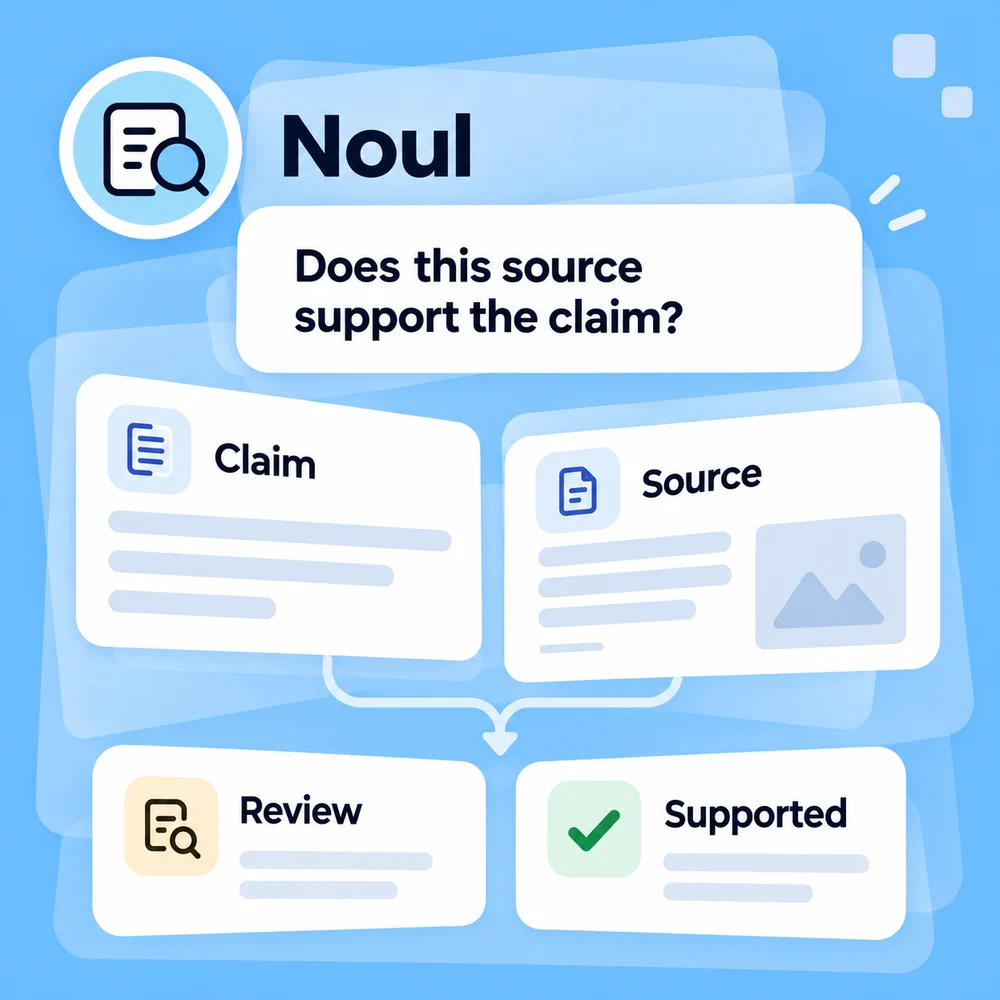
Jev and MiniMax Code have different jobs. Keep generation, decisions and execution boundaries explicit.
Use the Jev skill in MiniMax Code to move from a clear task to a tested integration. Live TypeSafe API calls require separate access.
Provide sample inputs, allowed outcomes and review requirements. The launcher passes your task with a Jev skill instruction to MiniMax Code; confirm the skill or plugin in the main app before live use.
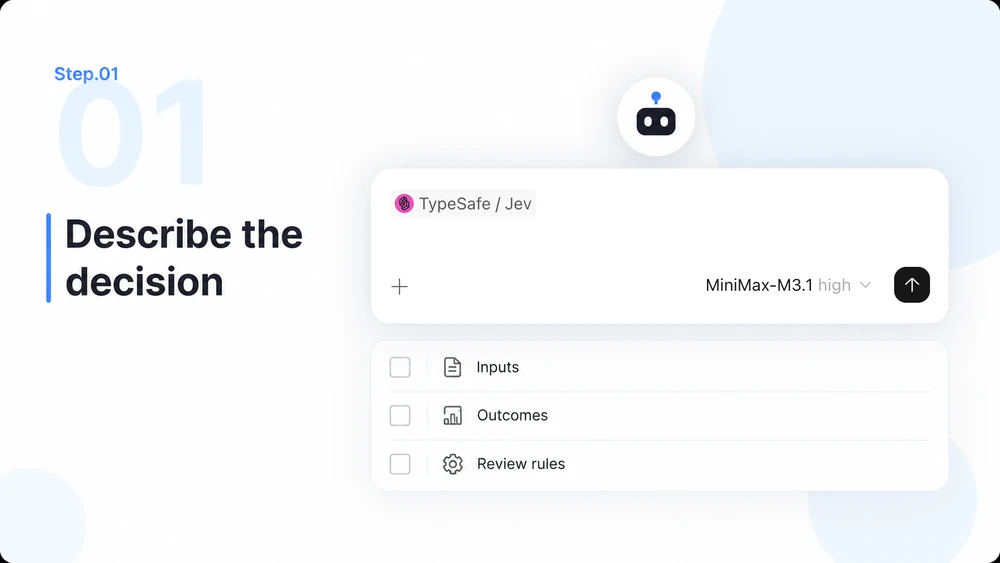
Ask MiniMax Code to read the current docs. Use Choice for categories, Score for ordered ratings and Noul for focused yes-or-no questions. Keep exact rules in code.
Implement with the official JavaScript/TypeScript or Python SDK, using synthetic fixtures and mocks first. Keep API credentials server-side when you authorize live calls.
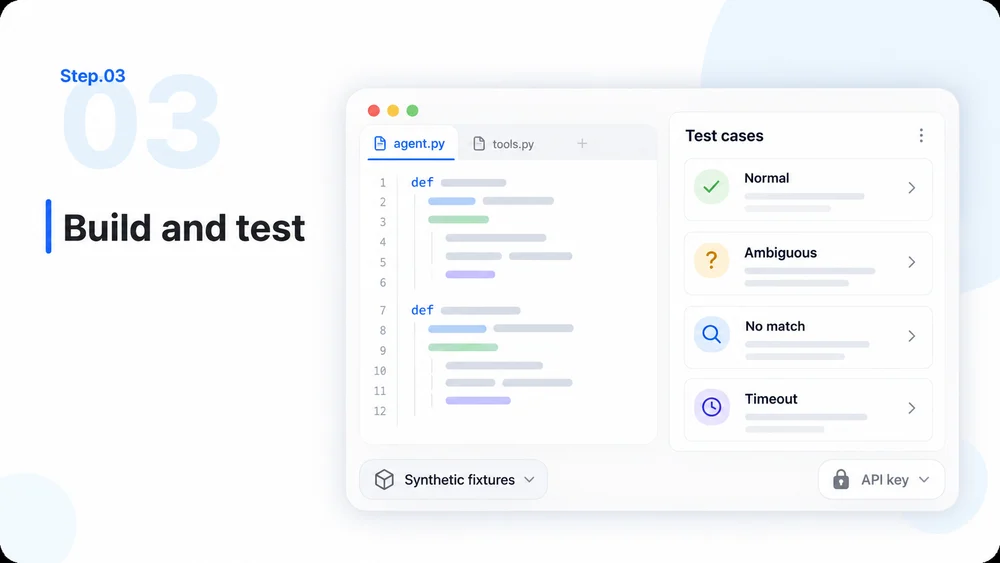
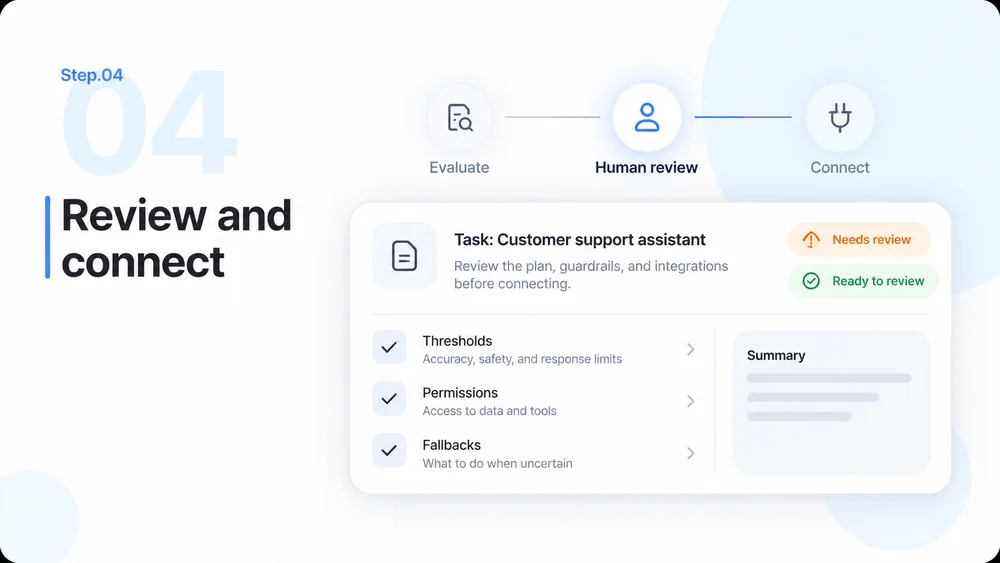
Evaluate normal, ambiguous, no-match and timeout cases. Tune thresholds, permissions and fallbacks before connecting downstream actions, with human approval where needed.
Model basics, plugin setup and practical integration boundaries.