

BYOK stands for “bring your own key.” It lets you connect a model provider using your own API key, choose a preset provider or manually configure a compatible service, and then select those models from the MiniMax Code model menu.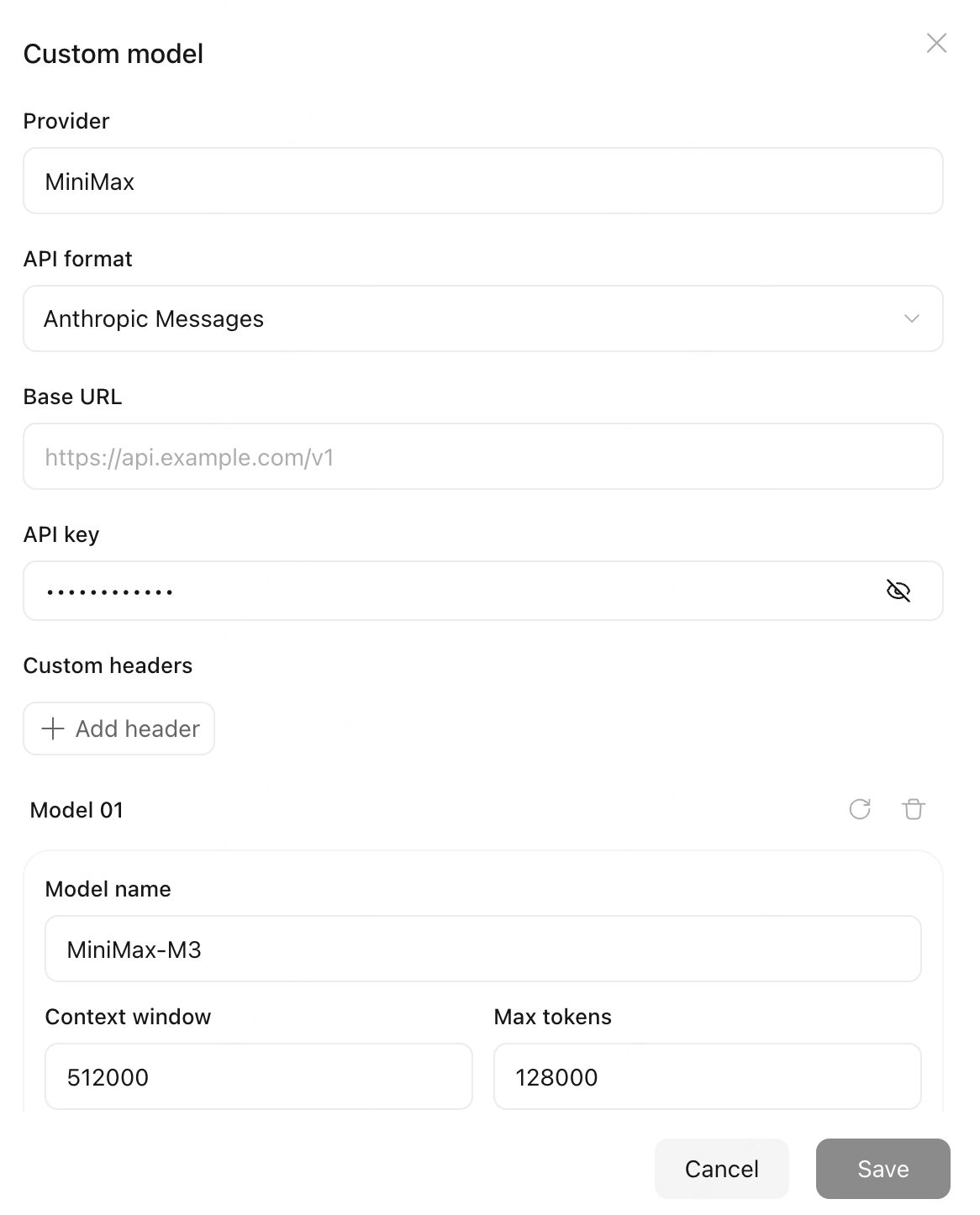
Add a Provider
1
Open custom models
Go to Settings → Usage & model, then select Add model under Custom model.
2
Choose a preset or other provider
Search for a preset provider, select it, and enter your API key. The preset supplies the base URL, API format, and model configuration. If your provider is not listed, select Others and enter the provider name, base URL, API key, and API format.
3
Add models
Enter a model ID, or select Fetch to choose models from the provider’s list. The model ID must match the ID in the provider’s documentation.
4
Save and switch
Select Save. Return to the message box and choose the newly added model from the model menu. For models that support thinking settings, you can also adjust them in the parameters menu.