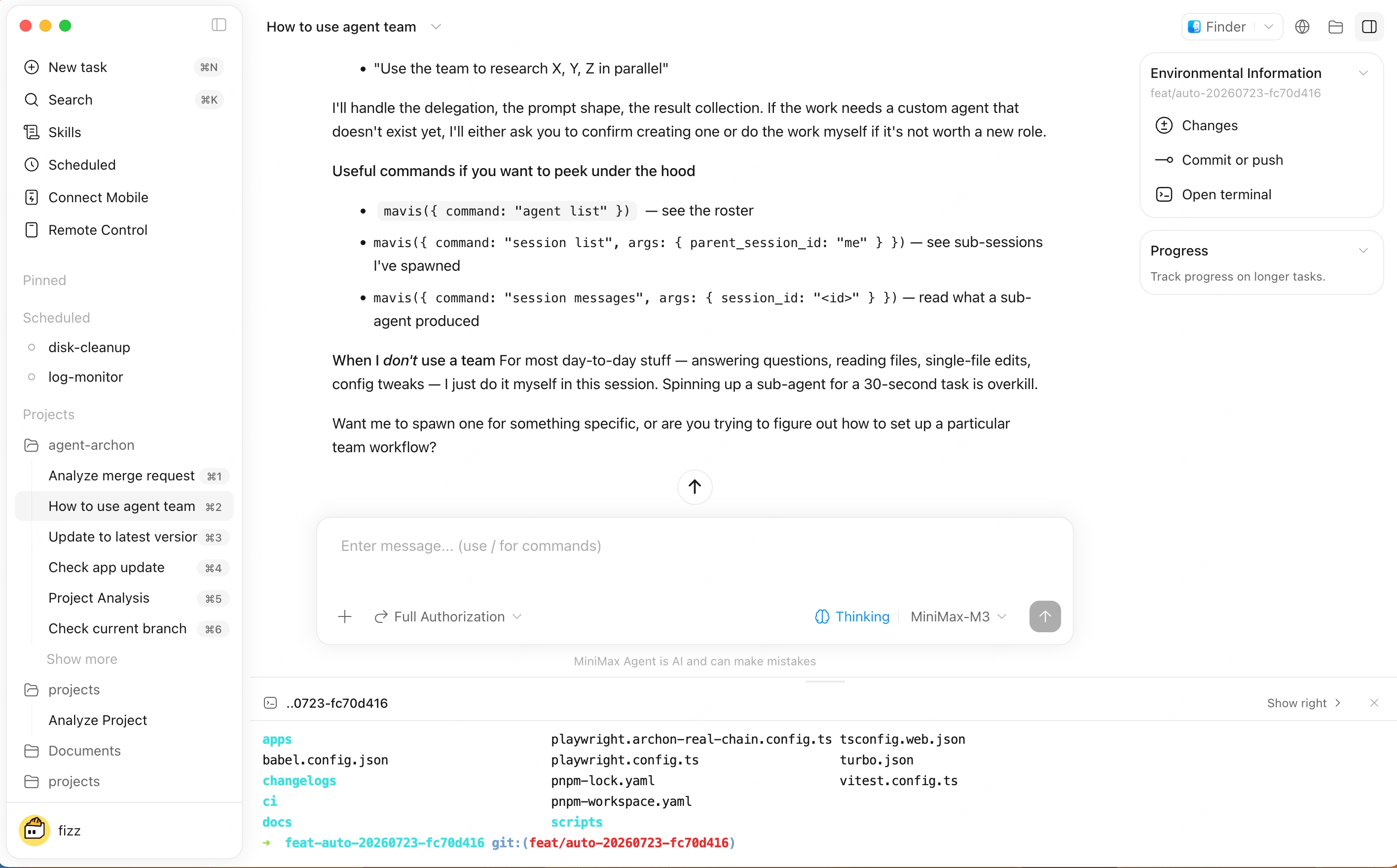
Browse task-related files and deliverables, then open or preview generated outputs.On Windows desktop, Files can also preview DOCX, XLSX, and PPTX files directly, so you can review conversation attachments and local files without leaving the app.Supported file previews also switch to source faster, and common formats like markdown, SVG, and LaTeX are easier to inspect.