

Memory helps the Agent reuse your preferences and project experience in future tasks, reducing repeated context. In the desktop app, you can manage the memories stored on your computer and choose whether each conversation can use existing memories or contribute to new ones.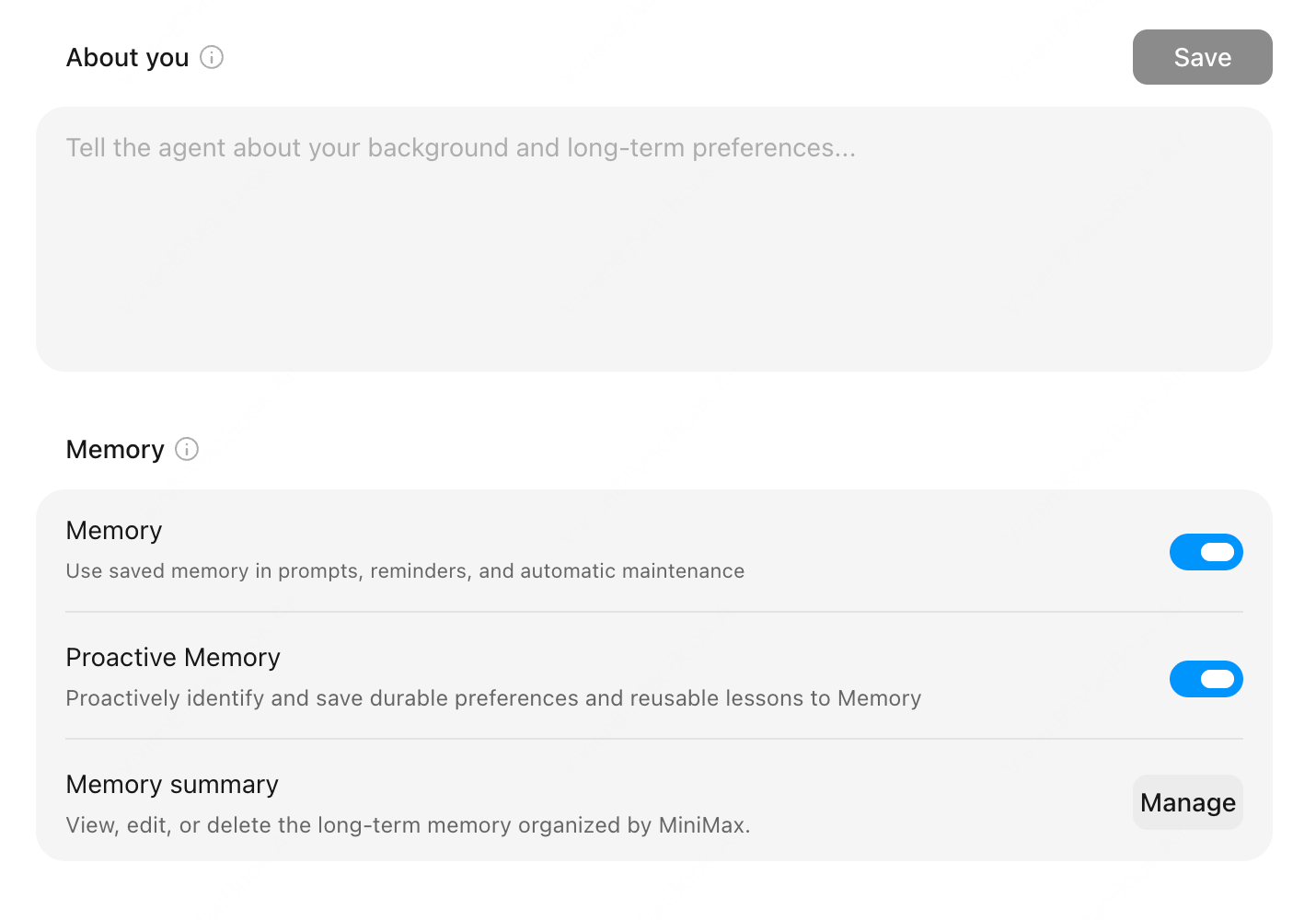
Proactive Memory
MiniMax Code can proactively identify information that will remain useful in later work, such as communication preferences, work habits, project conventions, and problem-solving experience. When related tasks appear later, the Agent can call on those memories as needed to reduce repeated explanations and corrections.Manage Memory Settings
Go to Settings → Personalization and adjust the following options under Memory:When Memory is off, you cannot change the Proactive Memory setting, and memory settings are hidden in conversations. Turning memory off does not delete saved memories.
View and Edit Your Memory Summary
1
Open the memory summary
Go to Settings → Personalization → Memory summary and select Manage.
2
Review long-term memory
Check the summarized long-term memory and its latest update time.
3
Edit and save
Edit the summary directly, then select Save. To clear it, use the more menu and choose Delete memory.
Conversation-Level Memory
Type/memory in the message box to open memory settings for the current conversation:These settings control two separate things: whether the conversation draws on past memories, and whether it can contribute to future memories. To keep a conversation independent of both, turn off both options before you start.
What Belongs in Memory
- Communication preferences and output formats
- Project conventions
- Debugging experience and workflows
- Long-term information for a specific Agent or project
What Does Not Belong in Memory
- One-off task state
- Temporary logs
- Secrets
- Implementation details that are likely to expire
Memory is for long-term collaboration quality. It is not a replacement for project documentation or a place to store secrets.