

Scheduled tasks are useful for daily reports, weekly summaries, recurring checks, information collection, and other repeated work.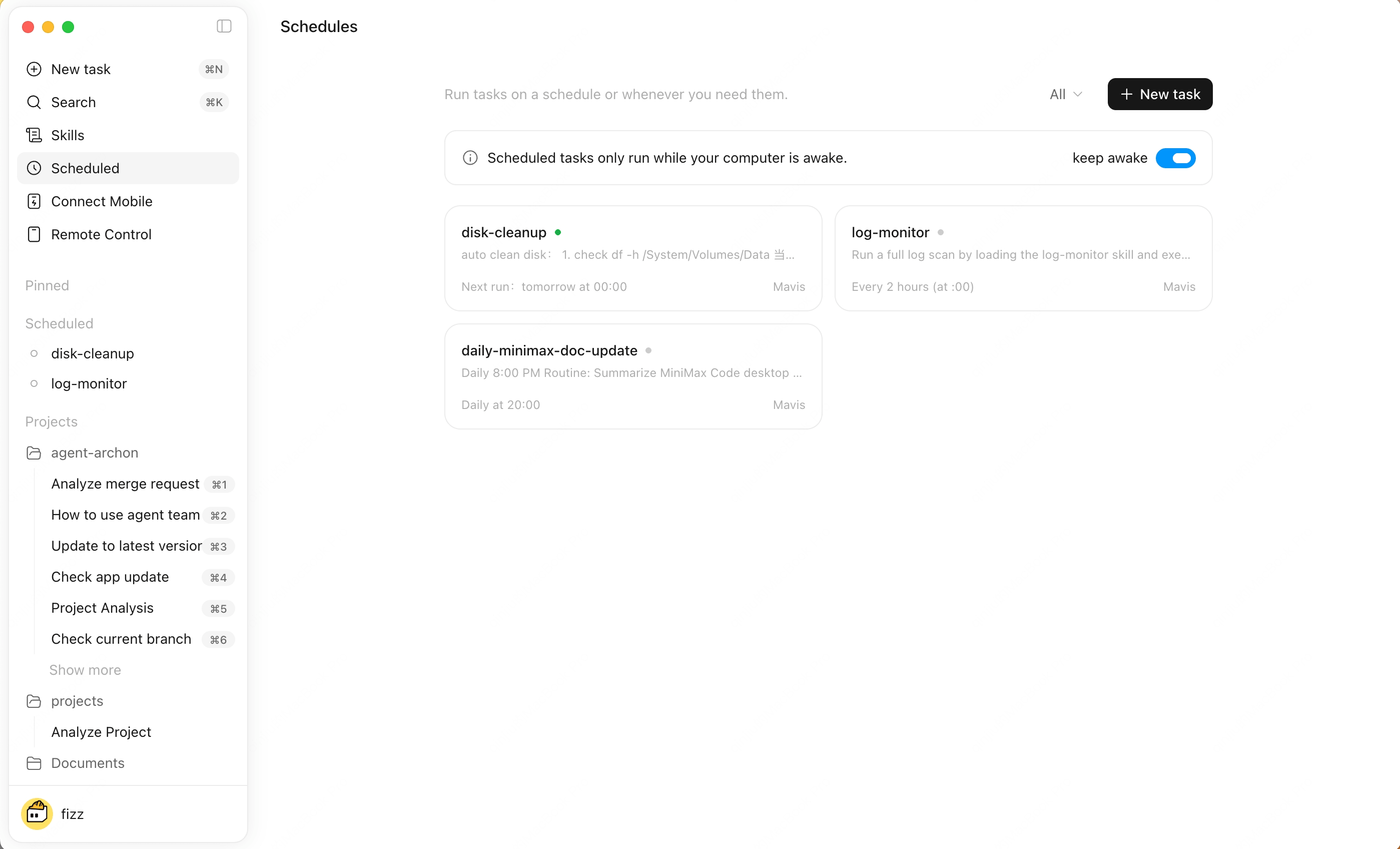
Create a Schedule
1
Open Scheduled Tasks
Use the Scheduled Tasks entry in the sidebar.
2
Fill in task details
Set the name, instruction, Agent, timing, and conversation mode.
3
Save and enable
The task runs on schedule. You can also trigger it immediately.