

MiniMax Code is a desktop AI Agent app that brings chat, project context, file operations, terminal sessions, browser previews, skills, memory, and automation into one local workspace.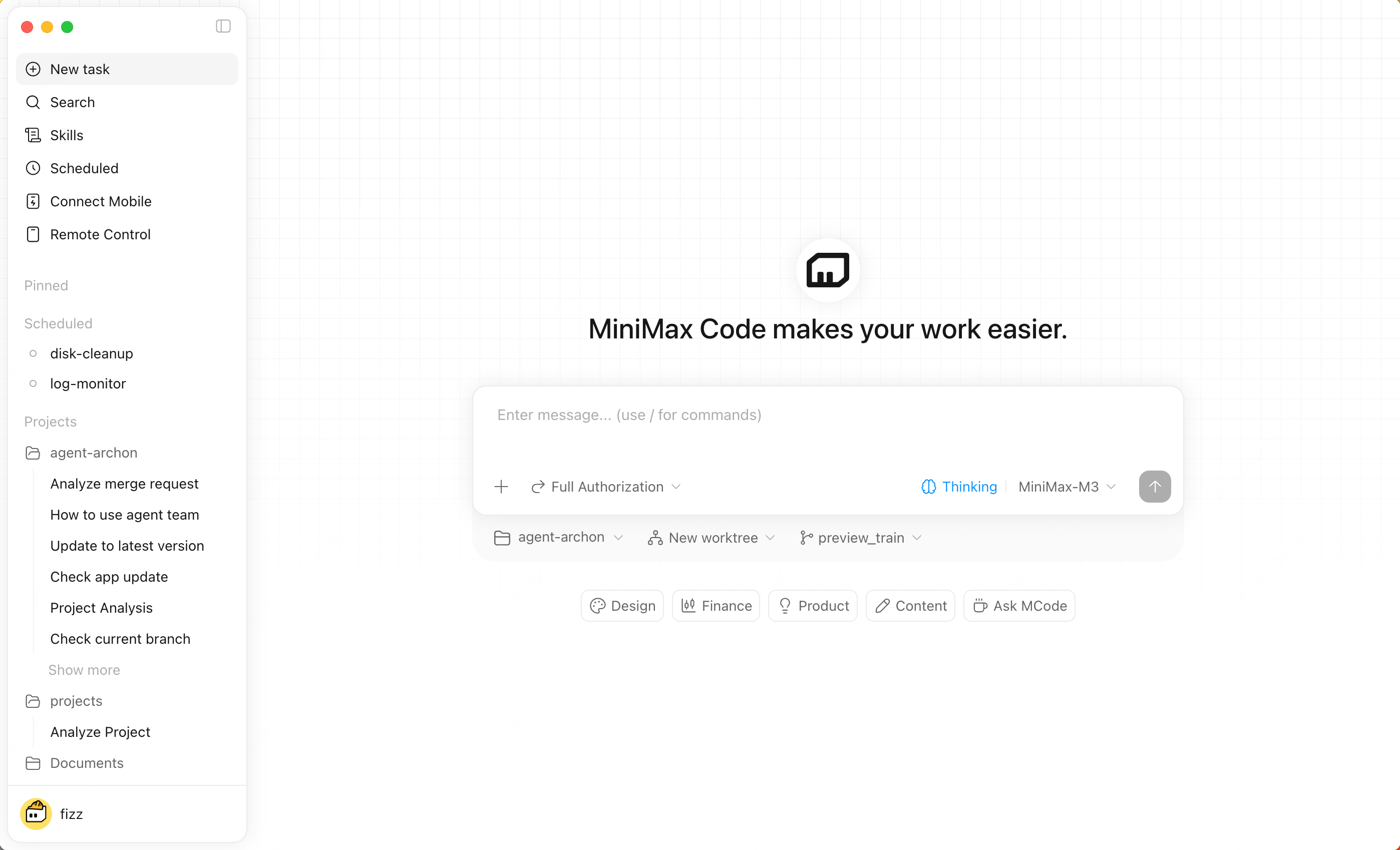

What You Can Do
Build with local projects
Attach a workspace, let the Agent read project context, run commands, inspect changes, and debug pages in the built-in browser.
Handle complex work
Use Agent Team to break down multi-step tasks, delegate work, verify results, and keep progress moving.
Automate routines
Schedule recurring tasks and let MiniMax Code run them while your desktop app is awake.
Stay connected remotely
Use Remote Control or messaging integrations to check progress, add instructions, and approve permission requests from your phone.
Core Features
Next Steps
1
Install the desktop app
Download MiniMax Code for your operating system and sign in.
2
Create your first task
Start from the home composer, optionally attaching a local project workspace.
3
Choose the right mode
Use Coding for development and debugging. Use Work for research, documents, and everyday workflows.
Join the Community
Discord
Join the MiniMax Code Discord community for product updates, usage discussions, and feedback support.