

The built-in browser lets the Agent work with web pages and local HTML artifacts in the same task where code changes happen.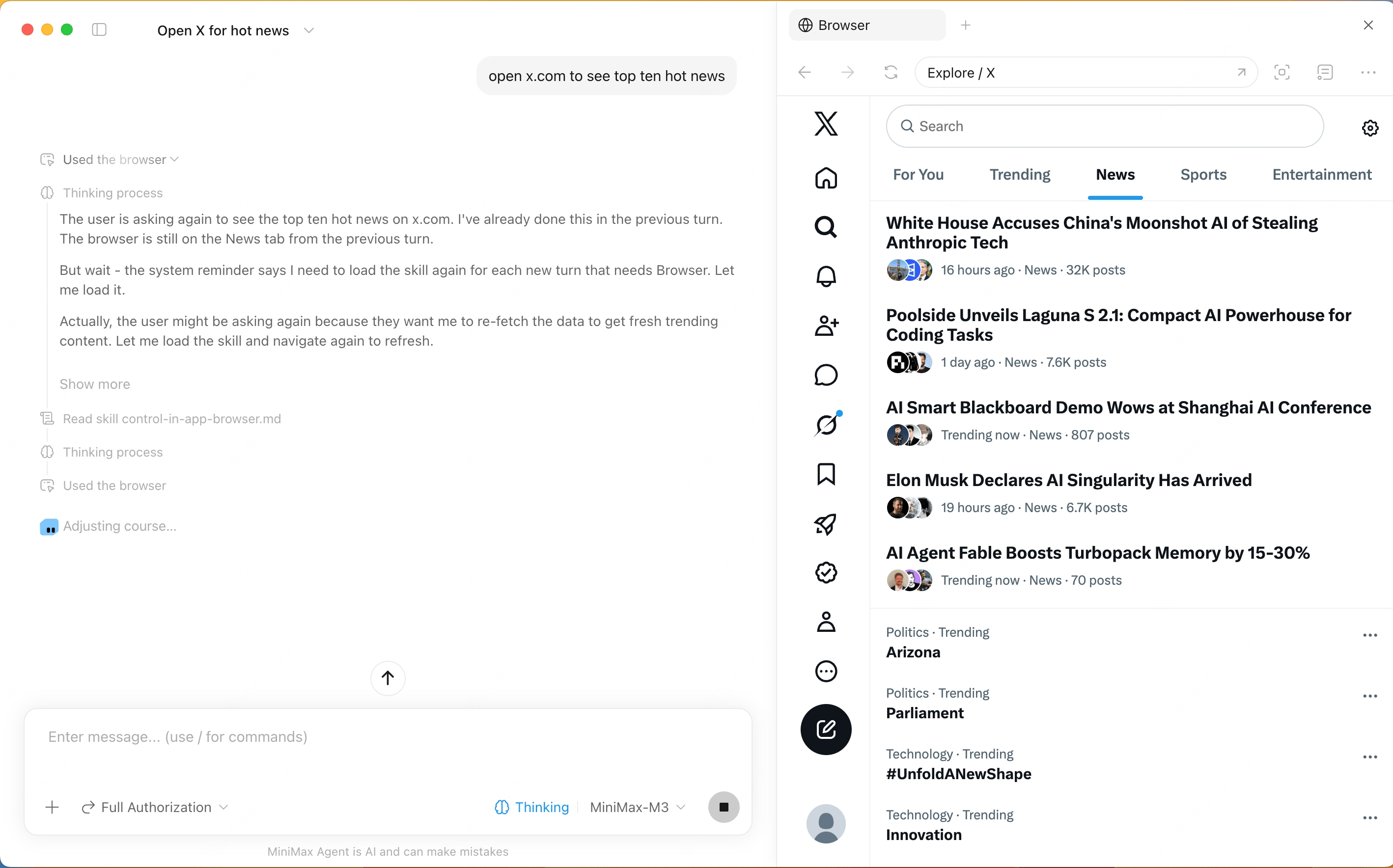
Browser Use Updates
- Browser Use 2.0 adds multi-tab support. The Agent can open, keep, and switch between multiple pages in the same task, which helps when moving between search results, detail pages, signed-in pages, or multiple sources.
- The built-in Browser now includes a mobile preview mode for checking different screen sizes
- Agent actions on web pages now show a visible cursor and movement trail, making execution easier to follow
- You can choose the built-in Browser or the system default browser separately for regular web pages and local development pages, and the preference is saved automatically
What It Supports
- Open web pages and local HTML artifacts
- Preview pages generated by the Agent
- Inspect page state and help locate issues
- Keep code editing and page validation in one workflow
- Keep multiple web pages open in the same task and switch tabs as needed