

MiniMax Code provides two modes with the same underlying Agent capabilities but different interface focus.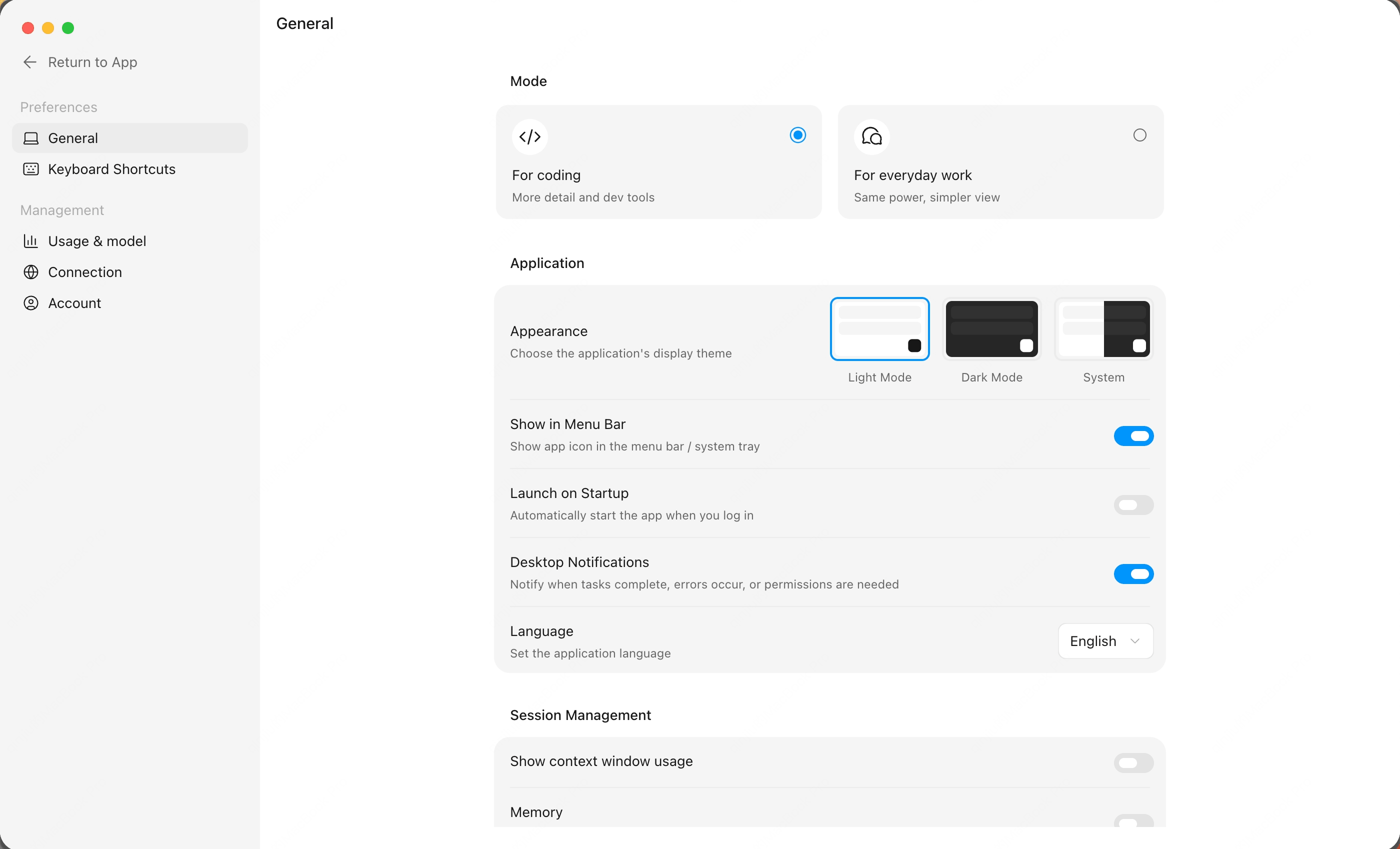
Coding Mode
Coding mode is designed for development tasks. It keeps project context, files, changes, terminal, and browser tools close at hand.Use it for:- Building features
- Fixing bugs
- Running tests and scripts
- Reviewing diffs
- Debugging web pages or generated HTML
Work Mode
Work mode is designed for tasks where you care more about progress and deliverables than development details.Use it for:- Document work
- Research
- Spreadsheet processing
- Content creation
- Everyday automation