

A task is the basic unit of collaboration in MiniMax Code. You can describe what you need directly, or attach a local project so the Agent can work with code context.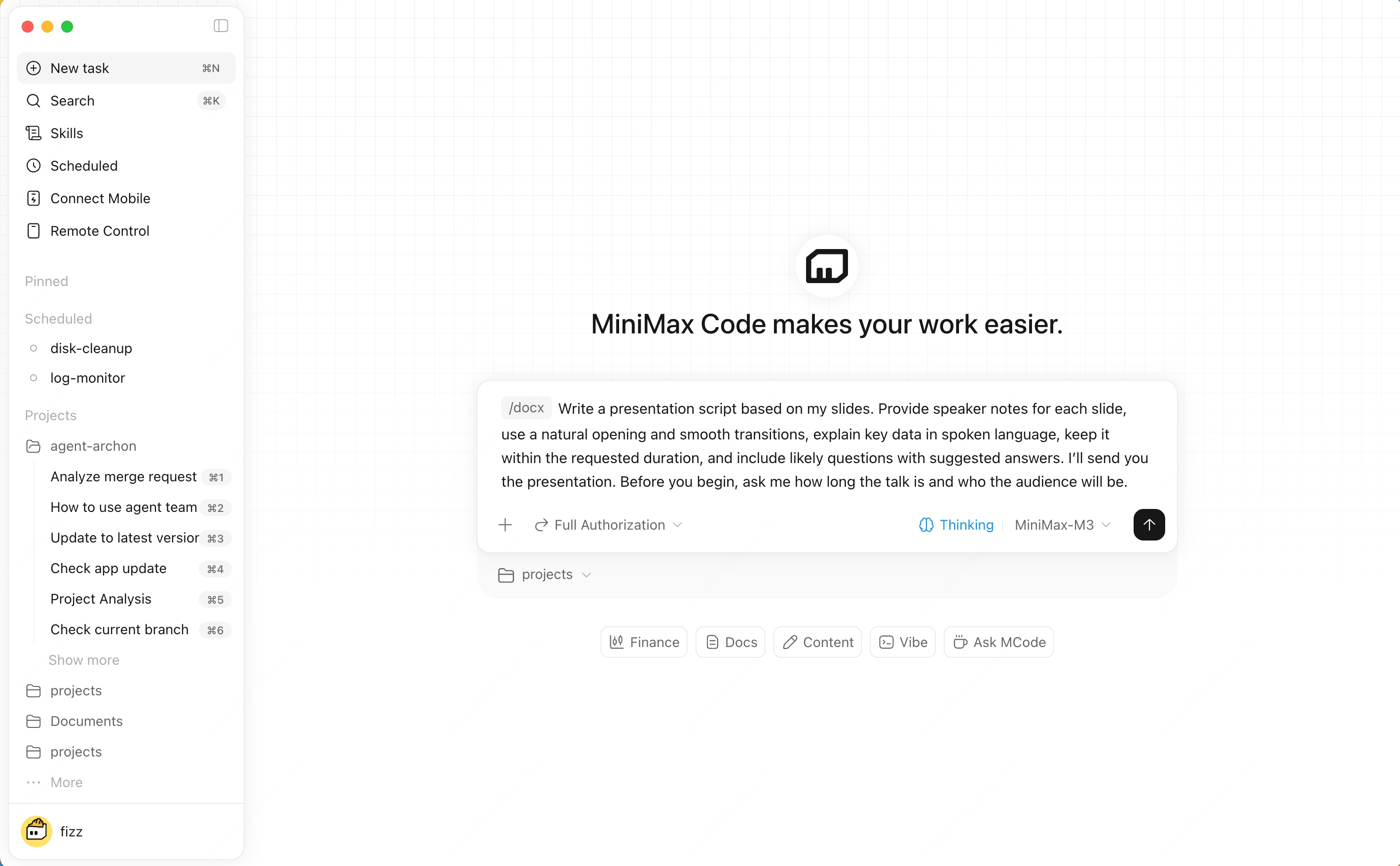
Create a Task
1
Start a new task
Click New Task in the sidebar, or type directly in the home composer.
2
Describe the outcome
Ask for the result you want: fix a bug, build a page, summarize files, research a topic, or prepare a report.
3
Add context
Drag in files, select a workspace, mention project files with @, or invoke skills with /.
4
Send and follow up
Once the Agent starts, you can add more requirements or respond to permission prompts.
Better Prompts
- Describe the desired outcome, not only the steps.
- For coding tasks, include stack, constraints, and validation criteria.
- For design tasks, attach references or screenshots.
- For research tasks, specify the output format and source requirements.
Voice Input
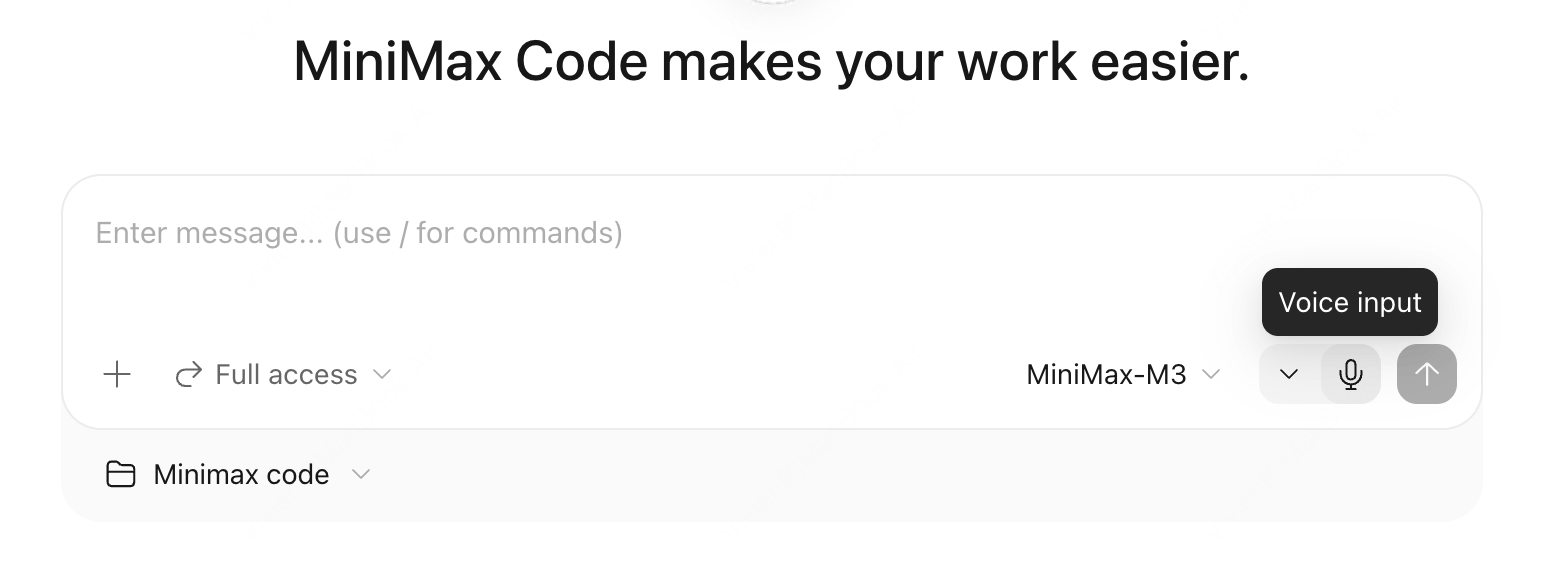
Speak your request and see it appear as text in the message box in real time. You can edit it before sending, or send it as soon as you are done. Voice input is useful when you want to describe a task, add context, or ask for changes using your microphone, especially when you have a lot to say.Microphone and Shortcuts
Choose an input device in Settings → Voice → Microphone. You can also hover over the microphone button in the message box and use the dropdown next to it to switch devices. MiniMax Code uses your system’s default microphone unless you choose another device. It remembers your selection and falls back to the system default if that device is unavailable.Configure dictation shortcuts in Settings → Voice → Dictation:Neither shortcut is assigned by default. Set them to whatever works best for you.