

A workspace is the local project directory MiniMax Code uses for a task. Once attached, the Agent can read files, run commands, create artifacts, and report changes in that directory.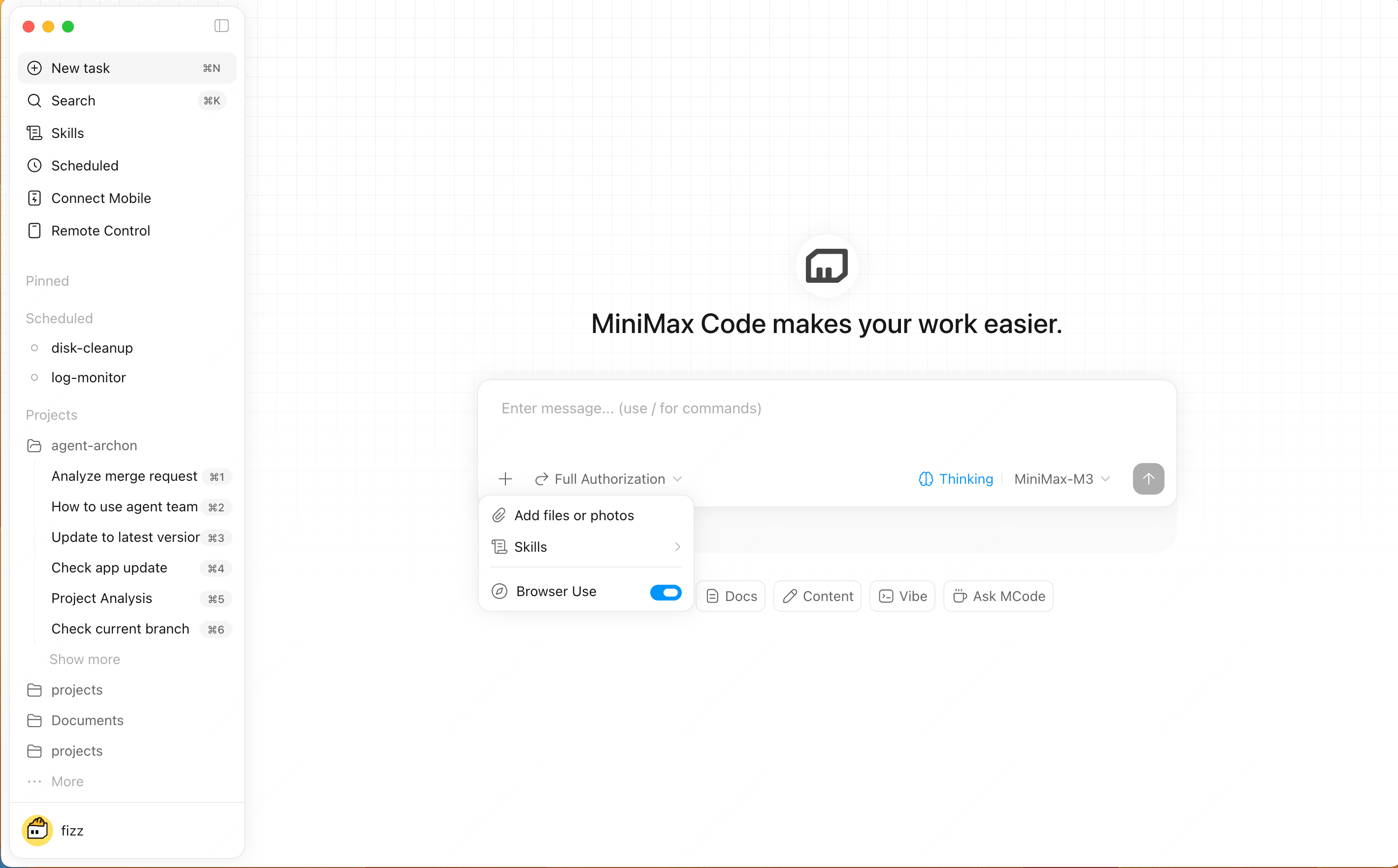
When to Attach a Workspace
- Editing an existing codebase
- Understanding repository structure
- Running tests, builds, or scripts
- Generating docs or reports from project files
How to Use It
1
Select a project directory
Choose a workspace from the new task flow or the composer.
2
Mention specific files
Use @ to point the Agent to the most relevant files.
3
Review results
Use Files, Changes, and Terminal panels to inspect outputs and execution details.