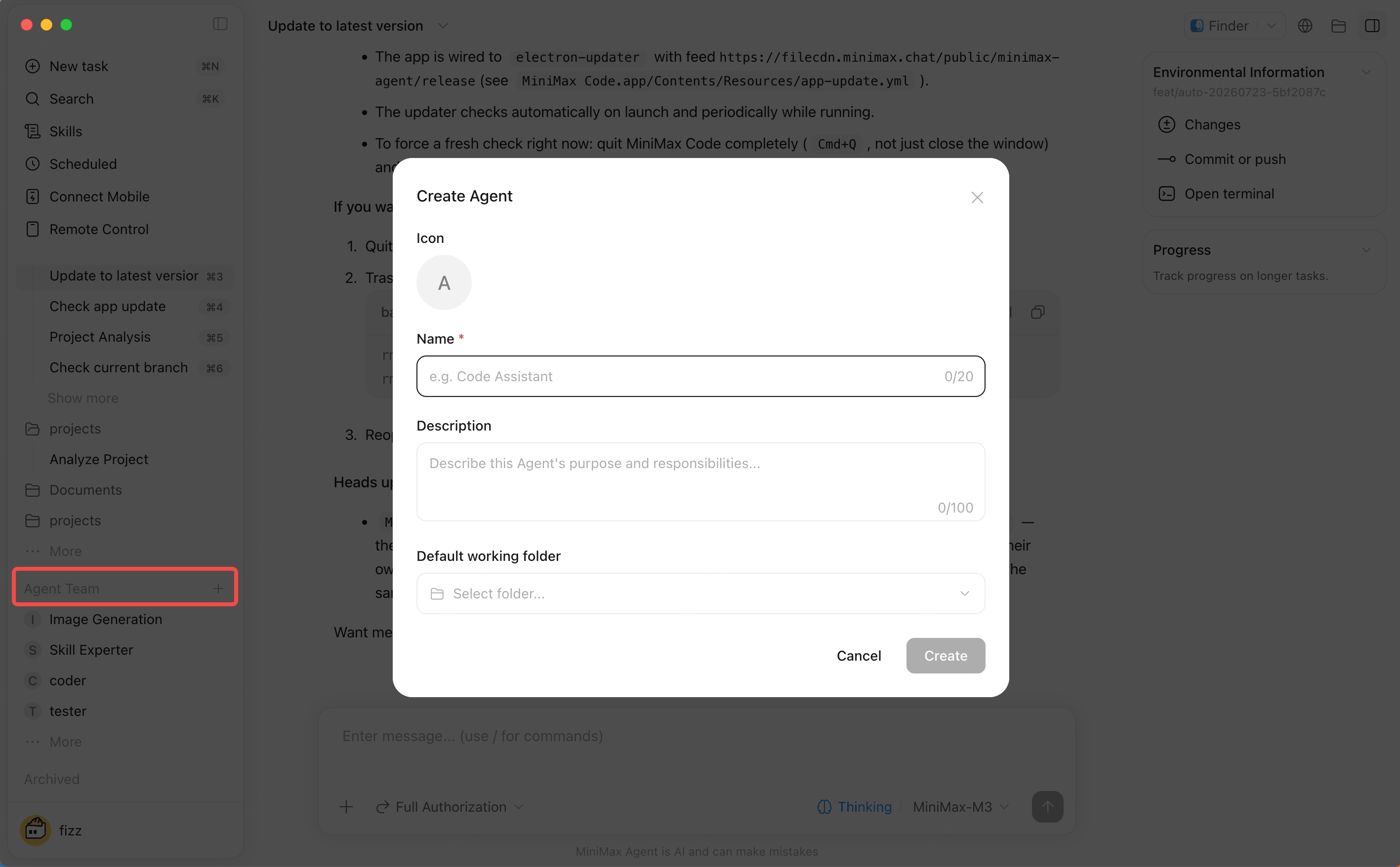
Create custom Agents for recurring roles such as coding assistant, research assistant, documentation assistant, or project helper.Agent creation or settings panelEach Subagent can have its own conversation entry. Start a dedicated chat from the Agent configuration page, and the selected Agent will work from the instructions you set for that role.
What You Can Configure

  • Display name and avatar
  • Description
  • Instructions
  • Default model
  • Default workspace
  • Messaging channel bindings

How to Use

Create Agents from the Agent Team area in the sidebar. After creation, open that Agent’s dedicated conversation from the sidebar or Agent configuration page, and adjust profile, model, and channels in settings.Dedicated conversations are useful when one role should repeatedly handle the same type of work, such as a documentation Agent for release notes, a research Agent for source gathering, or a review Agent for checking code changes.