

Computer Use lets MiniMax Code operate apps on your computer directly: moving the mouse, clicking, typing, and reading the screen when needed. It fits work that can only be done through a graphical interface.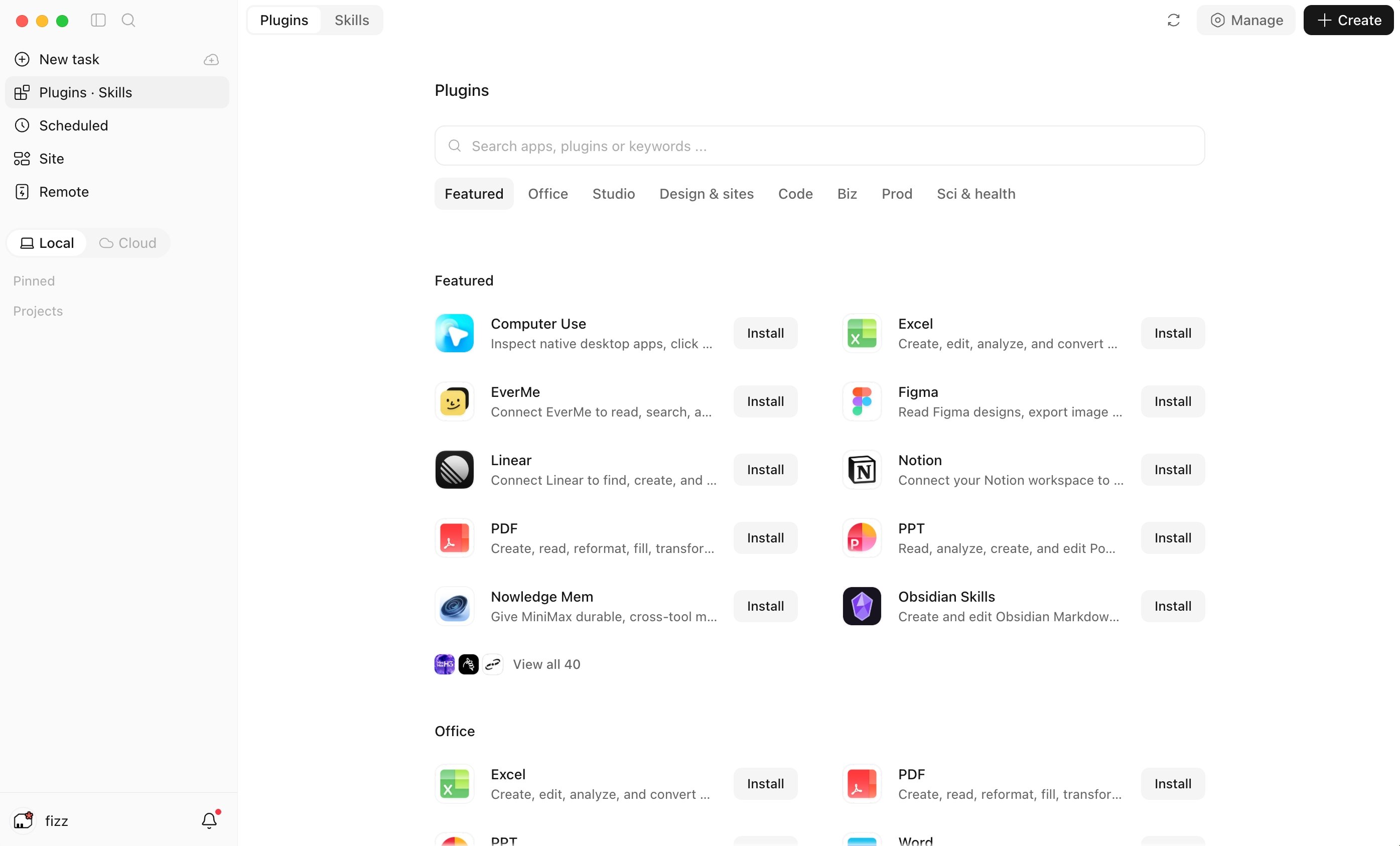
How to Enable
- Enable the Computer Use plugin from the plugin marketplace.
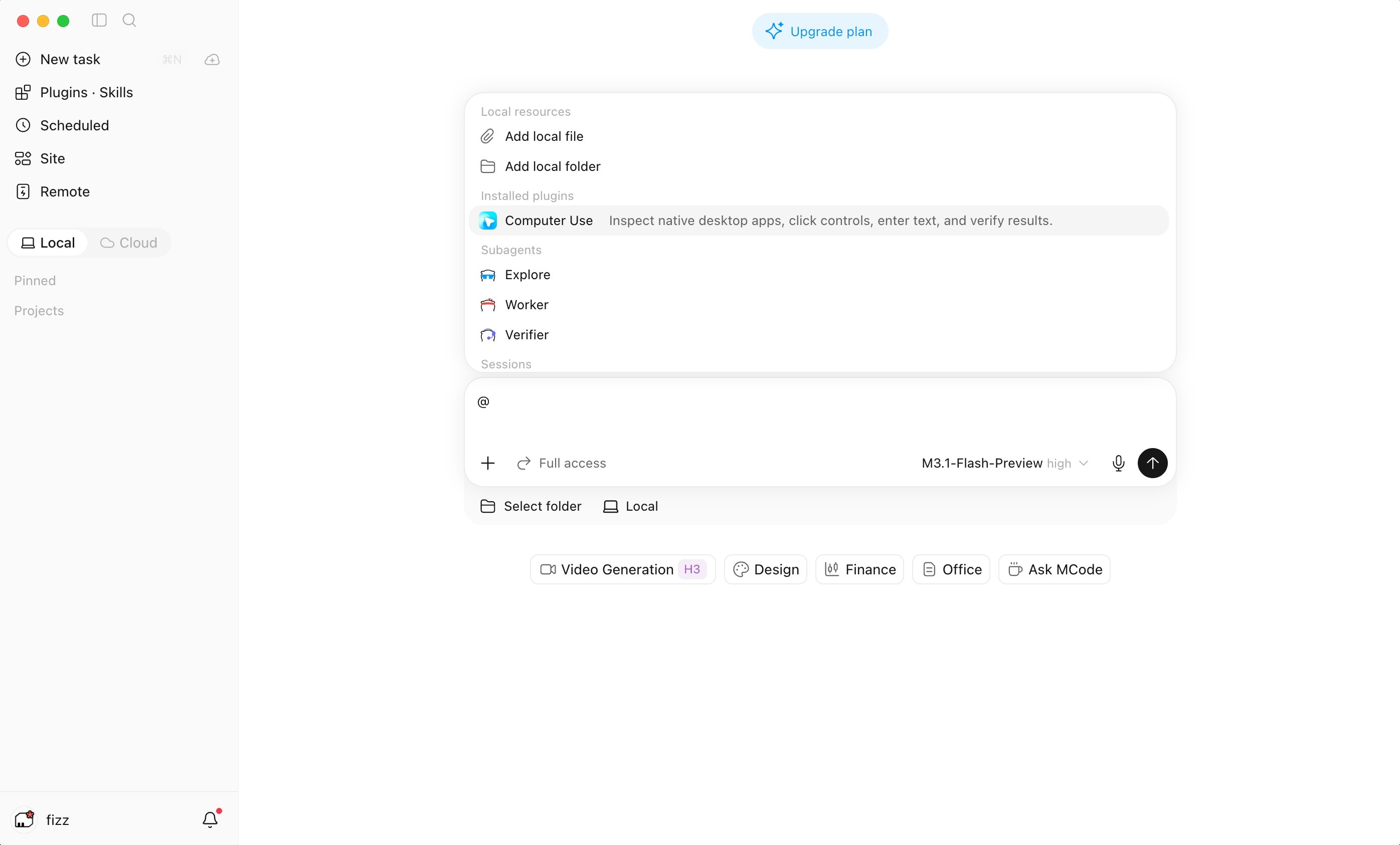
- Reference it with @ in the chat input box, or use the Computer Use toggle there.
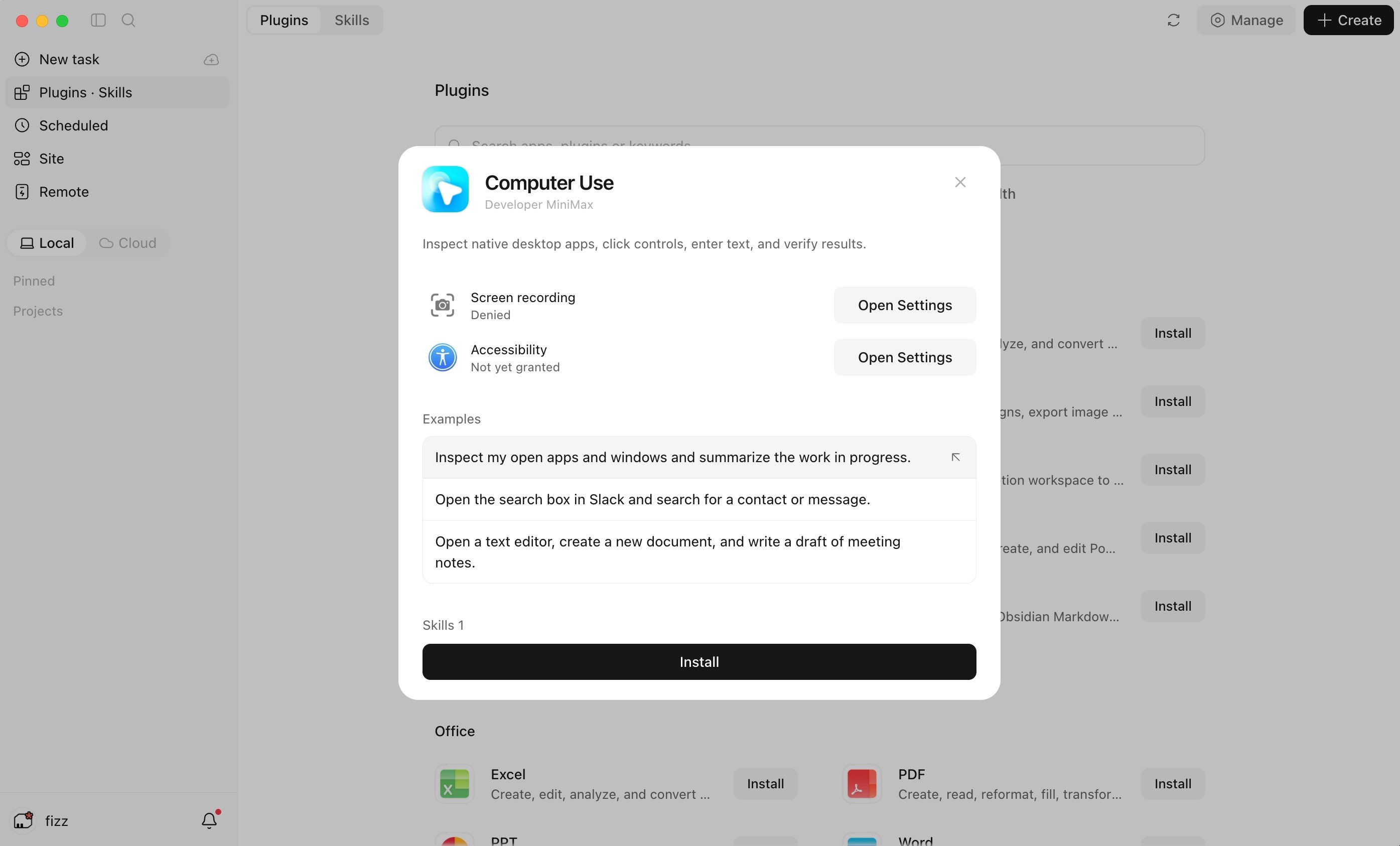
- The first use asks for permission to control the mouse, keyboard, and screen.
While It Runs
- Preview the desktop or a specific app to follow what the Agent is doing, and hide the preview at any time
- Turn Computer Use off with the toggle in the chat input box
- If the plugin cannot be enabled or the local runtime is unavailable, the conversation says so
Good Fit For
- Operating local apps that have no API or command-line entry
- Flows that require switching between several apps
- Settings and form filling that are only available in the interface